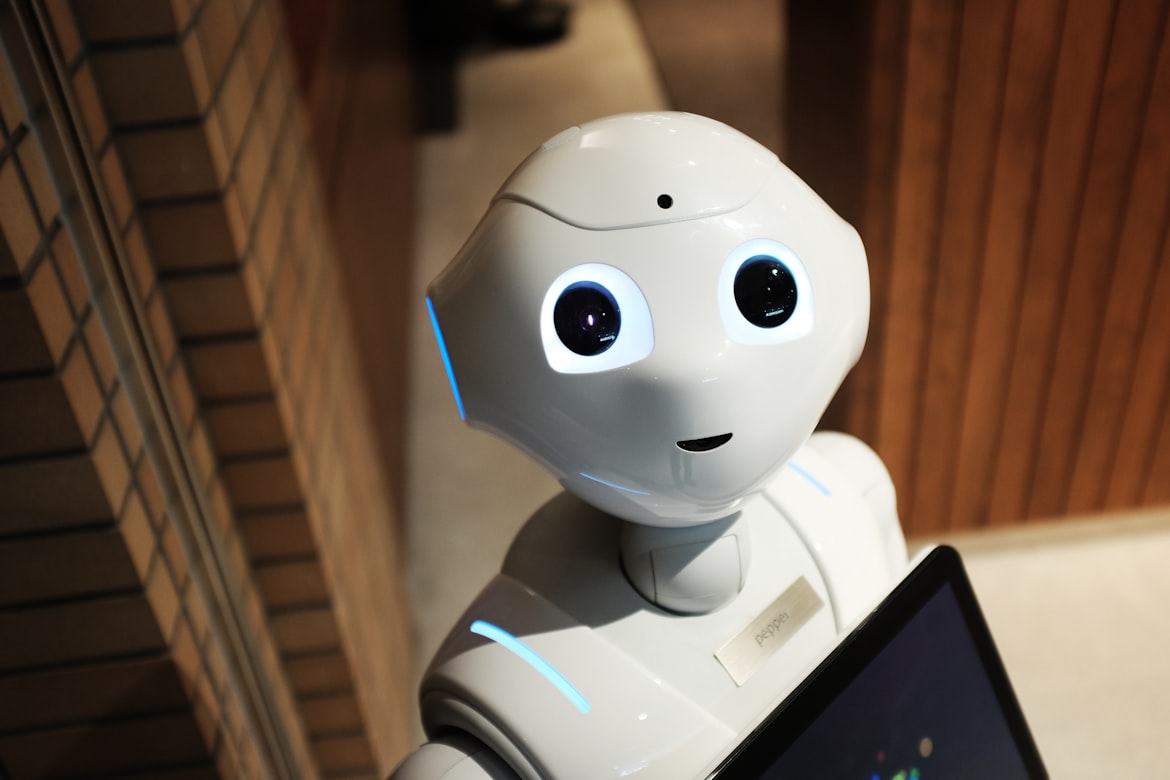

Siri still can't reliably set a timer without saying "I'm sorry, I didn't get that." Alexa is excellent at playing Spotify and telling you the weather. Google Assistant will open apps. None of them can help you think through a difficult email to your manager, analyze a competitor's pricing strategy, or write a product spec.
That gap — between the assistants that live on your phone and the models that have become genuinely useful — is the story of AI in 2026. The word "assistant" now covers two completely different categories of tool, and conflating them leads to people dismissing AI entirely ("I tried Siri, it's useless") or using the wrong tool for the job.
Here's the honest breakdown.
Two Categories of AI Assistant
Category 1: Voice-First Device Assistants Siri, Google Assistant, Alexa, Cortana. These are optimized for device control and quick lookups. They're good at: setting timers, checking weather, playing music, controlling smart home devices, making calls. They're bad at: anything requiring reasoning, multi-step tasks, or generating original content.
Category 2: LLM-Based Reasoning Assistants GPT-5, Claude Opus 4.6, Gemini 3, Mistral, DeepSeek R2. These are language models that can reason, write, analyze, code, summarize, and hold a conversation with real context. They're bad at: controlling your smart lights or knowing what's on your calendar (without integrations).
The mistake most people make is expecting Category 1 tools to do Category 2 work, then concluding AI isn't there yet. It is — just not in Siri.
Head-to-Head: What Each Actually Does Well
| Assistant | Best Use Cases | Real Limitations |
|---|---|---|
| Siri (Apple) | iPhone shortcuts, Apple ecosystem control, hands-free while driving | Weak reasoning, inconsistent multi-step tasks, poor at generation |
| Google Assistant | Android control, Google Workspace integration, search queries | Same reasoning limits as Siri, being phased out in favor of Gemini |
| Alexa | Smart home control, shopping lists, Echo ecosystem | Near-zero capability for content work, Amazon-centric |
| GPT-5 | Complex writing, coding, reasoning, long documents, image analysis | No persistent memory by default, needs API/ChatGPT Plus |
| Claude Opus 4.6 | Long-form analysis, nuanced writing, code review, research synthesis | Can be slow on large contexts |
| Gemini 3 | Real-time Google Search integration, YouTube summaries, Google Workspace tasks | Still catching up on pure reasoning depth vs. Claude |
| DeepSeek R2 | Math, coding, technical reasoning | Less capable on creative/nuanced writing tasks |
Google is actively migrating Google Assistant users to Gemini, which is a significant step up. The old Assistant couldn't draft an email — Gemini 3 can draft, edit, and help you decide whether to send it at all.
What "AI Assistant" Should Actually Mean for You in 2026
The most useful framing: think of AI assistants as a cognitive layer, not a command interface. The best use cases are tasks where you'd normally open a blank document and spend 20 minutes thinking before writing anything.
Morning briefing: Claude can pull together a summary of a topic you're monitoring (paste in recent articles), identify patterns, and flag what's actually new vs. what's noise.
Email drafts: You have a difficult message to write — a pushback on scope creep, a follow-up after a missed deadline, a sensitive request to a client. Describe the situation to GPT-5 or Claude, and get a draft that you edit down to your voice. The generation takes 10 seconds; you spend 2 minutes editing instead of 20 minutes staring at a blank screen.
Research synthesis: Gemini 3 with Search grounding can pull from live sources. For deeper synthesis of documents you paste in, Claude Opus 4.6 handles up to 200K tokens of context — meaning you can paste an entire report and ask it questions.
Code review and debugging: DeepSeek R2 and GPT-5 are both strong here. Paste the function, describe the bug behavior, and get a diagnosis. Most mid-level debugging problems get solved faster this way than Googling Stack Overflow.
Strategic thinking: This is underused. Describe a decision you're facing, the constraints, and the stakeholders. Ask Claude to argue both sides. The output often surfaces considerations you hadn't thought of.
Where the Old-Style Assistants Still Win
To be fair: Siri integrating with your iPhone contacts, calendar, and iMessage is genuinely useful in ways that GPT-5 currently isn't — because GPT-5 doesn't have access to those. When you're driving and say "Text Sarah I'm 10 minutes late," Siri handles that seamlessly. No LLM does that out of the box without significant integration work.
The smart home control case is similar. Telling Alexa to dim the lights while you're cooking beats opening a chat interface. Device control is Category 1's home turf, and LLMs haven't built native pipelines there.
The convergence is coming — Apple Intelligence is integrating deeper Siri/LLM hybrid capabilities, and Google is pushing Gemini into all its surfaces — but as of March 2026, the gap between device control and genuine reasoning assistance still requires using different tools.
How to Build a Practical AI Assistant Workflow
Most people who get real value from AI in 2026 aren't using a single "AI assistant." They're using a set of tools for different jobs. Here's a working setup:
For quick device/calendar tasks: Keep using Siri or Google Assistant. They're integrated and fast for this.
For writing, research, and analysis: Use a multi-model platform. The reason to use multiple models rather than one is that different models have genuine strengths — Claude is better for nuanced analysis and long documents, GPT-5 is strong on code and structured tasks, Gemini has live Search grounding. Using only one means you're leaving capability on the table.
For maintaining context: Build a personal context document — a few paragraphs describing your role, your projects, your communication style preferences — and paste it at the start of important conversations. This isn't a perfect substitute for persistent memory, but it dramatically improves relevance.
A concrete 15-minute morning workflow:
- Open your AI platform of choice (more on this below)
- Paste in the 3–4 most important things you need to work on today
- Ask: "What's the highest-leverage thing I can do in the first 90 minutes? What would you suggest I defer?"
- For each writing task, get a first draft. For each decision, ask for a quick analysis.
This isn't sci-fi. It's something people doing knowledge work are actually doing, and the difference in daily output is significant.
Using NinjaChat as a Multi-Model AI Assistant
The friction point with using multiple AI models is managing multiple subscriptions and switching between browser tabs. NinjaChat solves this by giving access to GPT-5, Claude Opus 4.6, Gemini 3, Mistral, DeepSeek R2, and 15+ other models in a single interface at around $12/month (annual).
The practical value of this isn't just cost — it's workflow. You can run the same prompt through Claude and GPT-5 side by side to compare outputs, which is useful when you're drafting something important and want to see different takes. You can switch models mid-project based on what the task requires without re-logging or context-switching across tabs.
For knowledge workers using AI as a daily workflow tool rather than occasionally, the single-platform approach is faster and cheaper than managing individual subscriptions to Claude Pro ($20/month), ChatGPT Plus ($20/month), and Gemini Advanced ($20/month) — which adds up to $60/month for tools you'll only use one at a time anyway.
What the Next Year Looks Like
A few developments worth watching:
Computer use agents: Claude and GPT-5 are both developing computer use capabilities — the ability to actually navigate a browser, fill out forms, and execute multi-step tasks with minimal human oversight. When this matures, the gap between "answer a question" and "do the task" closes significantly.
Memory: Persistent memory across conversations is improving but still inconsistent. Expect this to be a core differentiator between platforms by end of 2026.
Multimodal input: Gemini 3 and GPT-5 can both analyze images, documents, and audio. The voice input interface is improving, which means the "talk to your AI assistant" use case — the one everyone imagined in 2015 — is getting closer to actually working for complex tasks.
The honest summary: if you're still thinking of AI assistants as "Siri but smarter," you've been sleeping on what these models can actually do. The transformation is already here — it just lives in a chat window, not on your lock screen.
FAQ
What's the difference between Siri and GPT-5 as AI assistants?
Siri is optimized for device control — setting timers, making calls, controlling Apple products. GPT-5 is a reasoning model that can write, analyze, code, and work through complex problems. They serve different functions. The mistake is expecting either to do the other's job.
Is Google Assistant being replaced by Gemini?
Yes. Google is actively migrating Assistant users to Gemini, which runs on a much more capable language model. Gemini 3 with Search grounding is substantially more useful for research and writing tasks than the original Assistant ever was.
Which AI model is best for productivity work in 2026?
It depends on the task. Claude Opus 4.6 is strongest for long-document analysis and nuanced writing. GPT-5 is strong across coding and structured tasks. Gemini 3 has an advantage when you need real-time information. Using a multi-model platform like NinjaChat lets you match model to task without managing multiple subscriptions. If you're coming from ChatGPT and want to evaluate alternatives, the ChatGPT alternative comparison covers the key differences in depth.
Can AI assistants replace a human assistant?
For scheduling, device control, and structured calendar management — not yet, without significant integration work. For drafting communications, research, analysis, and content creation — yes, substantially. Most knowledge workers who use AI daily report it functioning as a junior analyst for cognitive tasks, not a personal assistant for logistics.
How do I get started with AI as a daily workflow tool?
Start with one use case: email drafting. For a week, paste every important email you need to write into Claude or GPT-5 before writing it yourself. Describe the situation and what you want to communicate. Edit the output. After a week of this, you'll have a clear sense of where it saves time and where it needs adjustment. Build from there.