
Most AI apps on the App Store are not worth your storage space. They wrap a single model behind a premium paywall, charge more than the model itself costs, and call it a product. The App Store has hundreds of them.
This list is different. Every app here was tested over an extended period on iPhone — not opened once and reviewed from a press release. We looked for tools that solved a real problem, offered a free tier worth actually using, and delivered consistent results.
Whether you want the most capable AI assistant or a tool for research, there is a pick here for you.
Quick Comparison: Best AI Apps for iPhone 2026
| App | Best For | Free Tier | Price |
|---|---|---|---|
| NinjaChat AI | All-in-one: chat, image, video | 3-day free trial | See App Store |
| ChatGPT | Everyday tasks | Yes (GPT-5) | $20/mo |
| Claude | Writing & reasoning | Yes | $20/mo |
| Perplexity AI | Research & search | Yes | $20/mo |
| Google Gemini | Google ecosystem | Yes | $19.99/mo |
| Grok | Real-time & direct | Yes | $30/mo |
| Microsoft Copilot | Best free AI | Yes | $20/mo |
| Mem | Notes & knowledge | Yes | $12/mo |
| Notion AI | Team productivity | No (add-on) | $8/mo |
| Otter.ai | Meeting transcription | Yes (limited) | $16.99/mo |
How We Tested These Apps
Every app on this list was installed and used on iPhone for at least two weeks before making the cut. Testing covered: response quality across different types of questions, free tier limitations, interface usability on mobile, and whether paid pricing was actually justified.
Apps that added an "AI" badge to basic autocomplete, locked every useful feature behind an aggressive paywall from day one, or produced generic responses that any basic model could match were ruled out.
The 10 Best AI Apps for iPhone
1. NinjaChat AI — Best All-in-One AI App for iPhone
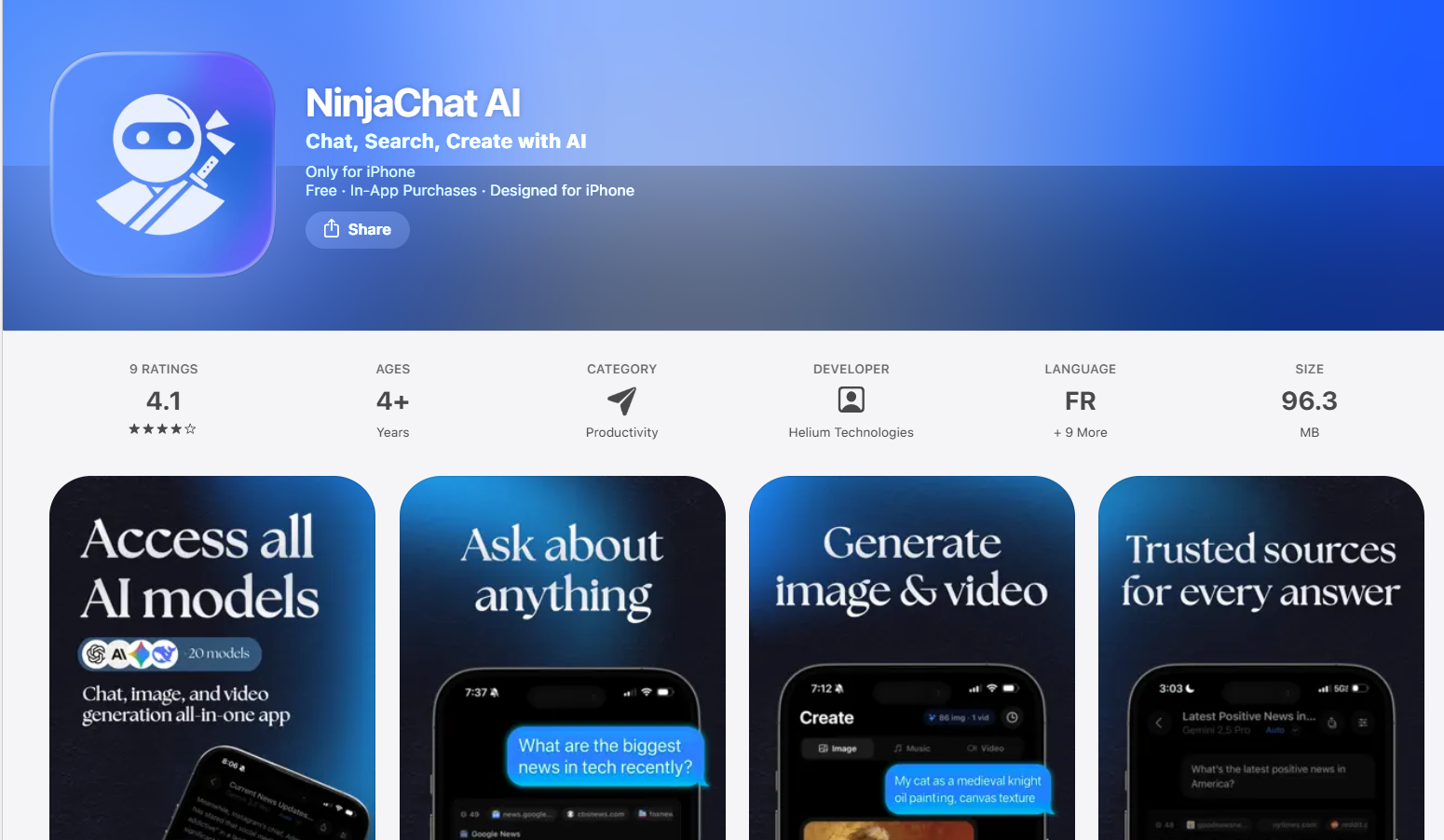
Best for: Users who want one app to replace multiple AI subscriptions
Disclosure: NinjaChat is our app. We included it because it genuinely solves the problem this article is about. Make your own call.
NinjaChat gives you access to GPT-5, Claude Opus 4.6, Gemini 3, and Mistral in one app.
The model breadth matters more than it sounds. Different models handle different tasks better. Claude is better for long-form writing. Gemini is stronger on factual lookups. GPT-5 handles creative work well. Switching between them in a single app, mid-conversation, is the point of NinjaChat.
Beyond chat, NinjaChat includes image generation (Stable Diffusion 3, Flux Pro, Flux Schnell), video generation (Seedance 2.0, Veo 3), PDF analysis, web search with citations, mind maps, and study tools. For most users, it replaces three or four separate app subscriptions.
What we liked:
- Multiple frontier models from different providers in one app
- Image and video generation built in — no separate app needed
What could be better:
- The interface has a learning curve given how much it does
- The free trial lasts 3 days and then converts to a paid subscription unless you cancel
Pricing: Free to download, with a 3-day free trial that converts to a paid subscription unless cancelled. The current price is shown in the App Store. Every plan includes a monthly credit allowance.
Download: NinjaChat AI on the App Store
2. ChatGPT — Best for Everyday Tasks
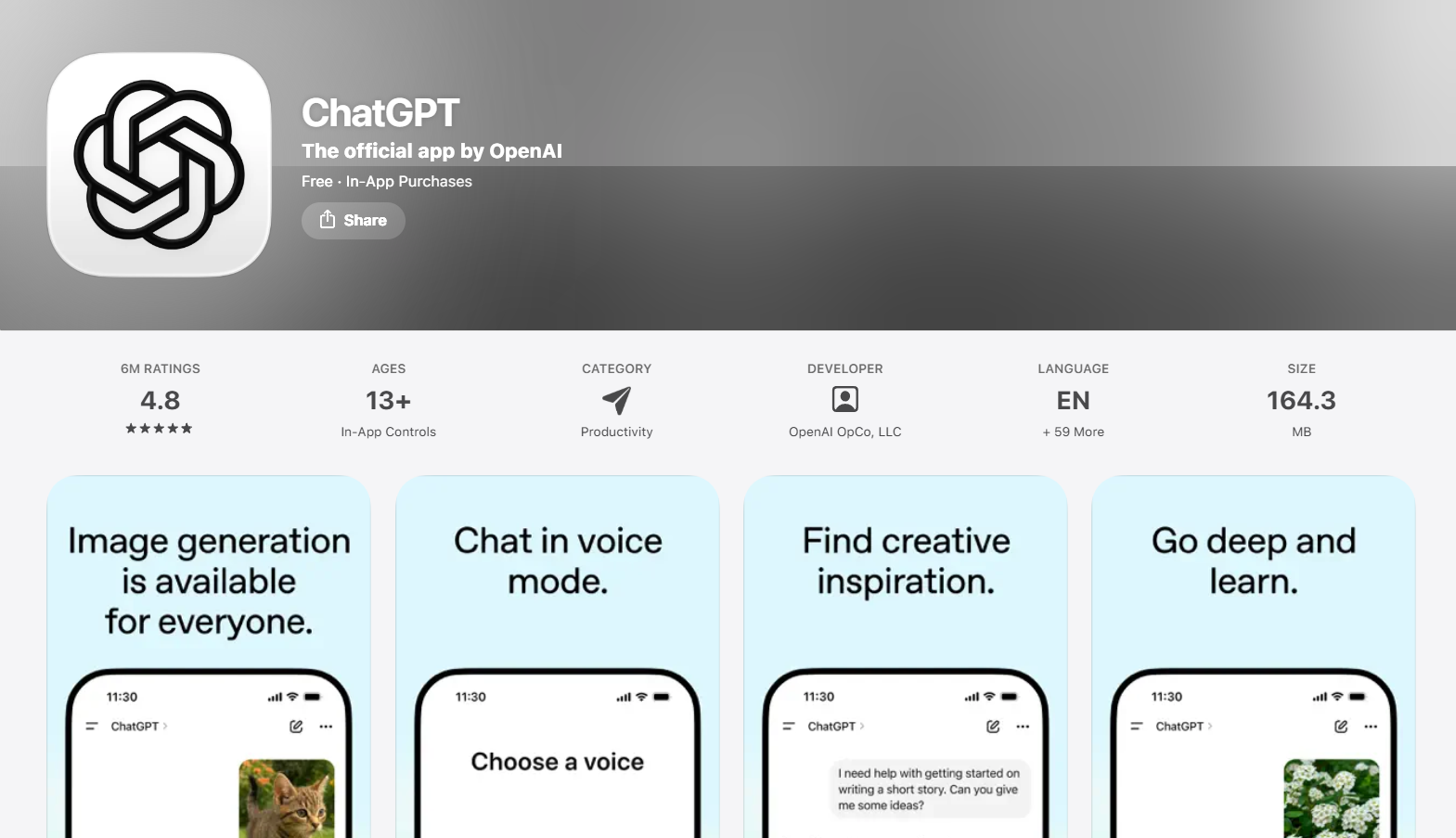
Best for: General-purpose AI assistance — writing, research, and everyday questions
ChatGPT is still the most widely used AI app in the world, and its iPhone app is genuinely well-built. Voice input, image analysis, and access to GPT-5 on the free tier puts it ahead of most competitors out of the box. For basic tasks — drafting emails, explaining concepts, summarizing documents — it handles them faster and more accurately than almost anything else.
Paid plans add advanced reasoning models (o3), DALL-E image generation, and higher usage limits.
What we liked:
- Best-in-class conversational ability for everyday use
- Voice mode is genuinely useful for hands-free tasks
- GPT-5 access on the free tier is better than most competitors offer
What could be better:
- Context window on the free tier runs out faster than expected on long chats
Pricing: Free. ChatGPT Plus at $20/month.
Download: ChatGPT on the App Store
3. Claude — Best for Writing and Deep Reasoning
Best for: Long-form writing, document analysis, and tasks that require nuanced reasoning
Anthropic's Claude app is one of the best AI writing tools available on iPhone. It handles long documents, maintains context across extended conversations better than most models, and produces writing that consistently sounds less like a robot than GPT alternatives. If you are working on essays, reports, code review, or analyzing PDFs, Claude is genuinely excellent.
The free tier is generous for the quality of model you get access to.
What we liked:
- Exceptional at long-form writing — output sounds genuinely human
- Handles very long documents and PDFs without losing context
- Thoughtful, nuanced responses on complex topics
What could be better:
- No image generation built in
Pricing: Free tier available. Claude Pro at $20/month.
Download: Claude on the App Store
4. Perplexity AI — Best for Research
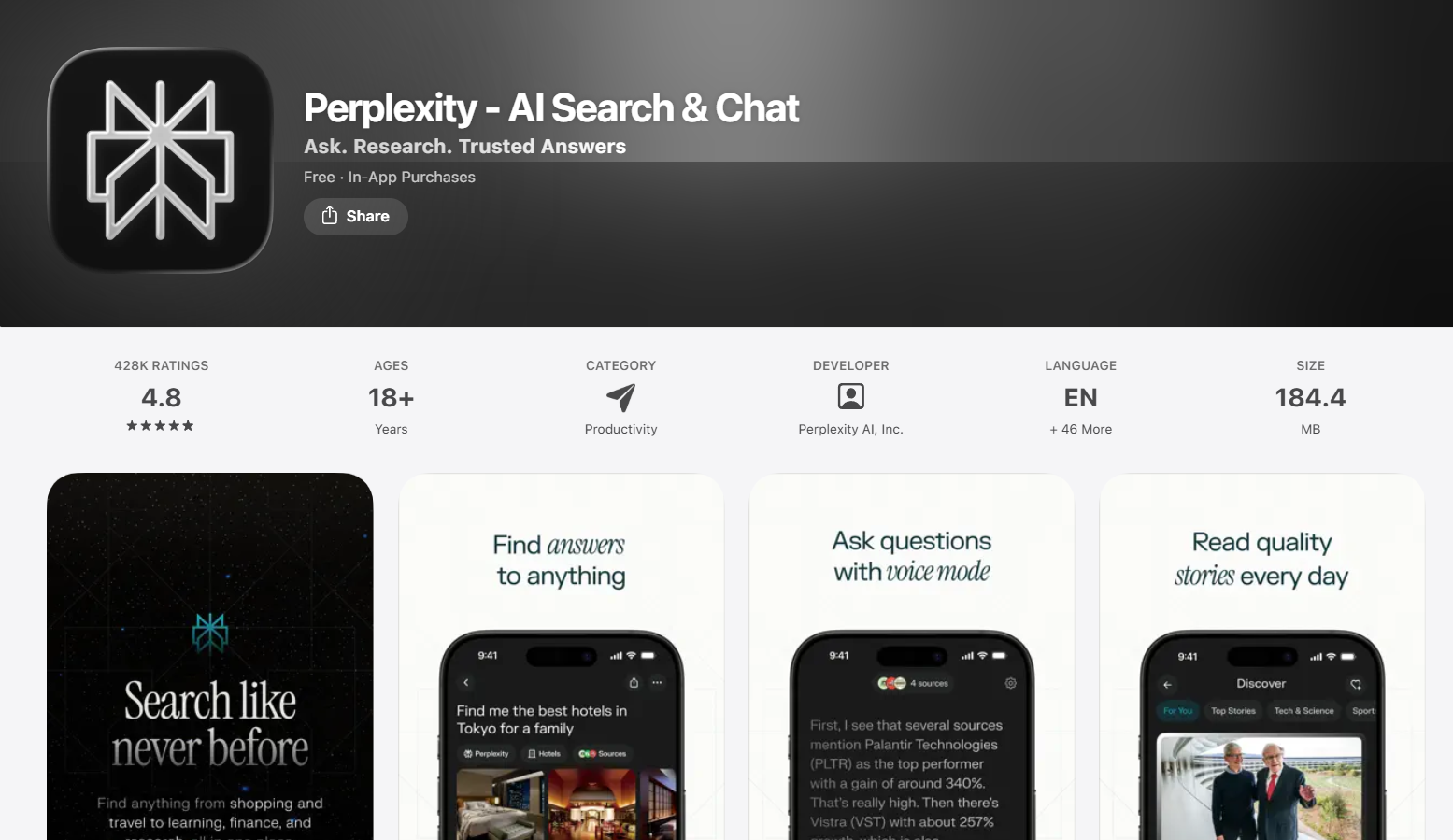
Best for: Research, fact-checking, and getting cited, real-time answers on any topic
Perplexity is the best answer to the question: why does searching still return ten links when I just want the answer? It reads the web in real time and gives you a direct, sourced response to whatever you ask. Every answer includes citations, so you can verify the information and trace it back to the source.
The follow-up question flow is where it pulls ahead of most search tools. It maintains the thread of a research session naturally — you can ask a broad question, then drill down across multiple follow-ups without losing context. For breaking news, academic topics, product research, or anything requiring current information, it is substantially better than asking any AI that doesn't have live web access.
The Pro tier adds access to more capable models and higher usage limits for heavy researchers.
What we liked:
- Every response is cited — you always know where the information came from
- Real-time web access means current events are answered accurately
- Follow-up question flow is genuinely intuitive
What could be better:
- Less useful for creative tasks — this is a research tool, not a writing assistant
Pricing: Free. Perplexity Pro at $20/month.
Download: Perplexity on the App Store
5. Google Gemini — Best for Google Users
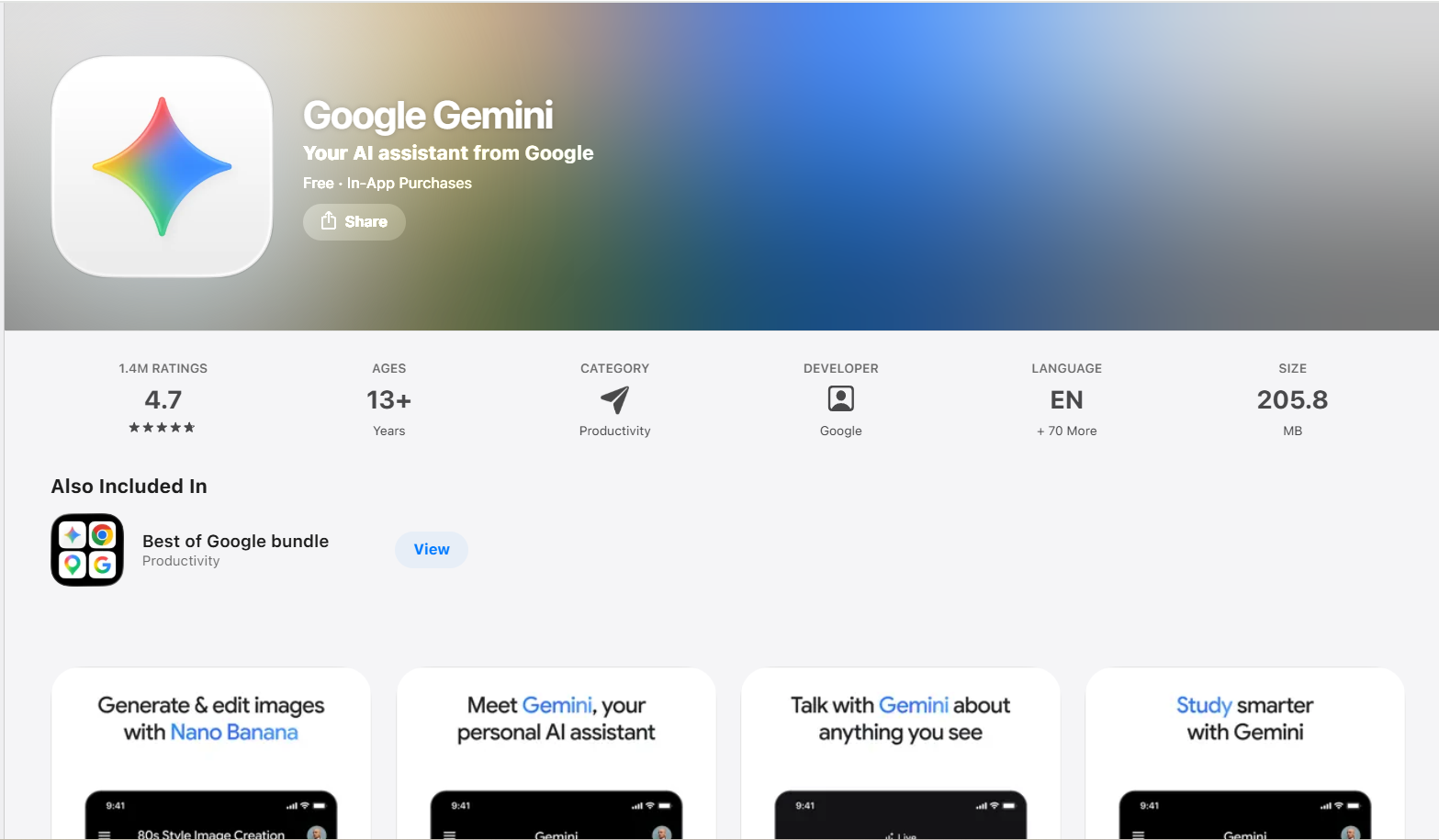
Best for: iPhone users already deep in the Google ecosystem
Gemini's value proposition is ecosystem integration. If your workflow runs on Google Docs, Sheets, Drive, Gmail, and Calendar, Gemini can touch all of it from a single chat interface. You can ask it to summarize a document from your Drive, draft a reply in Gmail, or pull data from a Sheet — without leaving the app. For users already inside Google's ecosystem, nothing else comes close to this level of native integration.
As a standalone AI assistant, Gemini is capable but less differentiated. The underlying models are strong, and the free tier is generous.
What we liked:
- Best-in-class Google Workspace integration — nothing else does this
- Free tier gives access to genuinely capable Gemini models
- Multimodal — handles images and documents well alongside text
What could be better:
- Less useful if you don't use Google's productivity suite
Pricing: Free. Gemini Advanced at $19.99/month.
Download: Google Gemini on the App Store
6. Grok — Best for Direct, Real-Time AI
Best for: Users who want a more direct voice and real-time information from X (Twitter)
Grok is xAI's AI assistant, and its first differentiator is personality: a casual, witty conversational tone.
The real-time X integration is the other differentiator. Grok can pull from the live feed of X posts, which makes it uniquely useful for breaking news, trending topics, and anything requiring up-to-the-minute information. If you use X regularly, this is a genuinely useful feature that nothing else replicates.
The limitation is depth. On complex reasoning tasks and long-form writing, it trails Claude and ChatGPT. It is best used for information retrieval and casual conversation.
What we liked:
- Real-time X integration for breaking news and trending topics
What could be better:
- Weaker than ChatGPT and Claude on complex writing and reasoning tasks
- Requires an X account for full functionality
Pricing: Free tier available. SuperGrok at $30/month.
Download: Grok on the App Store
7. Microsoft Copilot — Best Free AI App
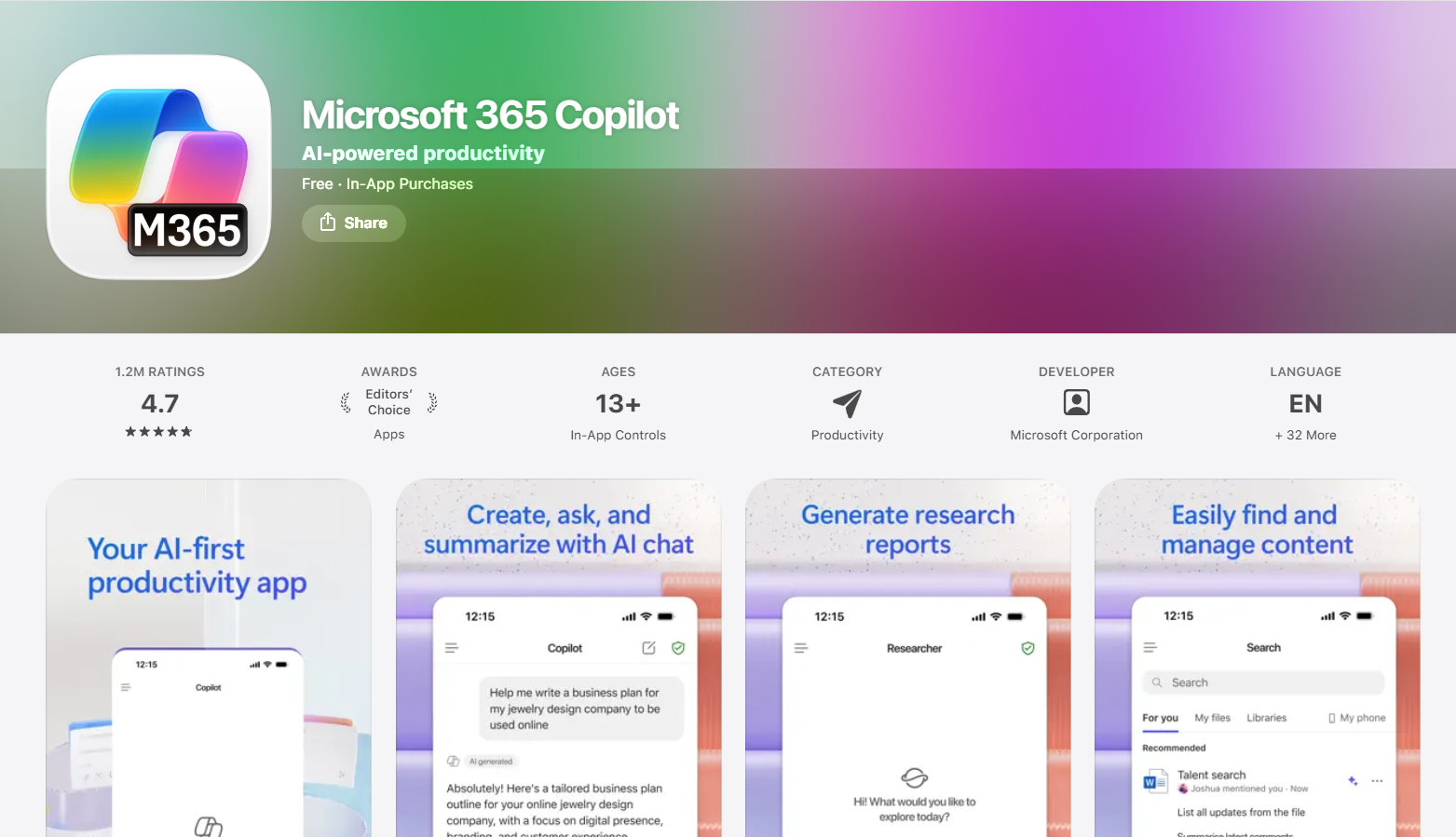
Best for: Users who want GPT-5 level responses without paying for them
Copilot is the most underrated pick on this list. The free tier gives you access to GPT-5-class responses without a subscription — which genuinely puts it ahead of ChatGPT free in terms of raw model capability per dollar. If you need a capable AI assistant and do not want to pay, Copilot is the best answer.
For Microsoft 365 users, the integration story is the same as Gemini's for Google users: Word, Excel, Outlook, and Teams are all connected, and Copilot can work across all of them. The standalone app works well regardless of whether you use Microsoft's productivity suite.
What we liked:
- GPT-5 level responses on the free tier — the best free model access available
- Clean, fast interface that works well on mobile
- Image generation (DALL-E) available without a paid plan
What could be better:
- Microsoft 365 features require an existing M365 subscription
Pricing: Free. Copilot Pro at $20/month.
Download: Microsoft Copilot on the App Store
8. Mem — Best AI Notes App
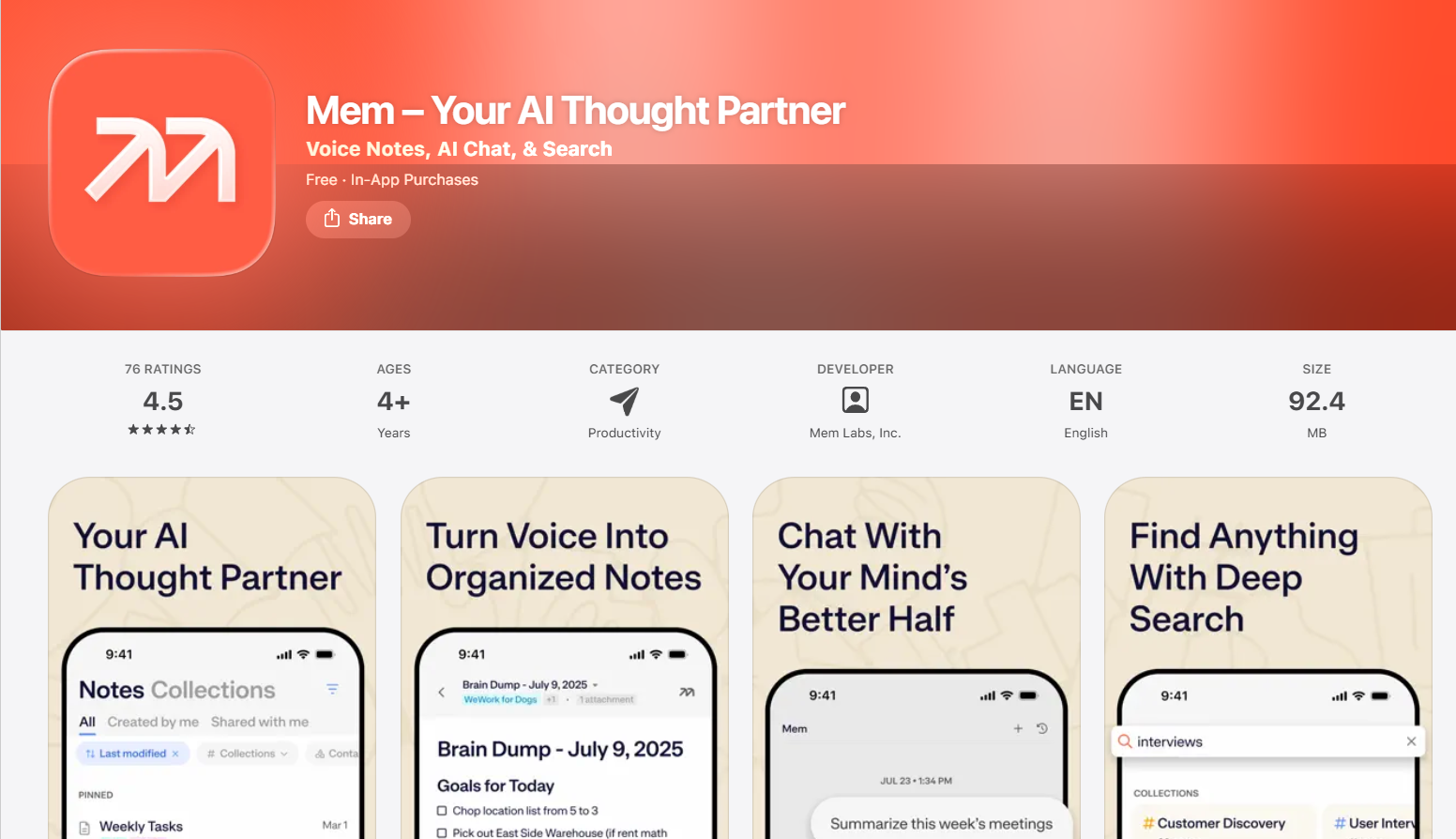
Best for: Knowledge workers who want AI to handle the organizing they never get around to
Mem occupies a different category than everything else on this list — it is not a chatbot, it is an AI-powered notes system. The pitch is that you capture ideas, meeting notes, research, and observations without worrying about where to file them, and Mem's AI connects, organizes, and surfaces them when they become relevant.
Voice Mode converts brain dumps into structured notes automatically. Mem Chat knows your entire notes library, so you can ask it to summarize everything you've written about a topic or find a vague memory you cannot quite place. Heads Up surfaces related notes contextually while you are writing a new one. For knowledge workers managing significant amounts of information, it is genuinely different from anything else in this category.
What we liked:
- Auto-organization that actually works — stops the "notes graveyard" problem
- Mem Chat knows your full history and can reason across all your notes
- Voice Mode turns speech into structured notes quickly
What could be better:
- Takes time to become useful — needs a library of notes before the AI connections become valuable
- Not a general AI assistant — if you want chat, this is not it
Pricing: Free with in-app purchases. Pro at $12/month.
Download: Mem on the App Store
9. Notion AI — Best for Teams
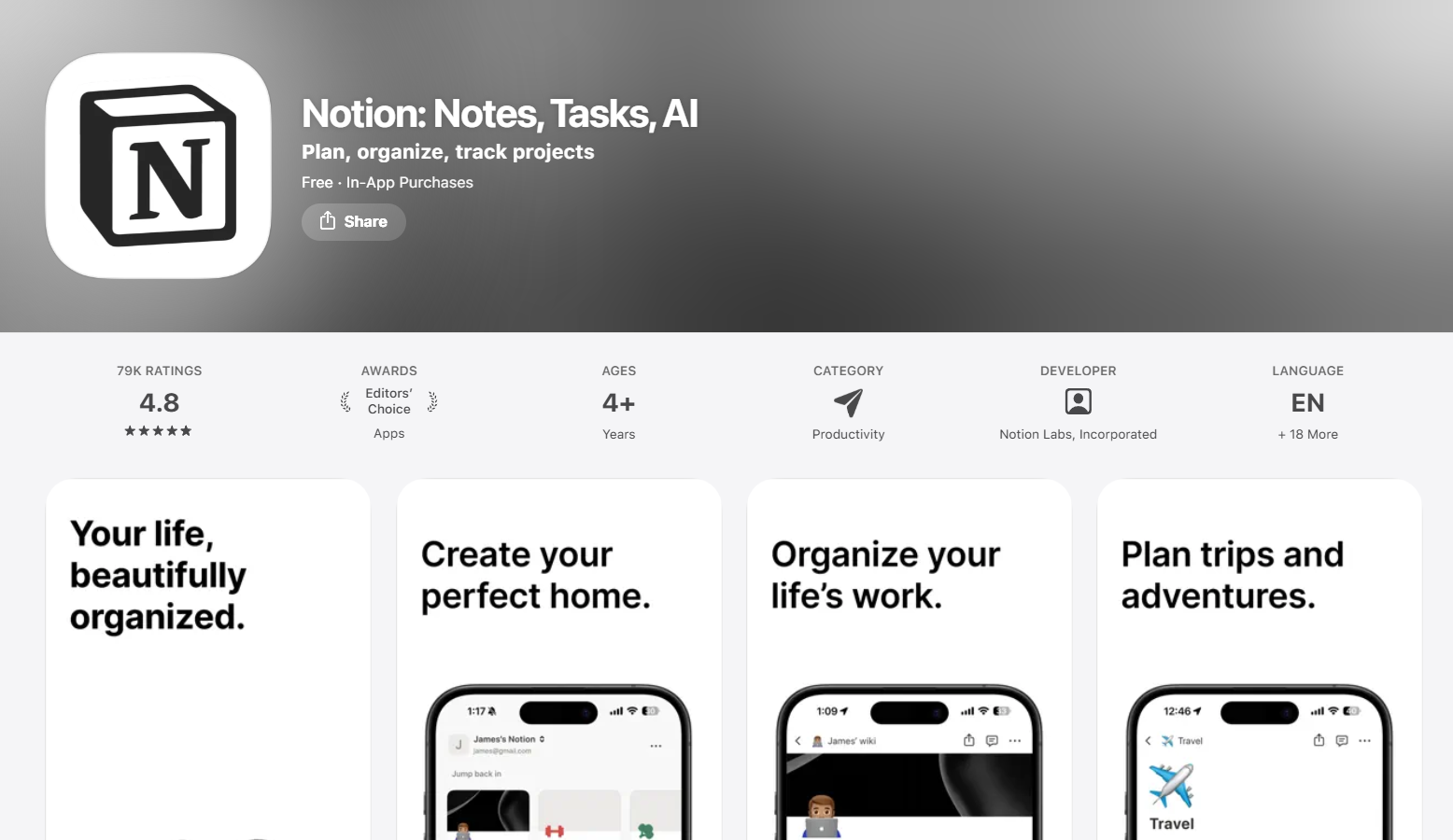
Best for: Teams and individuals already using Notion who want AI woven into their project management
Notion AI is the AI add-on layer inside Notion's already powerful workspace. If you manage projects, documentation, meeting notes, and tasks in Notion, the AI layer makes all of it significantly faster. It drafts meeting notes, summarizes long documents, generates task lists, and adjusts the tone and structure of your writing — all within the context of your existing workspace.
The writing quality is what sets it apart from generic AI writing tools. It picks up the structure and style of your existing pages rather than generating output that looks out of place. For teams that document their work heavily, the combination of Notion's structure and the AI layer is hard to beat.
What we liked:
- AI understands your workspace context — outputs fit your existing documents
- Automatic task list generation from meeting notes saves significant time
- Works seamlessly across iPhone, iPad, Mac, and Windows
What could be better:
- Requires a Notion subscription plus an AI add-on — stacks up more expensive than it looks
- Useless if you do not already use Notion
Pricing: Notion AI add-on at $8–$10 per member per month.
Download: Notion on the App Store
10. Otter.ai — Best for Meetings
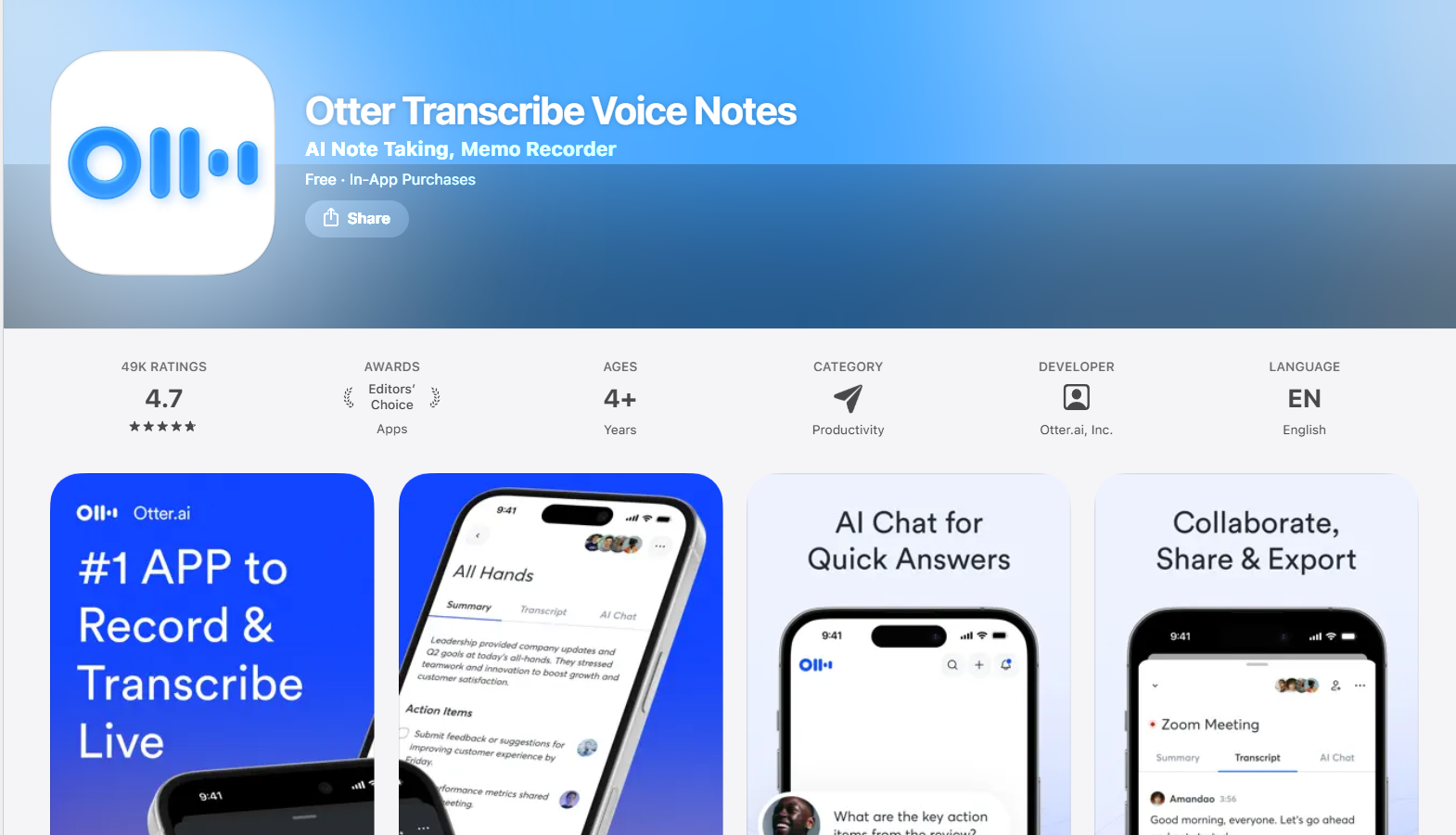
Best for: Professionals in back-to-back meetings who want to stop taking manual notes
Otter.ai is the most focused app on this list: it listens to your meetings and produces accurate, searchable transcripts in real time. Record a call, a lecture, or an in-person conversation, and Otter generates a transcript, highlights the key moments, and produces a shareable summary. For anyone who has walked out of a meeting trying to reconstruct what was said, it is an immediate upgrade.
The integrations are well-built. On paid plans, Otter joins Zoom, Google Meet, and Teams meetings automatically without you manually starting a recording. The transcript archive is fully searchable, which means meetings from months ago are findable in seconds.
What we liked:
- Real-time transcription accuracy is among the best available on mobile
- Can join meetings automatically on paid plans — zero friction
- Searchable archive means you can actually find what was said in past meetings
What could be better:
- Free plan limits are hit quickly for anyone in frequent meetings
- Limited value if you don't attend regular calls or meetings
Pricing: Free with limited monthly transcription minutes. Pro at $16.99/month.
Download: Otter.ai on the App Store
Which iPhone AI App Should You Download First?
Not everyone needs the same thing. Here is a faster way to find your match:
- You want every major model in one app: NinjaChat AI — GPT-5, Claude, and Gemini in one app, with image and video generation built in
- You need a general AI assistant: ChatGPT or Copilot (Copilot is free and nearly as capable)
- You write seriously: Claude for quality, or NinjaChat to use Claude alongside GPT-5 and Gemini in one app
- You do research: Perplexity — nothing else on iPhone matches it for cited, real-time answers
- You live in Google's ecosystem: Gemini, no contest
- You want real-time information: Grok
- You are drowning in notes: Mem
- You sit in meetings all day: Otter.ai
Our answer for most people (and remember, NinjaChat is our app): start with NinjaChat. It covers chat, image generation, video generation, and document analysis in one subscription, with models from several providers. You stop paying for multiple apps.
Download NinjaChat AI for iPhone →
Frequently Asked Questions
What is the best AI app for iPhone in 2026?
NinjaChat AI is the best all-in-one AI app for iPhone — it gives you access to GPT-5, Claude Opus 4.6, Gemini 3, and Mistral in a single app, along with image generation, video generation, and document analysis. For a single-model assistant, ChatGPT and Claude are both excellent depending on your use case.
Is there a free AI app for iPhone that is actually useful?
Yes. Microsoft Copilot offers GPT-5 level responses completely free with no subscription required. ChatGPT's free tier includes GPT-5 access, and Perplexity AI's free plan is among the most generous for research use. All three are worth using before paying for anything.
What is the best ChatGPT alternative for iPhone?
Claude is the best alternative for writing and reasoning. NinjaChat AI is the best alternative if you want access to multiple models (including Claude) plus image and video generation in one place. Perplexity is the best alternative for research specifically. For a full breakdown of how these tools compare across platforms, the ChatGPT alternative guide covers the key differences in detail.
Can I download Claude on iPhone?
Yes. Anthropic's Claude app is available on the App Store and free to download. The free tier gives access to Claude Sonnet. A Claude Pro subscription ($20/month) unlocks Claude Opus, which is the most capable model in the lineup.
Which AI app is best for iPhone users who want to create images?
NinjaChat AI has image generation built directly into the chat interface on mobile, with Stable Diffusion 3, Flux Pro, and Flux Schnell among its models. ChatGPT Plus also includes DALL-E image generation, and Copilot has basic DALL-E access on the free tier.