Comic Book Maker
Transform any portrait into bold comic-book art
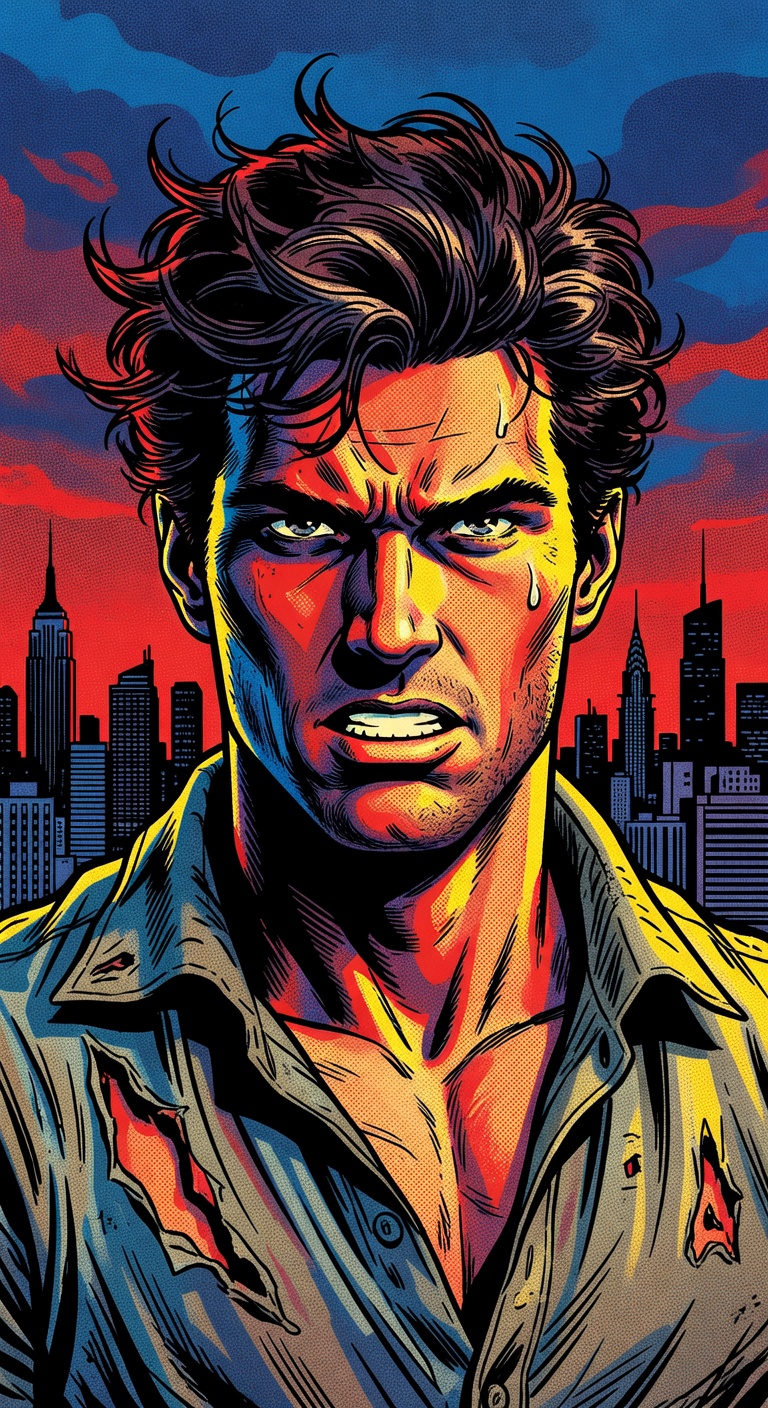
Comic Book Maker
Transform any portrait into bold comic-book art
Three steps. That's it.
Upload a Portrait
Drop in any portrait photo — the clearer the face, the better the comic rendering.
AI Applies Comic Style
Bold inked outlines, halftone dots, dramatic shadows, and vibrant color blocking are applied instantly.
Download Your Comic Art
Get your comic-book portrait ready for printing, sharing, or using as a profile picture.
See the quality for yourself
Turn your photos into crisp comic-book illustrations with bold inked outlines, dramatic framing, halftone shading, and rich stylized color blocking. Create graphic-novel quality portraits instantly.
Try it yourselfWhat people create with it
From quick social posts to professional projects
Profile Pictures
Create eye-catching comic-style avatars for social media and gaming profiles.
Custom Gifts
Turn photos of friends and family into personalized comic-book art prints.
Content Creation
Generate unique comic-style visuals for YouTube thumbnails, blogs, and social posts.
Graphic Novels
Create character portraits and scene illustrations for your own comic projects.
Common questions
Everything you need to know about Comic Book Maker. Can’t find an answer? Try asking in chat.
Unlike basic filters, our AI re-renders your image from scratch with authentic comic-book techniques — inked outlines, halftone shading, color blocking, and dramatic framing that look like hand-drawn illustration.
More AI tools
Explore related creative features
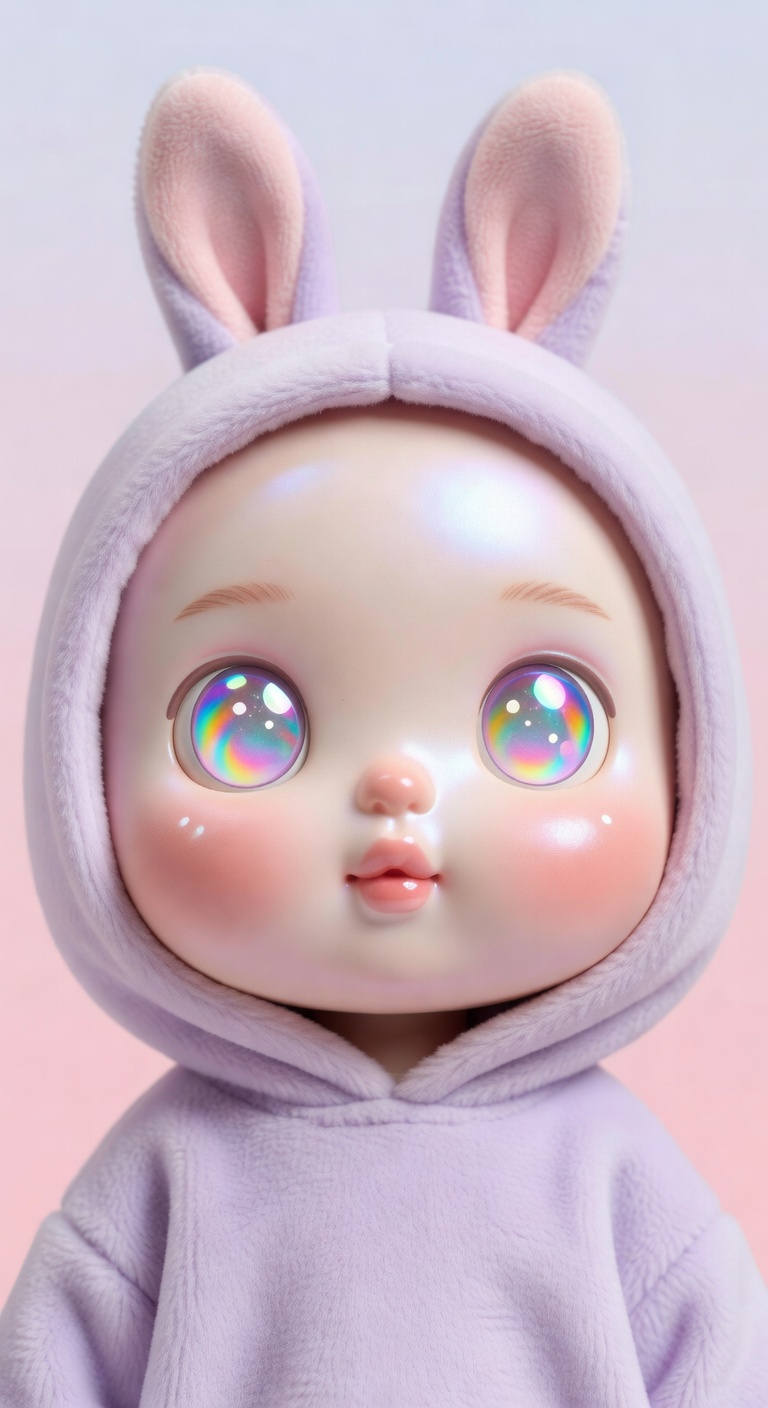
Chibi Maker
Turn any photo into an adorable chibi character in seconds
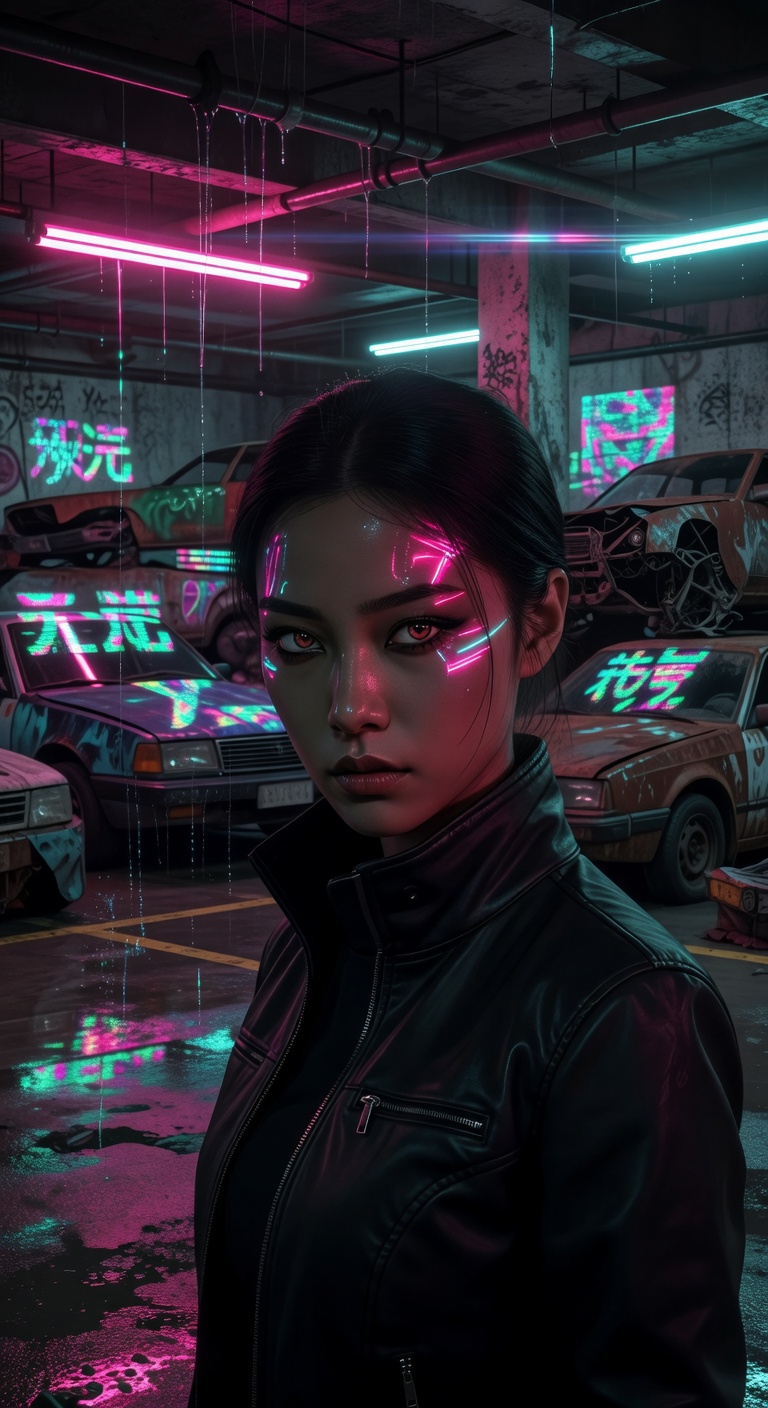
Cyberpunk Art Generator
Drop any photo into a neon-drenched cyberpunk world
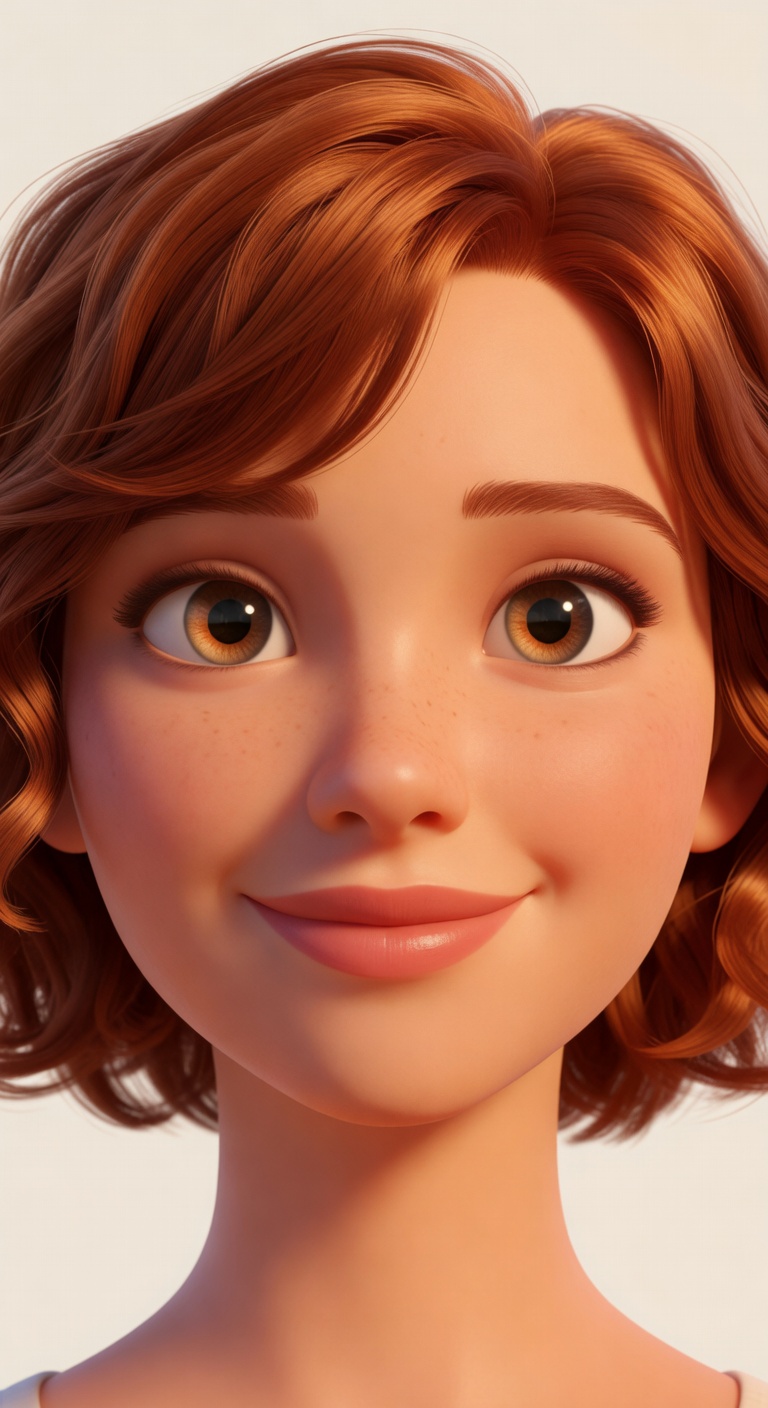
3D Character Maker
Turn any portrait into a Pixar-quality 3D character
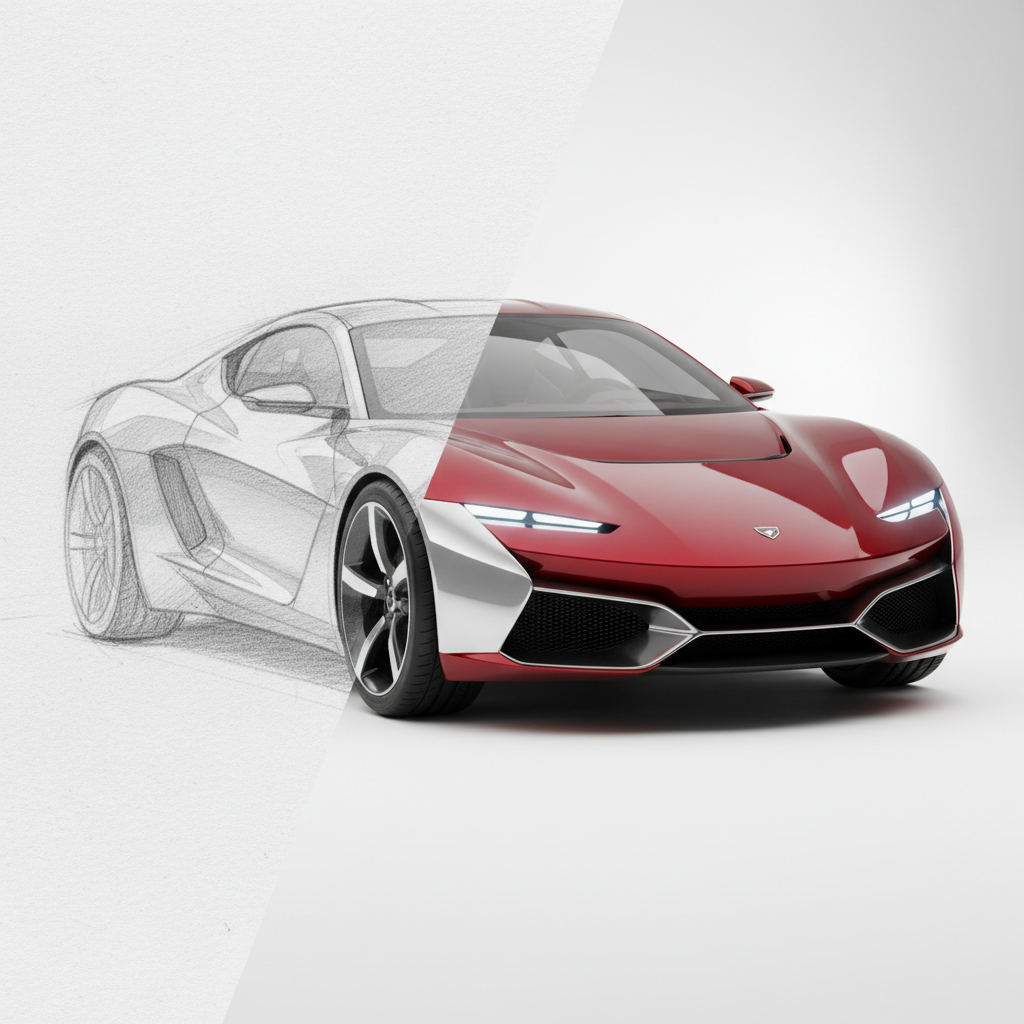
Sketch to Photo AI
Turn any drawing or sketch into a photorealistic image
Ready to try Comic Book Maker?
Open Studio, add a reference if you have one, and make it your own.