Sketch to Photo AI
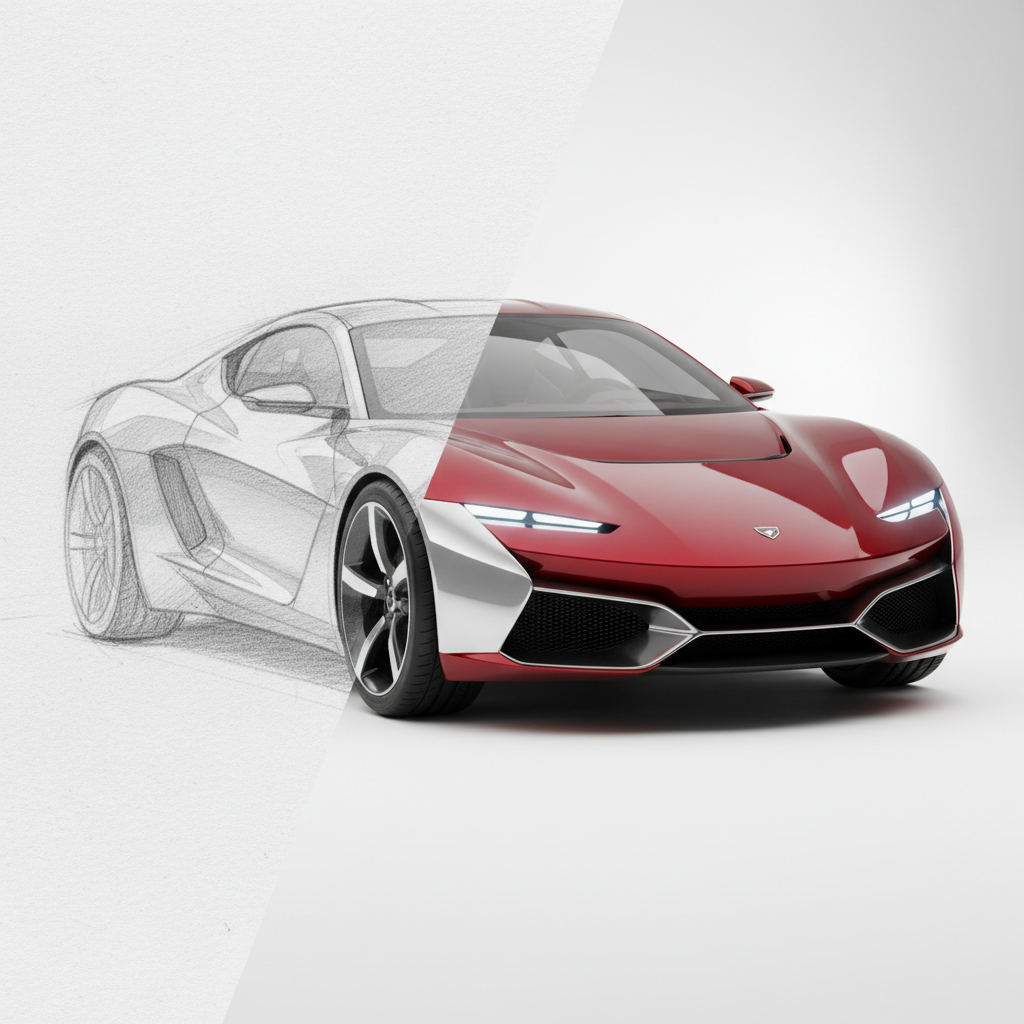
Turn any drawing or sketch into a photorealistic image
Sketch to Photo AI
Turn any drawing or sketch into a photorealistic image
Three steps. That's it.
Upload Your Sketch
Any sketch, drawing, wireframe, or doodle works — pencil, pen, digital, or even crayon.
AI Renders It Real
The AI interprets your sketch and generates a photorealistic version with proper lighting, textures, and depth.
Download the Photo
Get your realistic rendering instantly in high resolution.
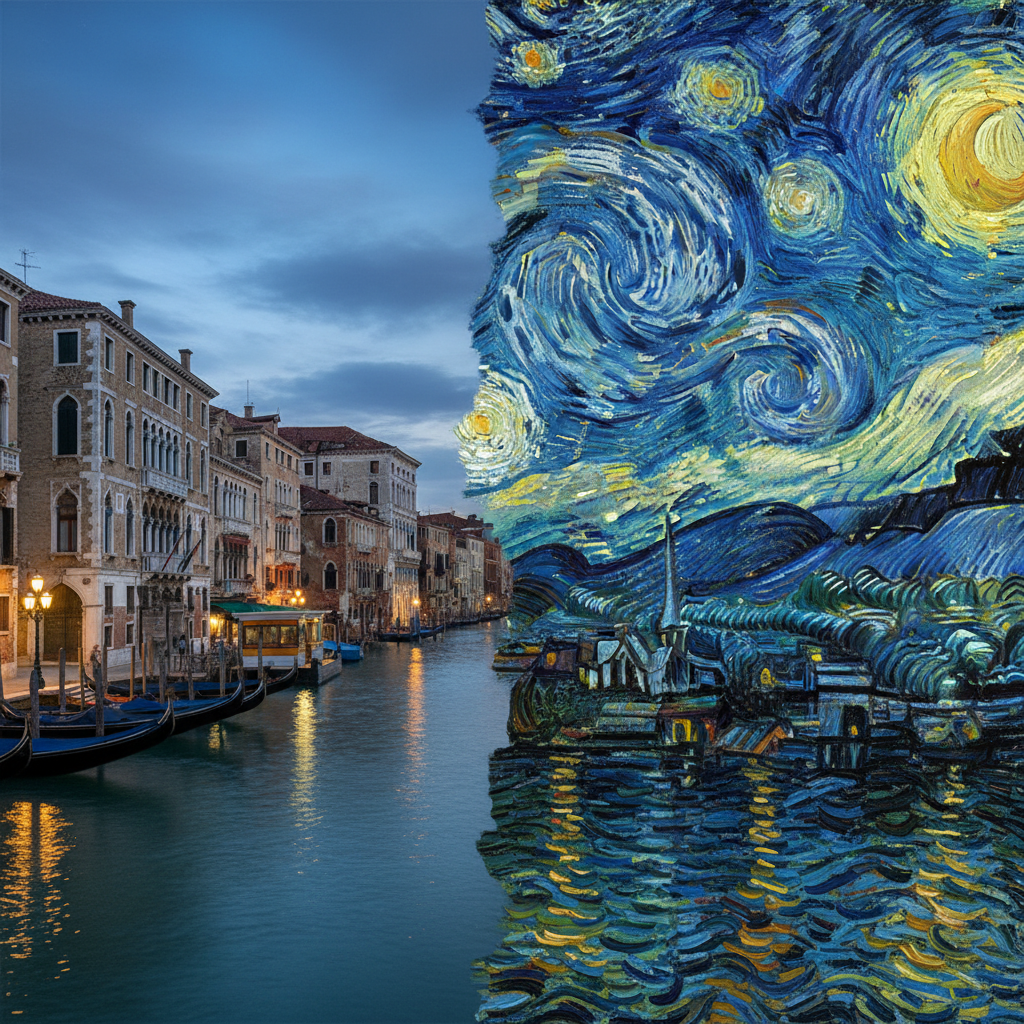
See the quality for yourself
Transform rough sketches, drawings, and wireframes into photorealistic photographs. The AI preserves your composition and layout while rendering everything with realistic lighting, textures, and depth of field.
Try it yourselfWhat people create with it
From quick social posts to professional projects
Architecture
Turn architectural sketches into photorealistic building visualizations.
Product Design
Transform product sketches into realistic mockups before manufacturing.
Interior Design
Convert room sketches into realistic interior visualizations.
Concept Art
Bring rough concept sketches to life with photorealistic rendering.
Common questions
Everything you need to know about Sketch to Photo AI. Can’t find an answer? Try asking in chat.
Even rough doodles work. The AI interprets your lines and fills in realistic details. More detailed sketches give you more control over the final result.
More AI tools
Explore related creative features
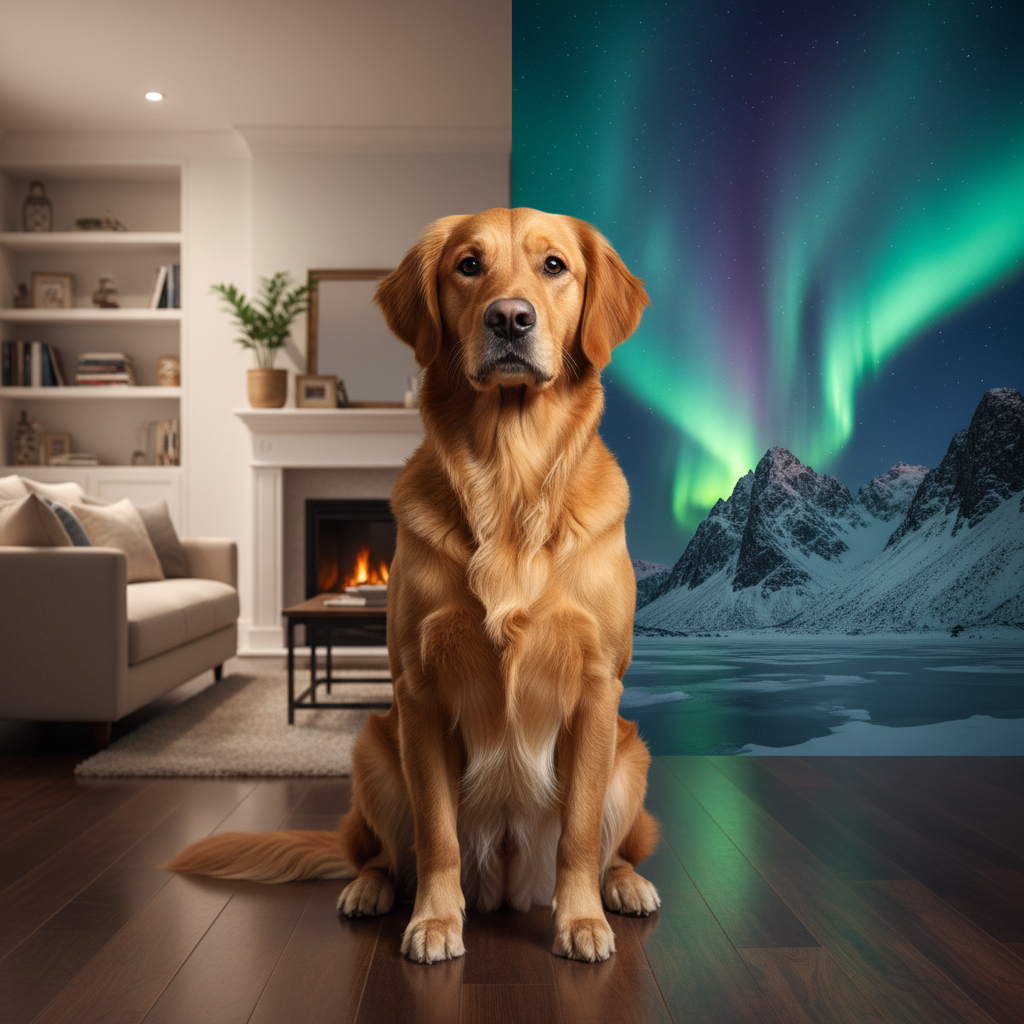
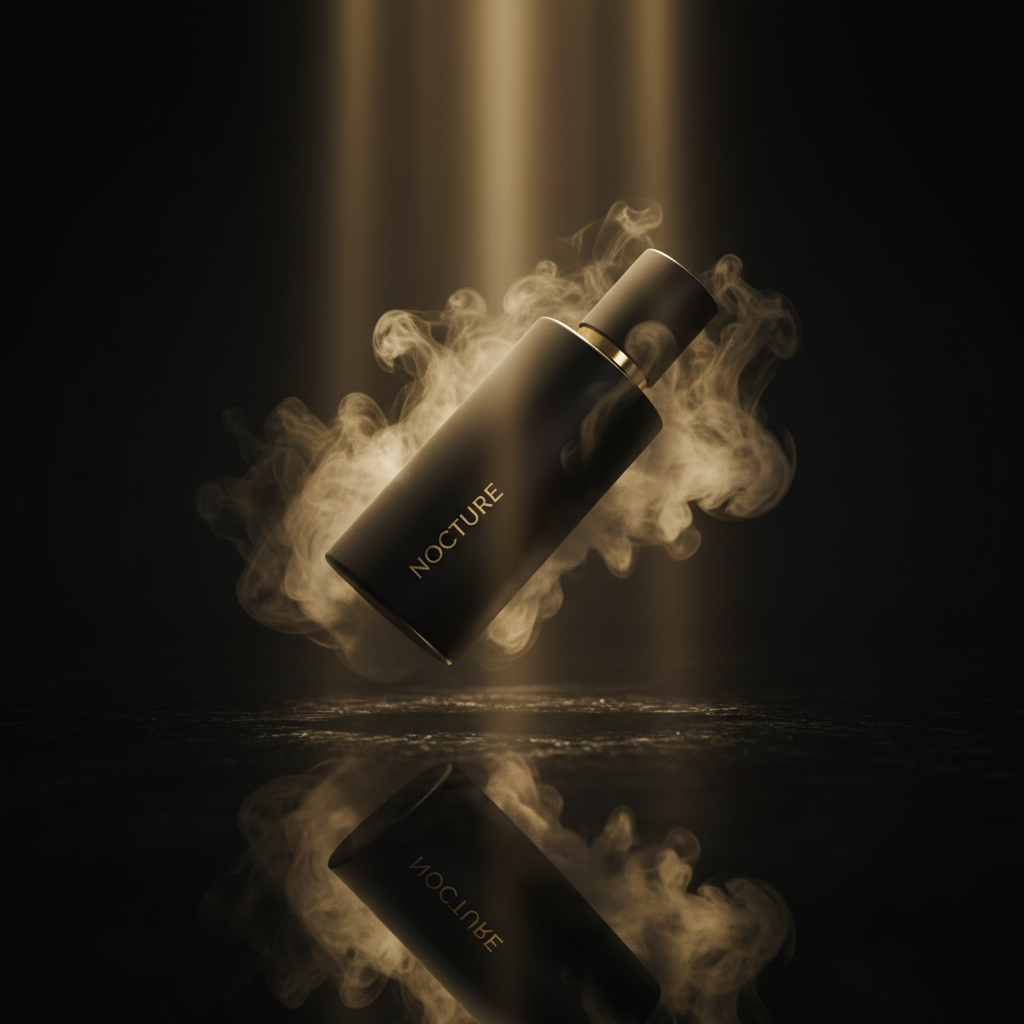
Ready to try Sketch to Photo AI?
Open Studio, add a reference if you have one, and make it your own.