AI Style Transfer
Apply any art style to any image instantly
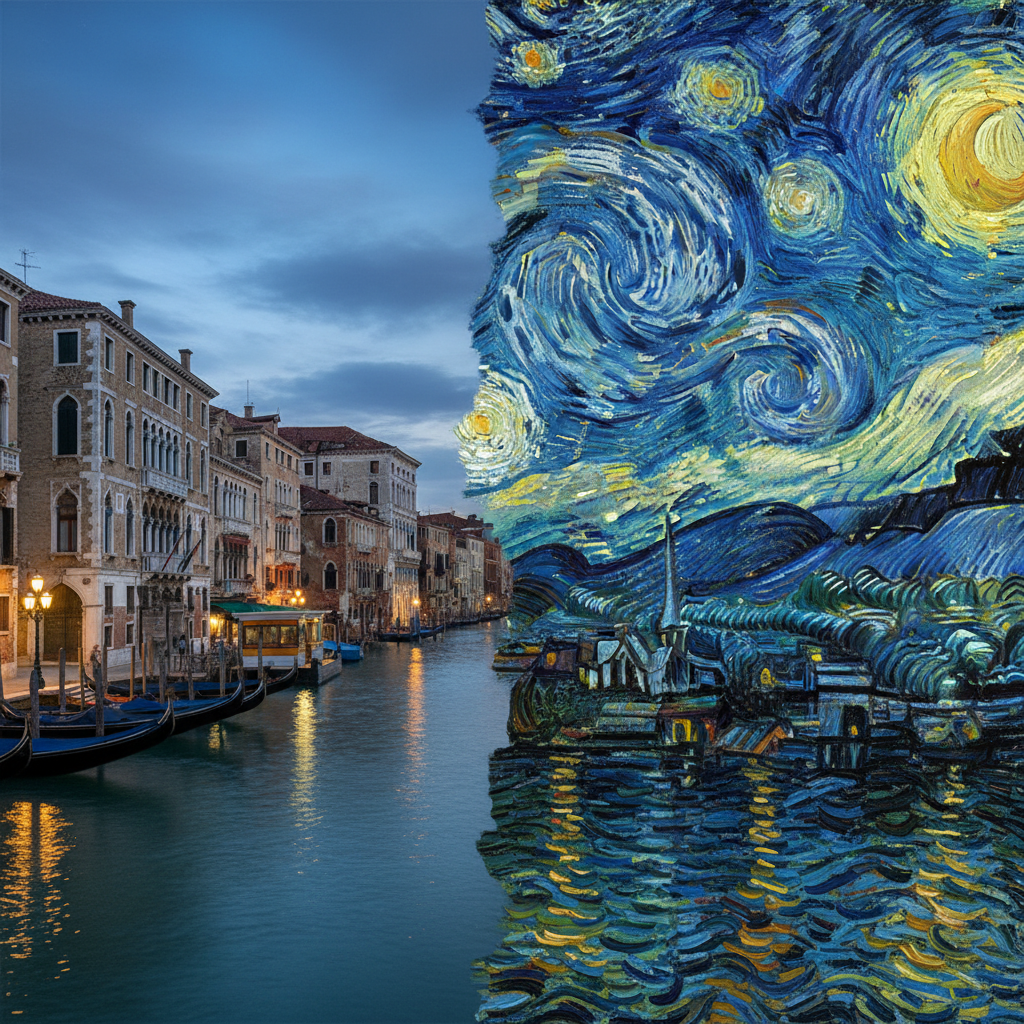
AI Style Transfer
Apply any art style to any image instantly
Three steps. That's it.
Upload Style + Content
Provide two images: one for the artistic style and one for the content you want transformed.
AI Transfers the Style
The AI extracts the color palette, brushwork, and technique from your style image and applies it to your content.
Download the Result
Get your stylized image combining the best of both inputs.
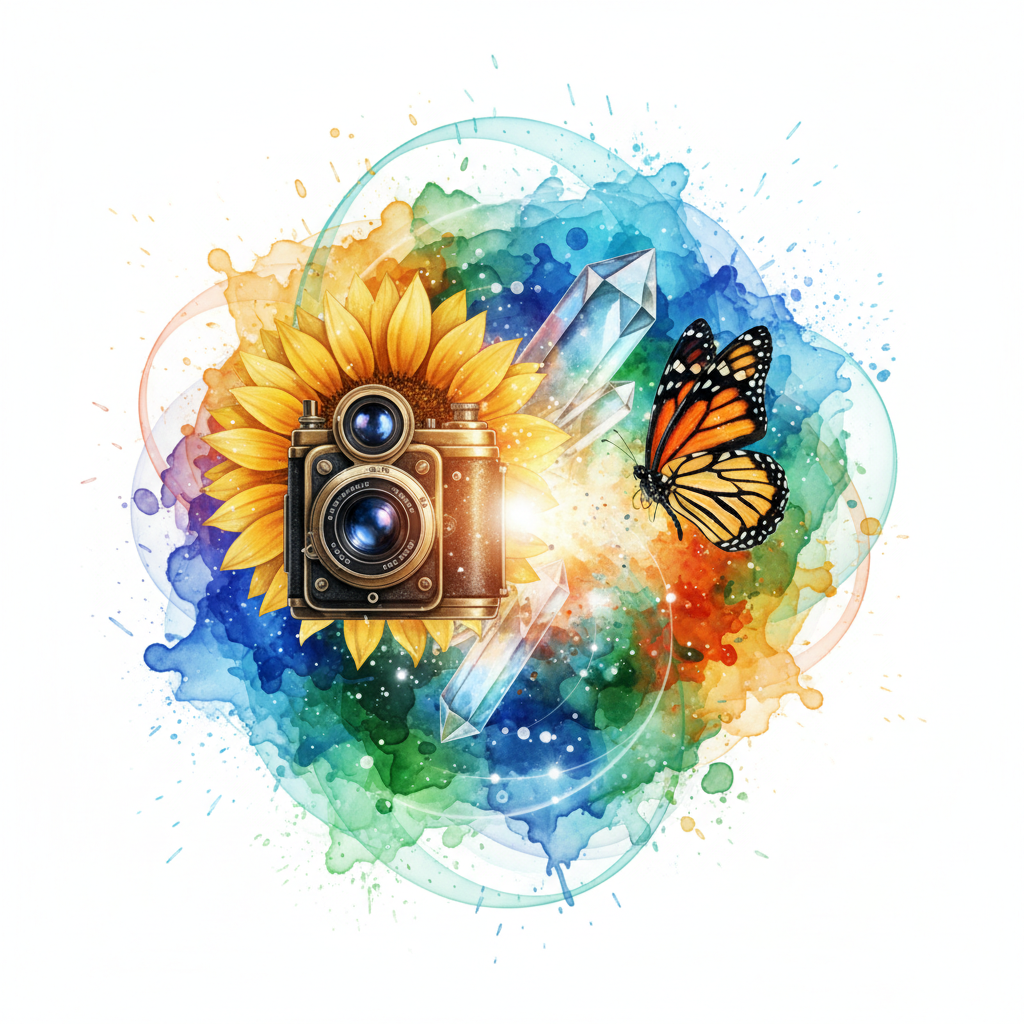
See the quality for yourself
Upload two images — a style reference and your content image. The AI applies the artistic style of the first to the content of the second, preserving composition while adopting the color palette, brushwork, and technique.
Try it yourselfWhat people create with it
From quick social posts to professional projects
Art Projects
Apply famous painting styles to your photos — turn a landscape into a Monet or a portrait into a Picasso.
Brand Design
Maintain visual consistency by applying your brand's art style across different images.
Social Media
Create unique artistic content by blending different visual styles.
Education
Explore art history by seeing how different techniques transform the same image.
Common questions
Everything you need to know about AI Style Transfer. Can’t find an answer? Try asking in chat.
The AI analyzes the visual characteristics of your style image — colors, textures, brushstrokes, composition — and applies them to your content image while preserving its subjects and layout.
More AI tools
Explore related creative features
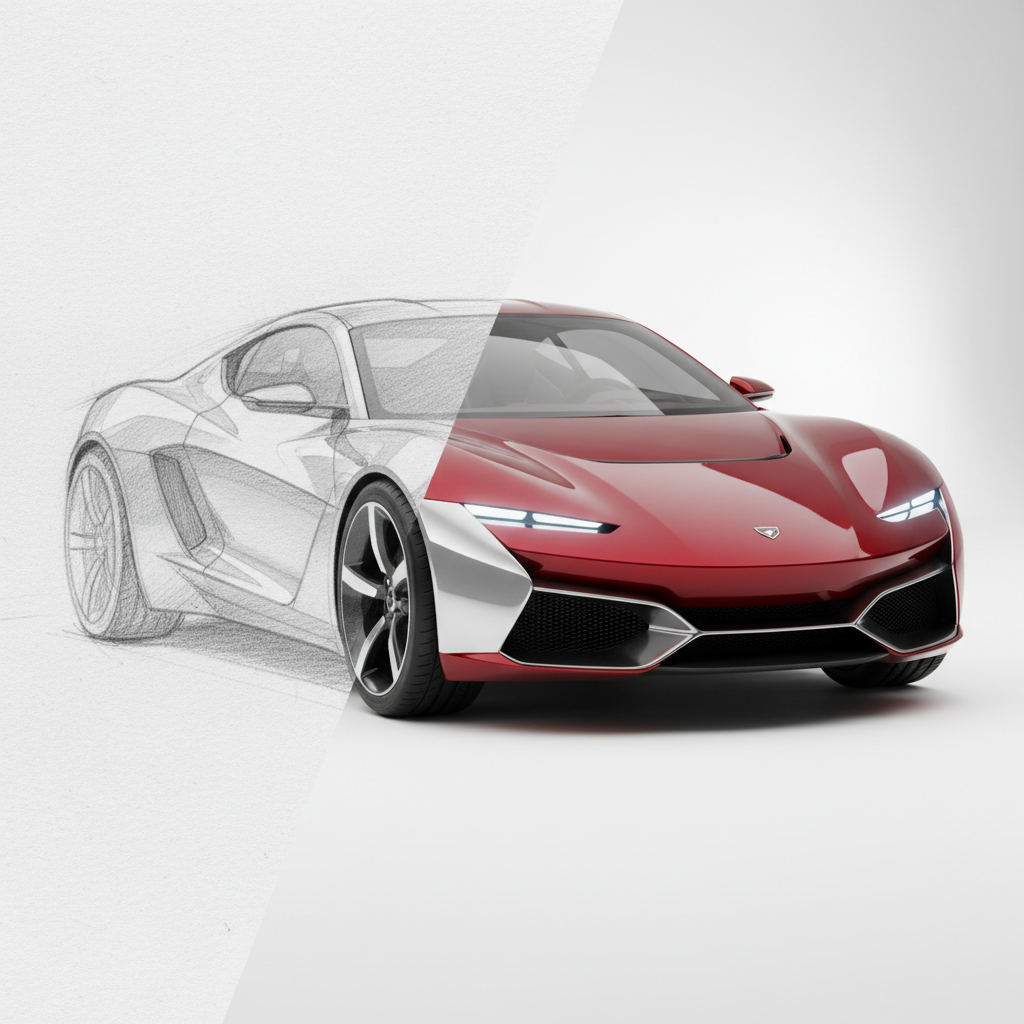

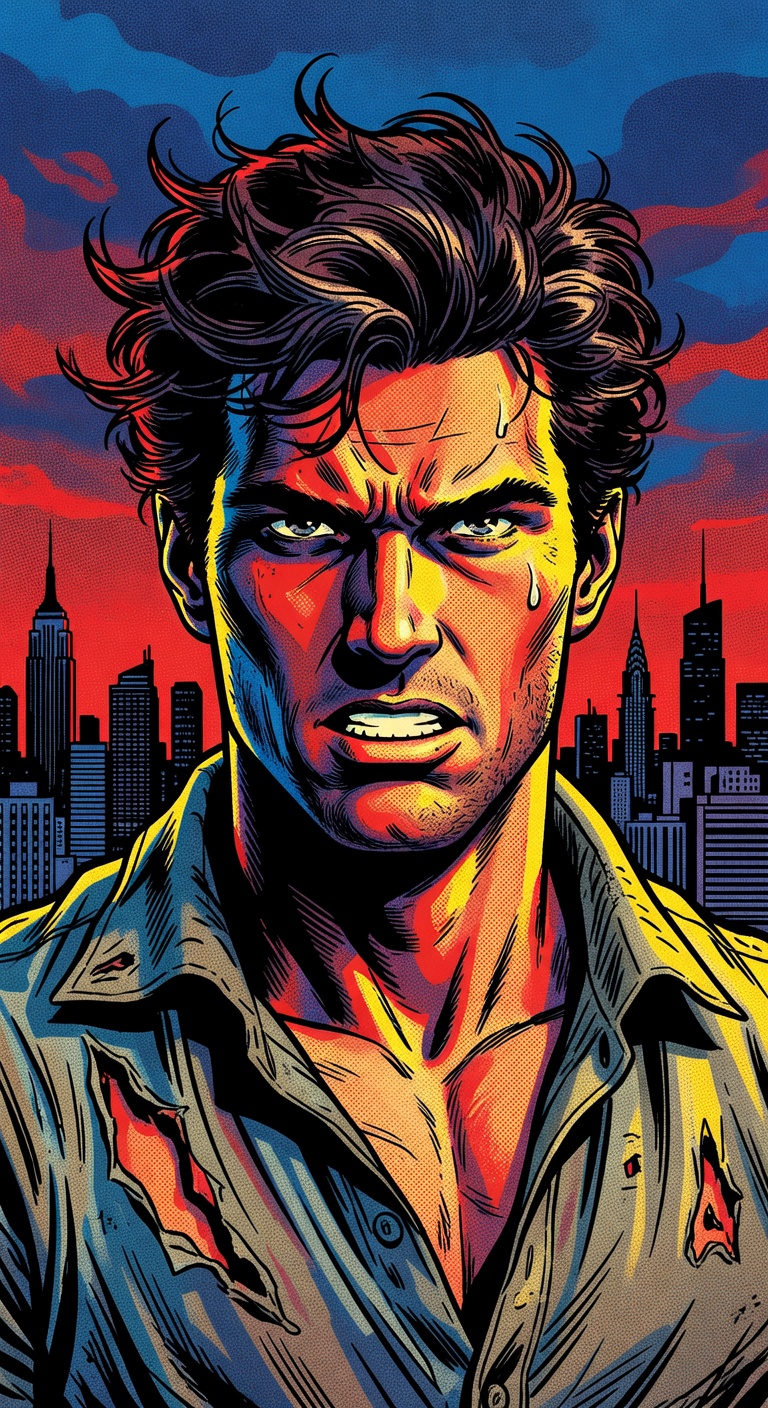
Ready to try AI Style Transfer?
Open Studio, add a reference if you have one, and make it your own.