Image editingTAKT
Image editing by prompt, via MCP.
Upload any image and your agent edits it with words — recolor, restyle, remove, extend. Qwen Image Edit Plus and the Nano Banana family, $0.039–$0.134 per edit pass.
 Qwen Edit$0.03
 Nano Banana 2$0.067
 Seedream$0.04

generate_imagethe original — blue
“paint it guards red”the edit — $0.03A real pair from one NinjaChat run: same street, same rain, same reflections — only the car changed, because that's all the sentence asked for.
Paste this. Watch it run.
First ask
Here's our team photo — clean up the cluttered whiteboard behind us and warm the lighting.
Use case · product consistency
One recorder. Every light.
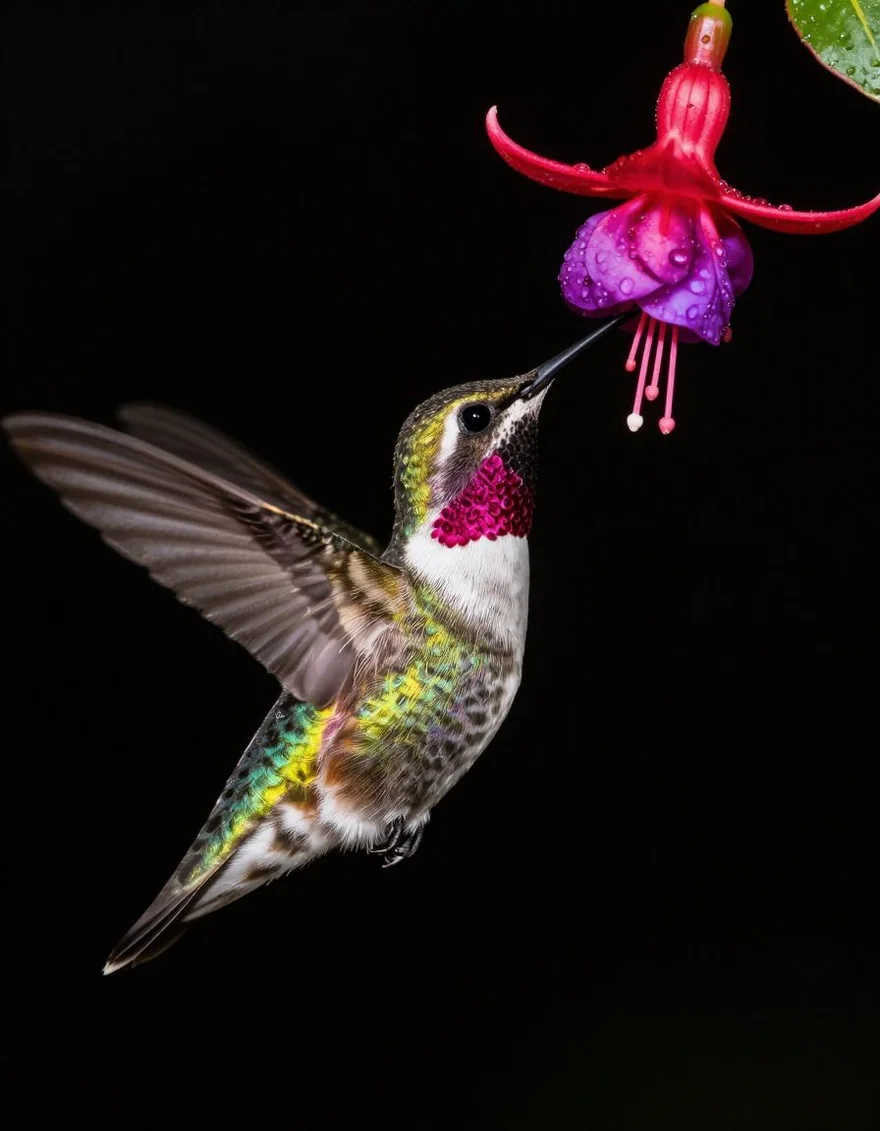
Macro, desk, hero — TAKT stays locked while the set changes around it. Same product language, three frames.
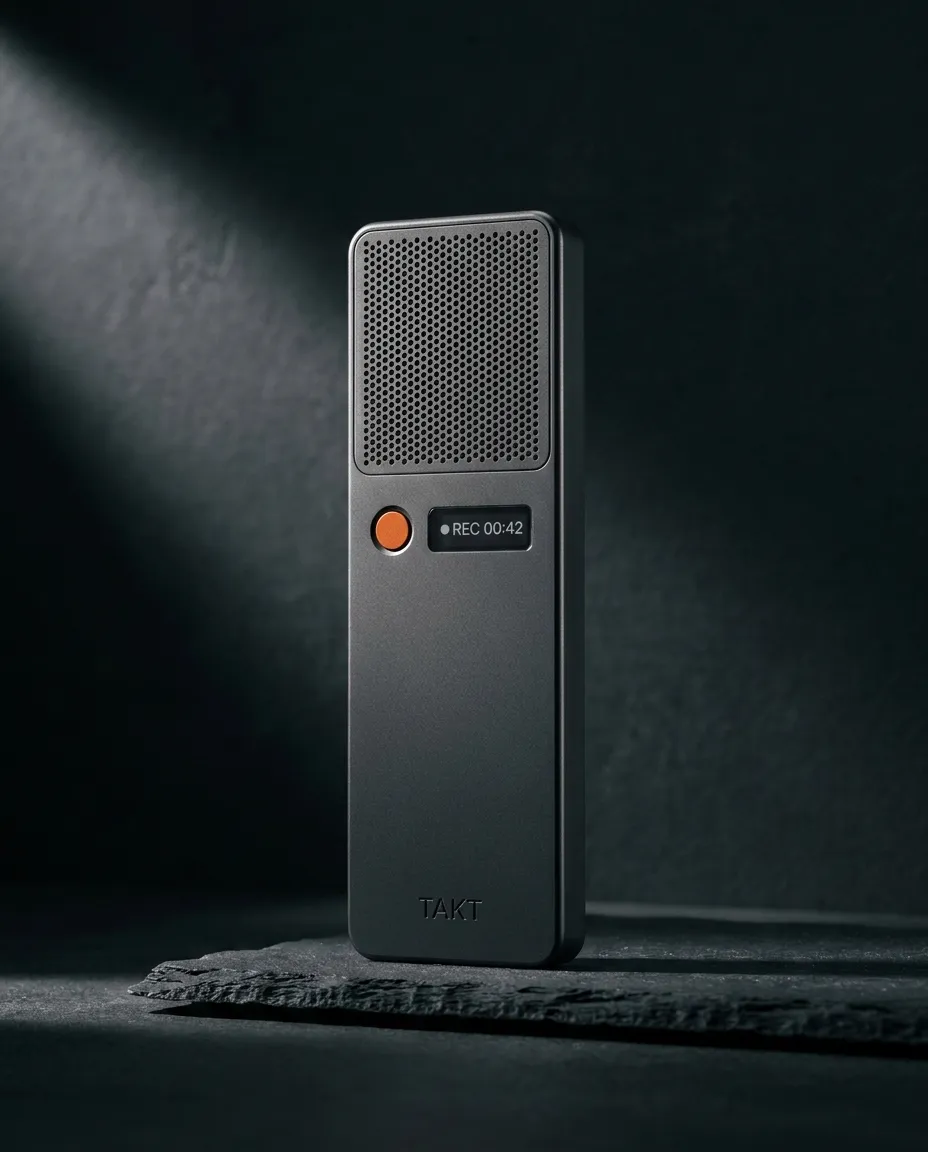
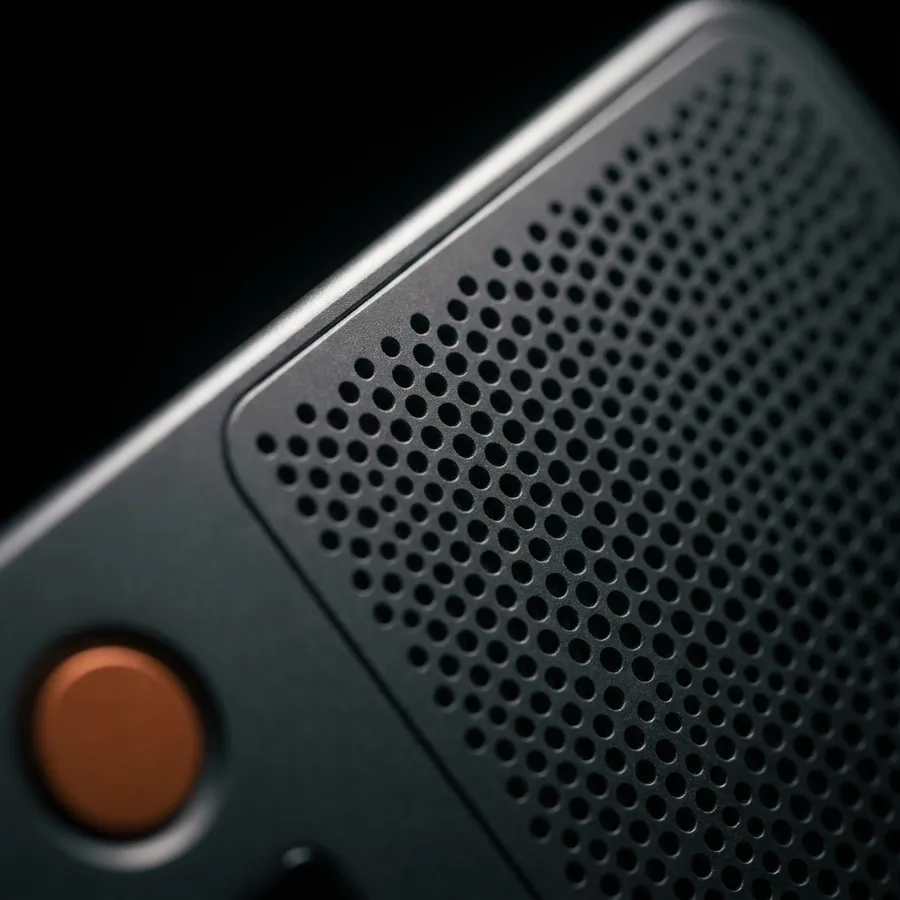
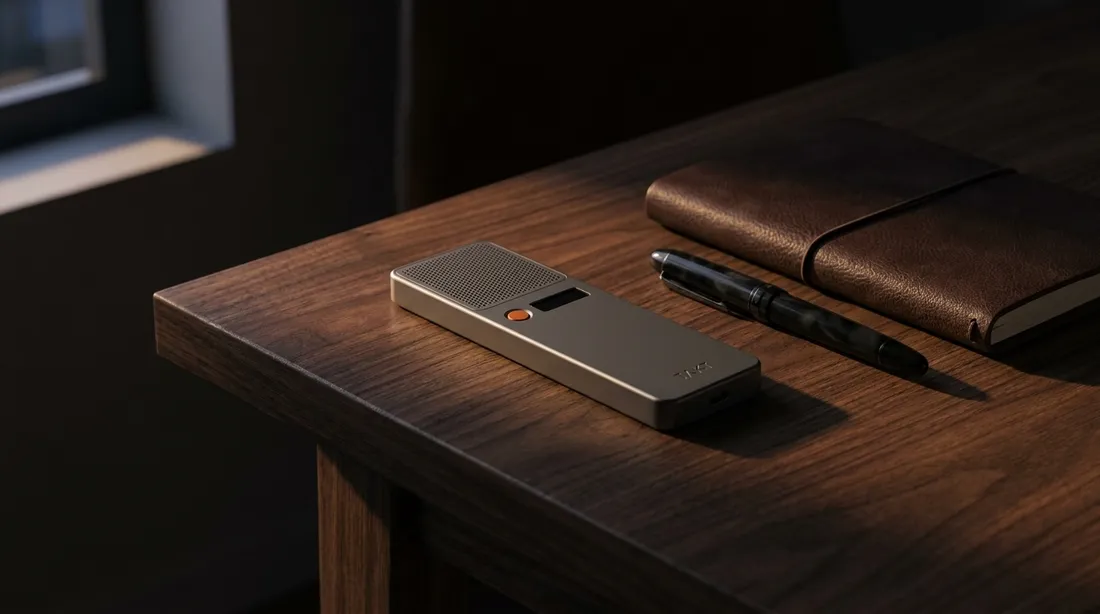
One product. Macro, desk, hero — consistent under every light.
The editors, and what each is for.

 FLUX.2 ProFLUX.2 Pro
 Seedream 4.5Seedream
 Google Nano Banana 2Nano Banana 2
 Google Nano Banana ProNB Pro
 Google Nano BananaNano Banana
 Z-Image TurboZ-Image

 GPT Image 2GPT Image

 Recraft V3Recraft
 Qwen Image EditQwen Edit
21 tools. These do the work here.
Make
generate_imageCreate images and download the full-resolution results.edit_imageChange a background, color, or detail with a prompt.
Library
search_creationsSearch your images, videos and voiceovers.get_creationView a saved result and its generation details.upload_assetUpload an image to edit or use as a reference.
Also on the server
create_media·generate_speech·generate_video·image_to_video·edit_video·extend_video·get_generation_status·save_creation_as·list_creative_entities·compare_models·search_models·estimate_cost·prepare_scrub_video·publish_page·get_account_balance·add_credits
Connected in about a minute.
Pick your client — the steps for the others stay one tap away.
ChatGPT4 steps

- Enable developer mode
In ChatGPT web, open Settings → Security and login and turn on Developer mode. Availability depends on your account and workspace policy.
- Add NinjaChat
Open Plugins, select the plus button, name it NinjaChat, and enter the server URL under Connection.
https://www.ninjachat.ai/api/mcp - Approve the connection
Sign in to NinjaChat, review the permissions, and set a spending limit before connecting ChatGPT.
- Use it in a chat
Start a new conversation, choose Developer mode from the plus menu, and select NinjaChat before sending your prompt.
VS Code4 steps
- Create an API key
Sign in at ninjachat.ai and create a key under Developers → Keys. Keys look like nj_sk_… and carry your spending limit.
- Create .vscode/mcp.json
Merge the servers and inputs below into your workspace file. The key stays out of the file; VS Code prompts for it securely on first start.
{ "inputs": [{ "type": "promptString", "id": "ninjachat-key", "description": "NinjaChat API key", "password": true }], "servers": { "ninjachat": { "type": "http", "url": "https://www.ninjachat.ai/api/mcp", "headers": { "Authorization": "Bearer ${input:ninjachat-key}" } } } } - Start the server
VS Code shows a “Start” code-lens above the server entry. Start it, then check the tools list in Copilot Chat's tool picker.
- Use it in agent mode
Switch Copilot Chat to Agent mode, then send your prompt.
Want the full walkthrough with troubleshooting? ChatGPT guide · VS Code guide
Questions, answered.
Keep exploring.
TAKT · Field recorder
One sentence, exactly one change.
Product locked. Light and set free to move.
Every frame of TAKT was generated through the NinjaChat MCP server.