
ChatGPT · That moves the still.
Give ChatGPT every creative model.
One custom connector adds Veo, Kling, Seedream, Recraft, and 18 more models to ChatGPT — so it stops being locked to a single image generator and starts picking the right model per job.
OAuth — sign in when prompted, no API key to paste.
Watch it work
Connect ChatGPT. Once.
Add NinjaChat.
Paste this URL, sign in and approve the connection.
Need help connecting?
Use a desktop browser with an account or workspace that allows custom MCP connections. If a setting is missing, check your plan or ask your workspace admin.
- Enable developer mode. In ChatGPT web, open Settings → Security and login and turn on Developer mode. Availability depends on your account and workspace policy.
- Add NinjaChat. Open Plugins, select the plus button, name it NinjaChat, and enter the server URL under Connection.
- Approve the connection. Sign in to NinjaChat, review the permissions, and set a spending limit before connecting ChatGPT.
- Use it in a chat. Start a new conversation, choose Developer mode from the plus menu, and select NinjaChat before sending your prompt.
Check your connection Free
Enable NinjaChat in a new chat, then send this check.
View check prompt
Use NinjaChat to check my account balance and spending headroom, then list the available image models. Do not generate anything or add credits. If NinjaChat is unavailable, tell me which setup step is missing.


Step 2 · First ask in ChatGPT
Paste this.
Review the quote.
Check the connection above, then paste your request. Approve the quoted cost before generating.
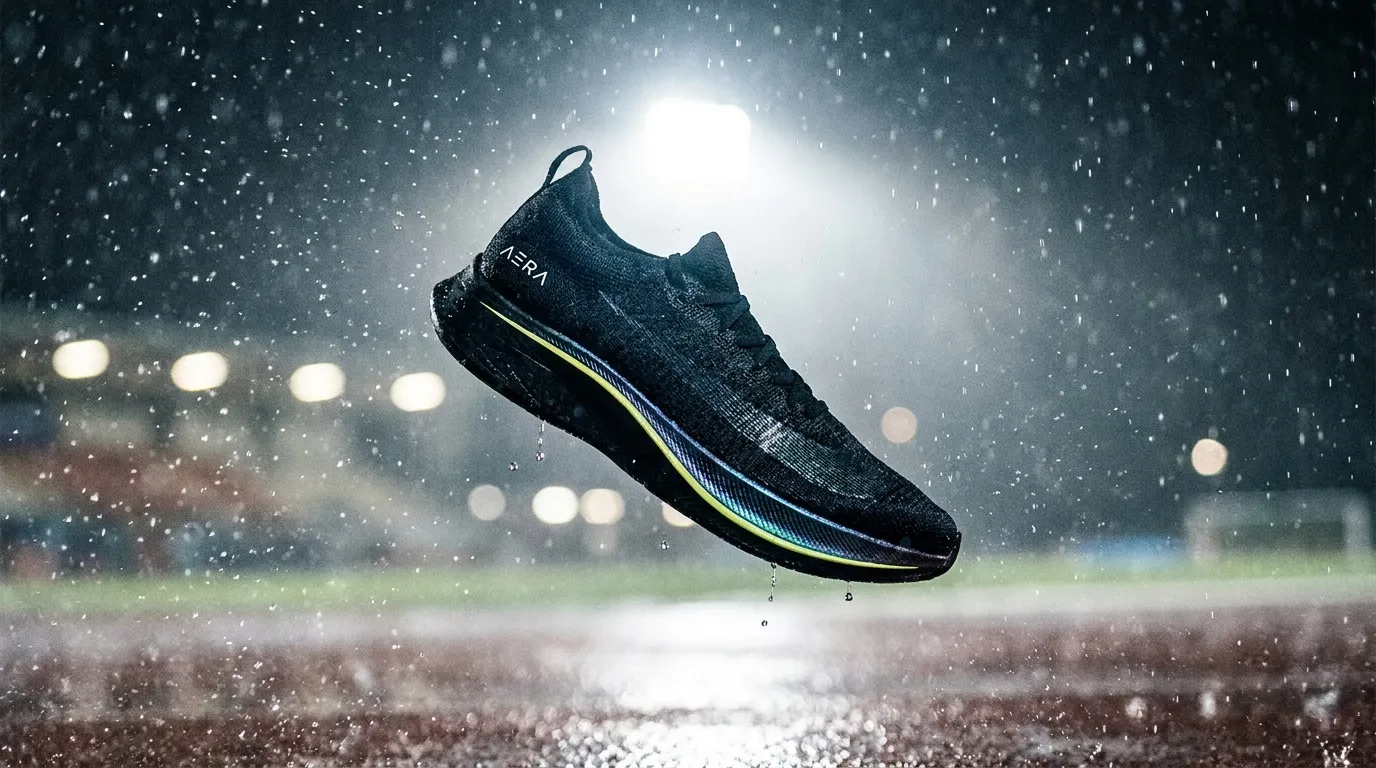 Example style · your result will vary
Say this in ChatGPT
Use NinjaChat for this task: Make one cinematic racing shoe image over a wet night track. First check my balance and use estimate_cost to quote the model, quantity, dimensions or duration, and total price. Ask for any missing reference files. Do not generate, publish, or add credits until I approve the quote. For video, retain the job ID and poll get_generation_status until complete; resume that job instead of starting another. Return the finished media and download links.
Step 3 · What ChatGPT moves
Still to rain. In one thread.
Product hero, then image_to_video — without leaving ChatGPT.
Same shoe. Night track. Then the rain moves.
Every model ChatGPT can reach.
Image and video engines behind one URL — ChatGPT asks, NinjaChat runs them. New models appear here; your connection never changes.
 Google Veo 3.1Veo 3.1
 Seedance 2.0Seedance
 FLUX.2 ProFLUX.2 Pro
 Kling 2.6 ProKlingGoogle Veo 3.1 FastVeo Fast
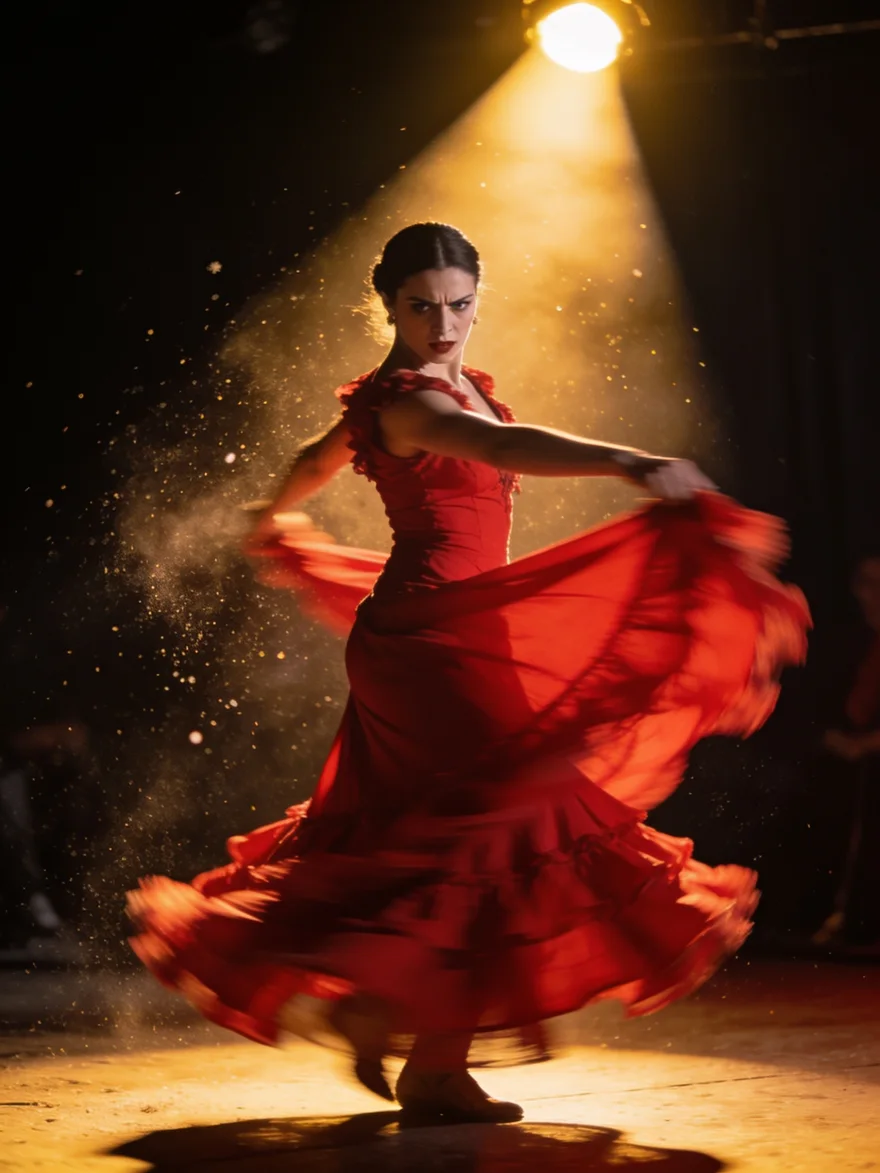 Seedream 4.5Seedream
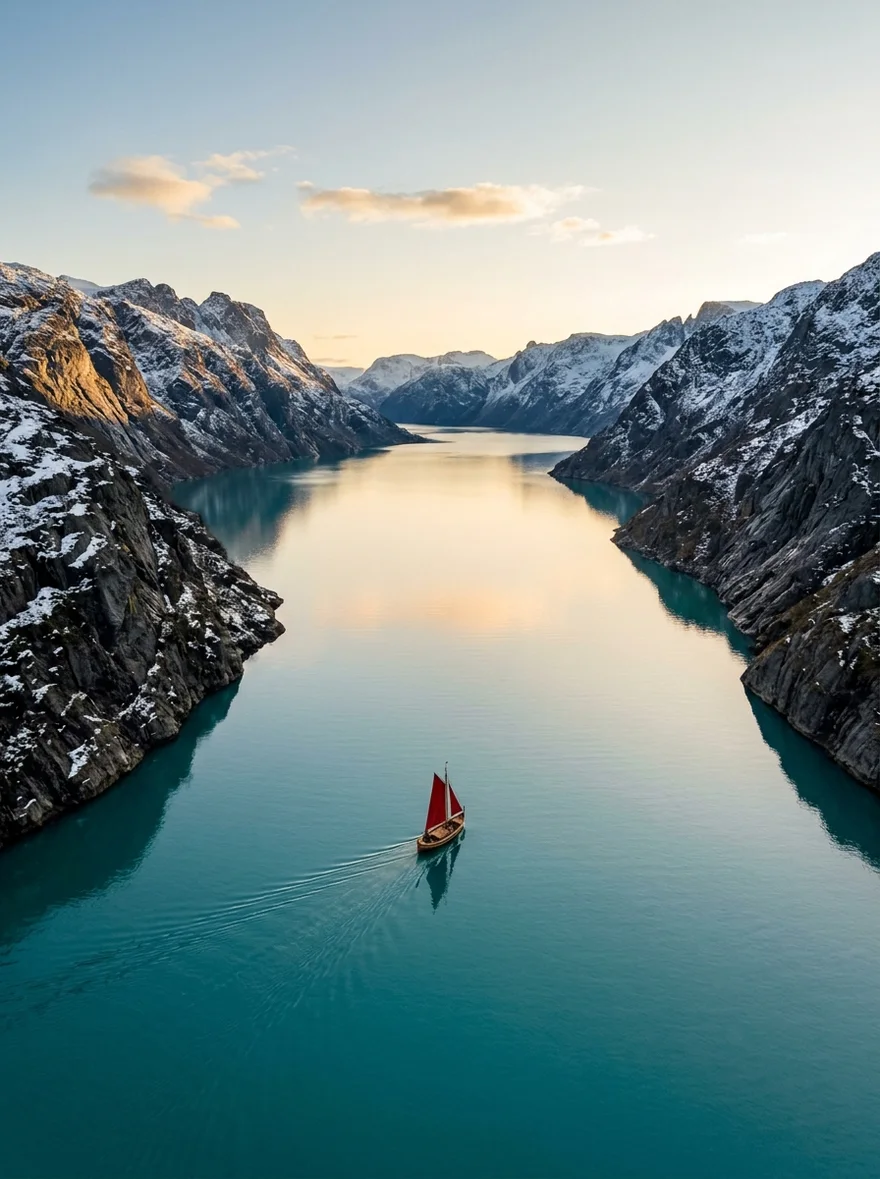
 Google Nano Banana 2Nano Banana 2Seedance LiteSeedance Lite
 Google Nano Banana ProNB Pro
 Google Nano BananaNano Banana
 Z-Image TurboZ-Image
 GPT Image 2GPT Image
What ChatGPT can call.
Make
generate_imageCreate images and download the full-resolution results.generate_videoTurn a description into a video.
Decide
compare_modelsTry one prompt across models with a spending limit.search_modelsCheck model capabilities and prices.
Money
get_account_balanceSee available credit and monthly spending.
Also on the server
create_media·generate_speech·edit_image·image_to_video·edit_video·extend_video·get_generation_status·search_creations·get_creation·save_creation_as·list_creative_entities·estimate_cost·upload_asset·prepare_scrub_video·publish_page·add_credits
When it doesn't connect.
Open Settings → Security and login → Developer mode, then Plugins. Availability depends on your account and workspace policy.
Enable the NinjaChat connector for the conversation from the composer's tools menu — connectors are off by default in each new chat.
Remove the connector and re-add it with the exact URL — the path must end in /api/mcp. A trailing space or truncated paste is the most common cause.
Video is asynchronous — Veo and Kling take one to a few minutes. Ask ChatGPT to check again; it calls get_generation_status and returns the finished file when ready.
Questions, answered.
More ways to use the server.
AERA · Racing
ChatGPT can create now.
Every frame of AERA was generated through NinjaChat — then ChatGPT shipped it.
Every frame of AERA was generated through the NinjaChat MCP server.