OpenAI
Generate and Edit Images with OpenAI's GPT Image 2
OpenAI's image model — the one that can spell. Typography, layouts, edits.
What you’ll use it for
Photorealistic Generation
Generate believable photographs with accurate lighting and materials.
Precise Image Editing
Change one element while preserving the rest of the image.
Text-Heavy Layouts
Render readable typography for posters, infographics, and UIs.
Character Consistency
Build multi-page illustrations with consistent characters.
Same prompt, four engines
One prompt, four real outputs — this is why one subscription beats four.
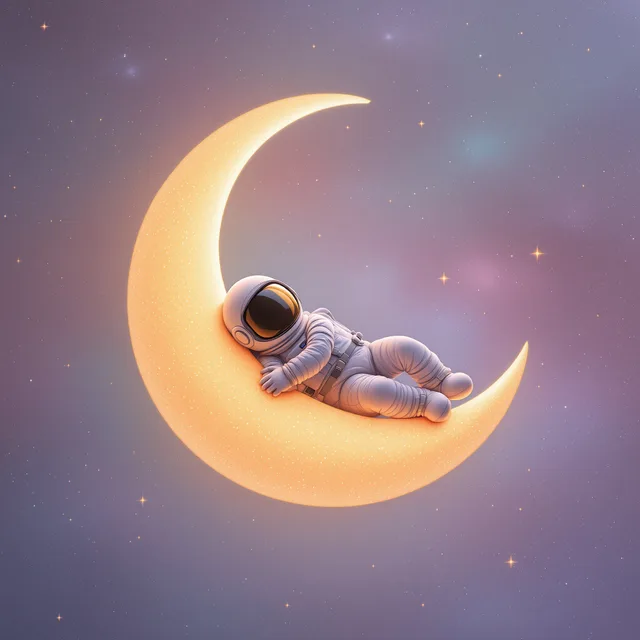

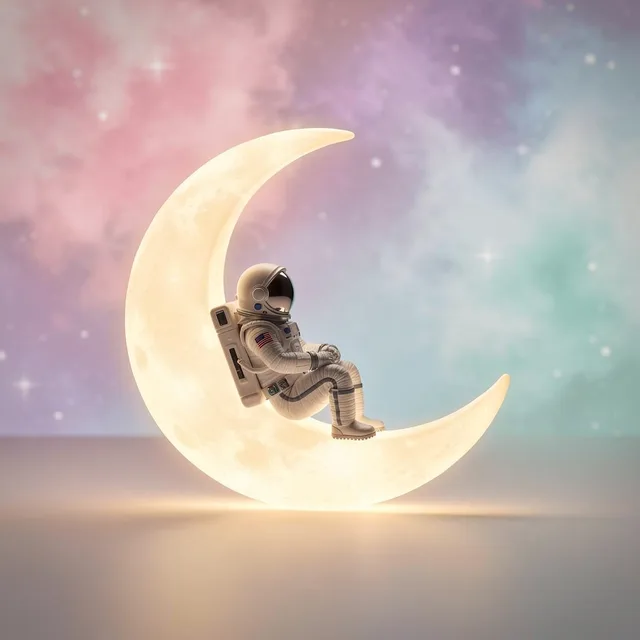
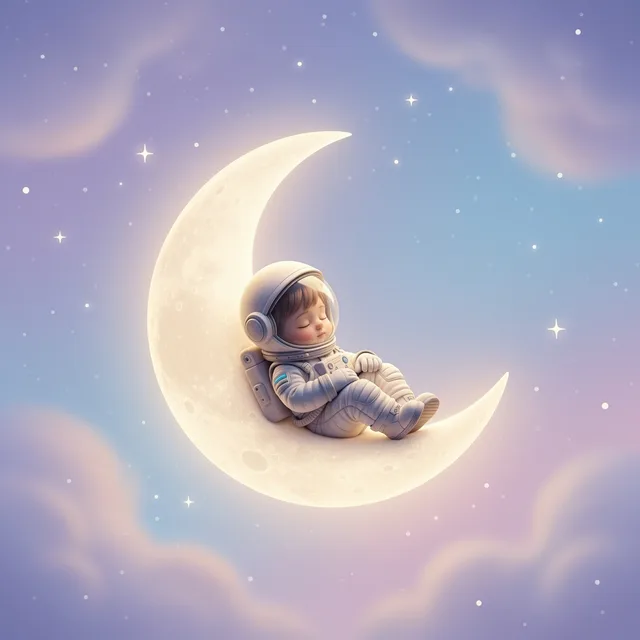
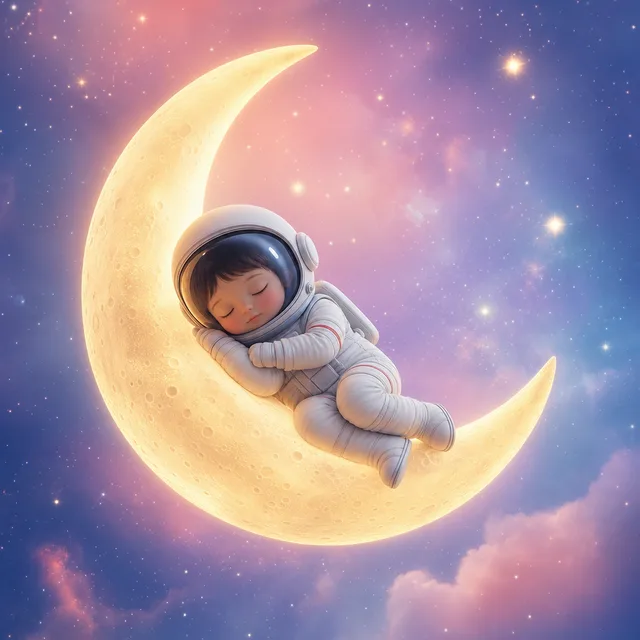
“A tiny astronaut asleep on a crescent moon” — one prompt, four engines, real outputs.
Anatomy of the prompt
The exact prompt behind the film above, in its working parts.
Made with GPT Image 2
Every frame is a real run — scroll the rail.
What it can do
Prompts to steal
Tuned to this model — click any line to copy.
About GPT Image 2
GPT Image 2 is OpenAI's state-of-the-art image generation model. It generates photorealistic and stylized images from text, edits existing images with precise instruction-following, and handles dense text and complex layouts that trip up other models.
The editing workflow preserves what you don't ask to change — identity, composition, lighting, materials. Use it for virtual try-ons, product mockups, lighting adjustments, in-image text translation, and consistent characters across multi-image series. Reference images are processed at high fidelity automatically.
Generate GPT Image 2 images on NinjaChat. Access it alongside Flux 2 Flex, Imagen 4, Nano Banana Pro, and 25+ other models — no separate OpenAI subscription required.
How to use GPT Image 2
From zero to your first result in under a minute.
01
Sign up for a NinjaChat account
02
Open Studio and select 'GPT Image 2'
03
Optionally upload reference images for editing or style
04
Write a clear, specific prompt — quote any text you want rendered
05
Generate and download your image
Tips for better results
- Be specific: 'soft coastal daylight' beats 'make it nice'
- Lock what shouldn't change: 'preserve subject's face and clothing'
- Quote exact text you want rendered in the image
GPT Image 2 vs the alternatives
Where it wins, and where it doesn't.
Questions, answered.
GPT Image 2, and 50 more.
One subscription covers every model on NinjaChat, GPT Image 2 included.
