Generate images with Nano Banana Pro
The top of the Nano Banana family — composed layouts, complex scenes, finished assets at 4K.
What you’ll use it for
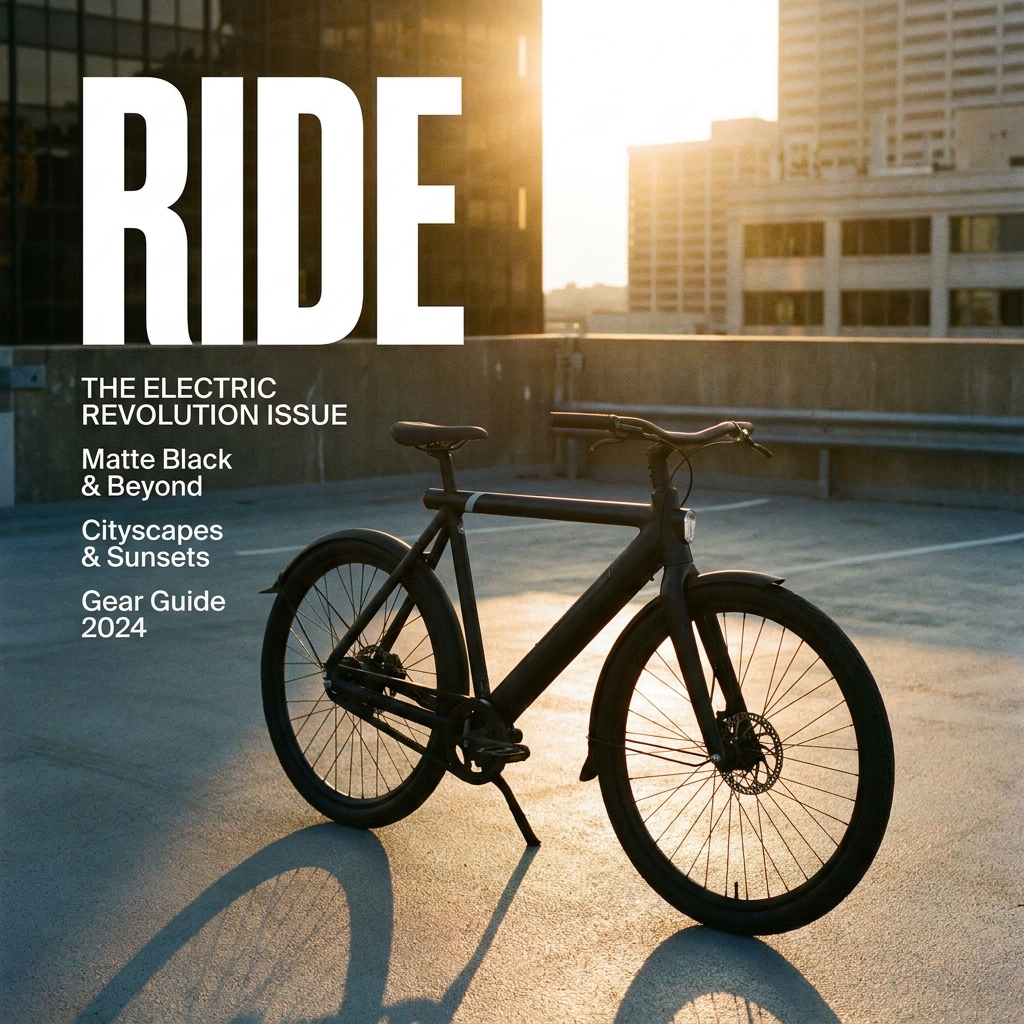
Covers and layouts
Real typography in a composed design.
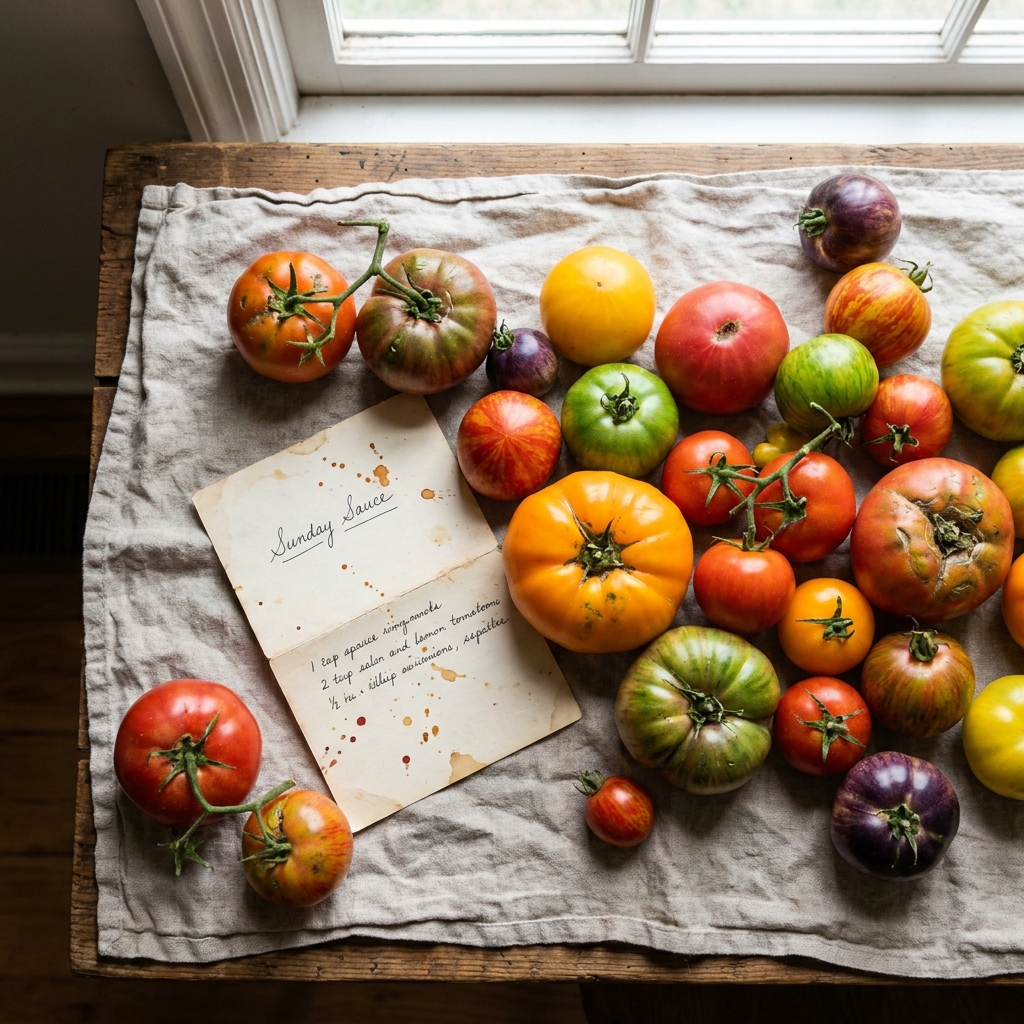
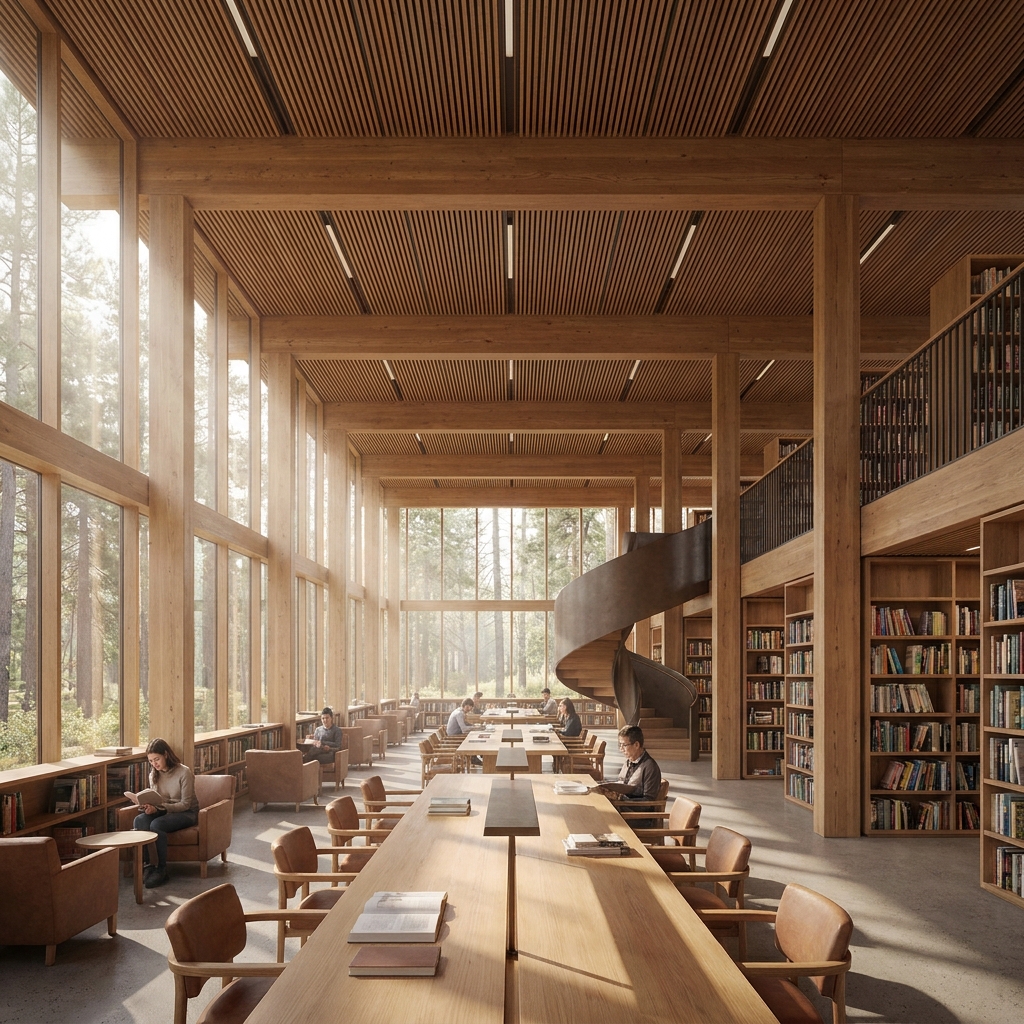
Complex scenes
Several subjects, believable light, no seams.
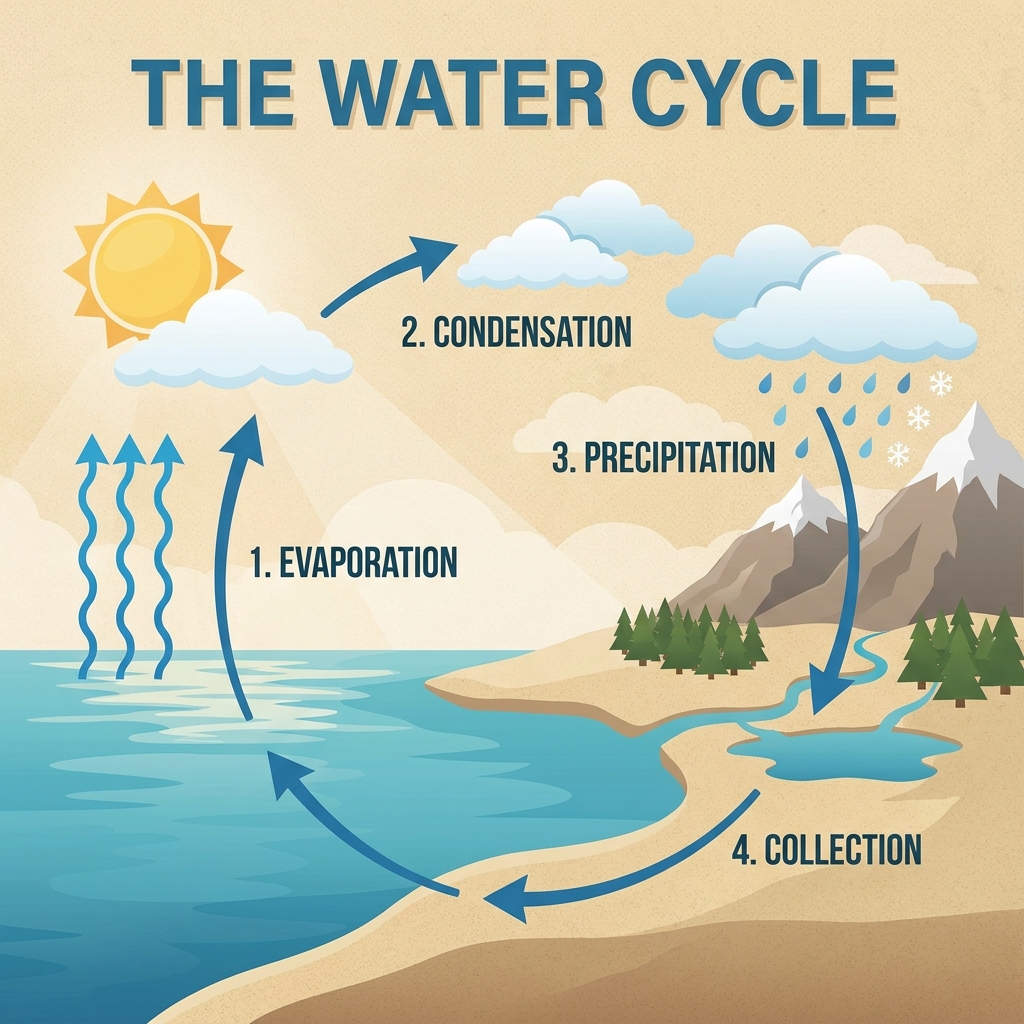
Infographics
Labeled diagrams whose text reads.
Final renders
The 4K version of the draft you liked.
Made with Nano Banana Pro
Every frame is a real run — scroll the rail.
About Nano Banana Pro
Nano Banana Pro is the image model inside Gemini 3 Pro, the top of Google's Nano Banana family. Where Nano Banana 2 is built for speed and volume, Pro is built for the image that has to be right: a magazine cover with real typography, a product scene with several objects in believable light, an infographic whose labels have to read. On NinjaChat it is included in every plan, in the same Studio as the rest of the image models.
Pro reasons about the picture before it draws it. Ask for a layout, a headline, a diagram with four labeled stages, and it composes rather than guesses. That shows most in complex scenes, in text-heavy designs, and in edits where the change has to fit the rest of the image. It is slower and costs more per image than 2, which is the correct trade for the final version and the wrong one for a hundred drafts.
The workflow most people land on is draft-then-finish: iterate on Nano Banana 2 until the idea is right, then rerun the prompt on Pro at 4K for the deliverable. Both are in the Studio, so that is two clicks. The images on this page came out of the Studio with the prompt under each one.
How to use Nano Banana Pro
From zero to your first result in under a minute.
01
Create a NinjaChat account and choose a plan
02
Open the Studio and pick Nano Banana Pro
03
Describe the composition, the text and the light
04
Generate at 4K for print or hero use
05
Iterate on Nano Banana 2 first if you are still exploring
Tips for better results
- Describe the layout the way a designer would
- Put exact text in quotes and say where it goes
- Use Pro for the final, 2 for the drafts
- Ask for the same image at a different size rather than re-describing it
Questions, answered.
Nano Banana Pro, and 50 more.
One subscription covers every model on NinjaChat, Nano Banana Pro included.