Generate images with Nano Banana 2
Google's Gemini image model that spells — readable text, in-place edits, up to 4K.
What you’ll use it for
Posters and packaging with text
Headlines and labels that read correctly the first time.
Edit with a sentence
Change one thing and keep everything else.
Product shots
Clean, lit, on-brand, in seconds.
Social content at volume
Fast enough to make the whole week's posts.
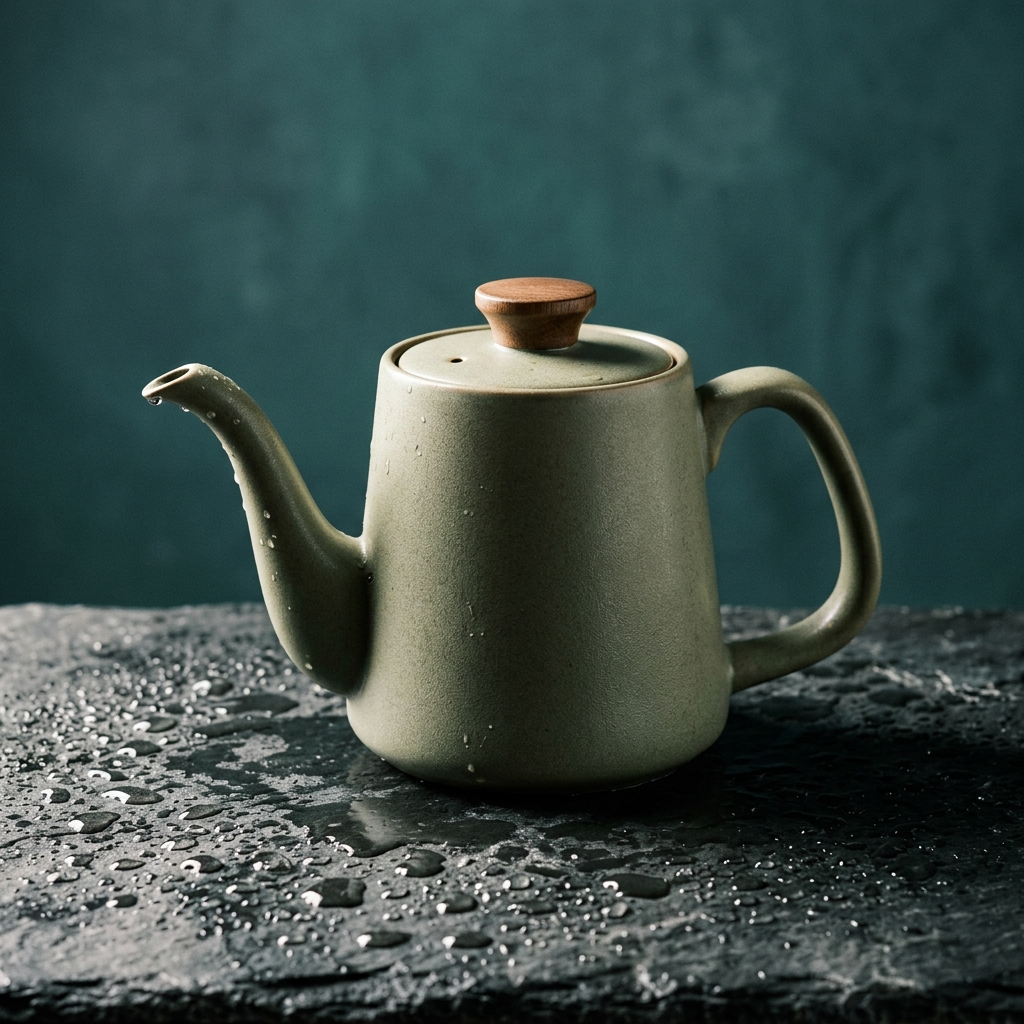
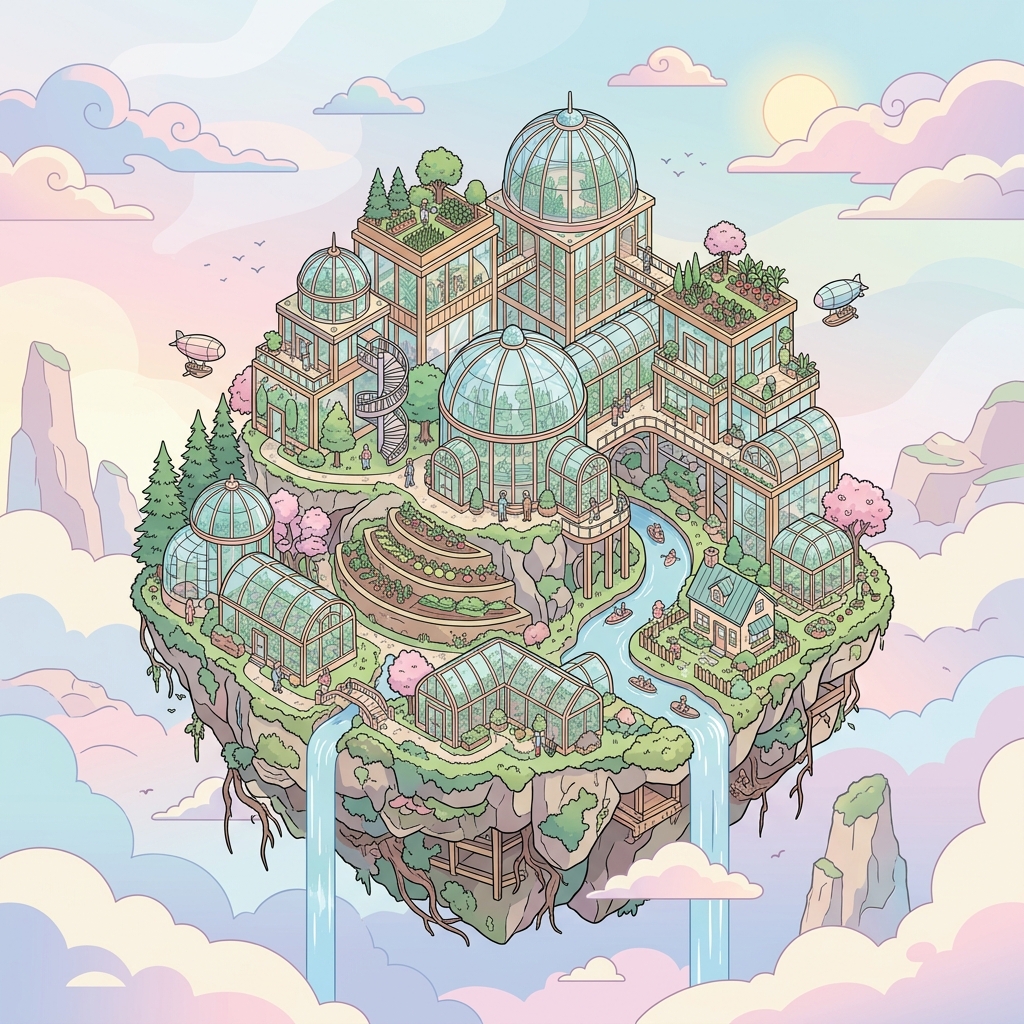
Made with Nano Banana 2
Every frame is a real run — scroll the rail.

About Nano Banana 2
Nano Banana 2 is the image model inside Google's Gemini 3.1 Flash, and the version people mean when they search for Nano Banana today: fast, good at text, and able to edit a picture with a sentence instead of a mask. On NinjaChat it is included in every plan, in the same Studio as Imagen 4, FLUX and Seedream.
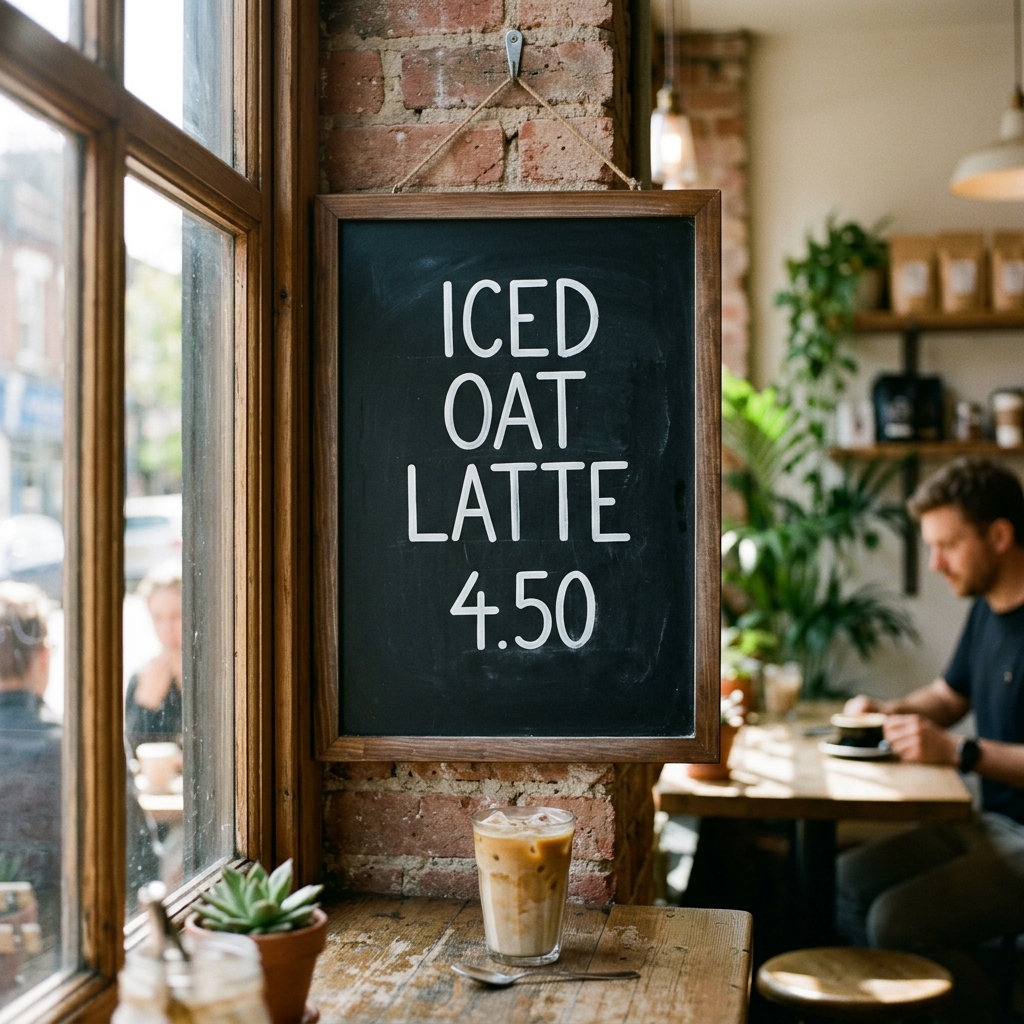
Two things set it apart. It spells. Menus, posters, packaging, a chalkboard sign: text comes out readable and placed where you asked, which most image models still get wrong. And it edits in place. Give it an image and say what to change, and it keeps the subject, the lighting and the composition while changing the one thing you named. Output goes up to 4K when you need print or a hero image.
Nano Banana Pro is the bigger sibling: more detail, better layouts, better at complex scenes, slower and pricier per image. The everyday split is simple: 2 for volume, iteration and anything with text; Pro for the one image that has to be perfect. Both run in the Studio, so you can draft on 2 and finish on Pro without leaving the page.
The images on this page came out of the Studio with the prompt shown under each one. Copy a prompt to start from something that already worked.
How to use Nano Banana 2
From zero to your first result in under a minute.
01
Create a NinjaChat account and choose a plan
02
Open the Studio and pick Nano Banana 2
03
Describe the image, or upload one and describe the change
04
Pick a size; go up to 4K for print
05
Switch to Nano Banana Pro for the final version
Tips for better results
- Put the exact text in quotes and say where it goes
- For edits, name only what should change
- Say the lens and the light; it listens
- Draft on 2, finish on Pro
Nano Banana 2 vs the alternatives
Where it wins, and where it doesn't.
vs Nano Banana Pro
ViewFaster and cheaper per image
Pro has more detail and handles complex scenes better
vs Imagen 4
ViewBetter text rendering and prompt-based editing
Imagen 4 is Google's photorealism specialist
vs FLUX.2 Flex
Sharper text and true in-place edits
FLUX.2 Flex takes up to ten reference images
Questions, answered.
Nano Banana 2, and 50 more.
One subscription covers every model on NinjaChat, Nano Banana 2 included.