
Cursor can't generate images — there's no image model behind the agent, and there isn't going to be one, because that's not what Cursor is. But Cursor speaks MCP, which means the agent can call an image model the same way it calls your terminal. Connect one server and "make me a hero image for this landing page" becomes something the agent handles like code: generate, save into the repo, wire up, move on.
This is the complete version of that setup — including the parts most tutorials skip: which model to use for what, the exact prompts with their real costs, and what to do when the agent stubbornly refuses to call the tool.
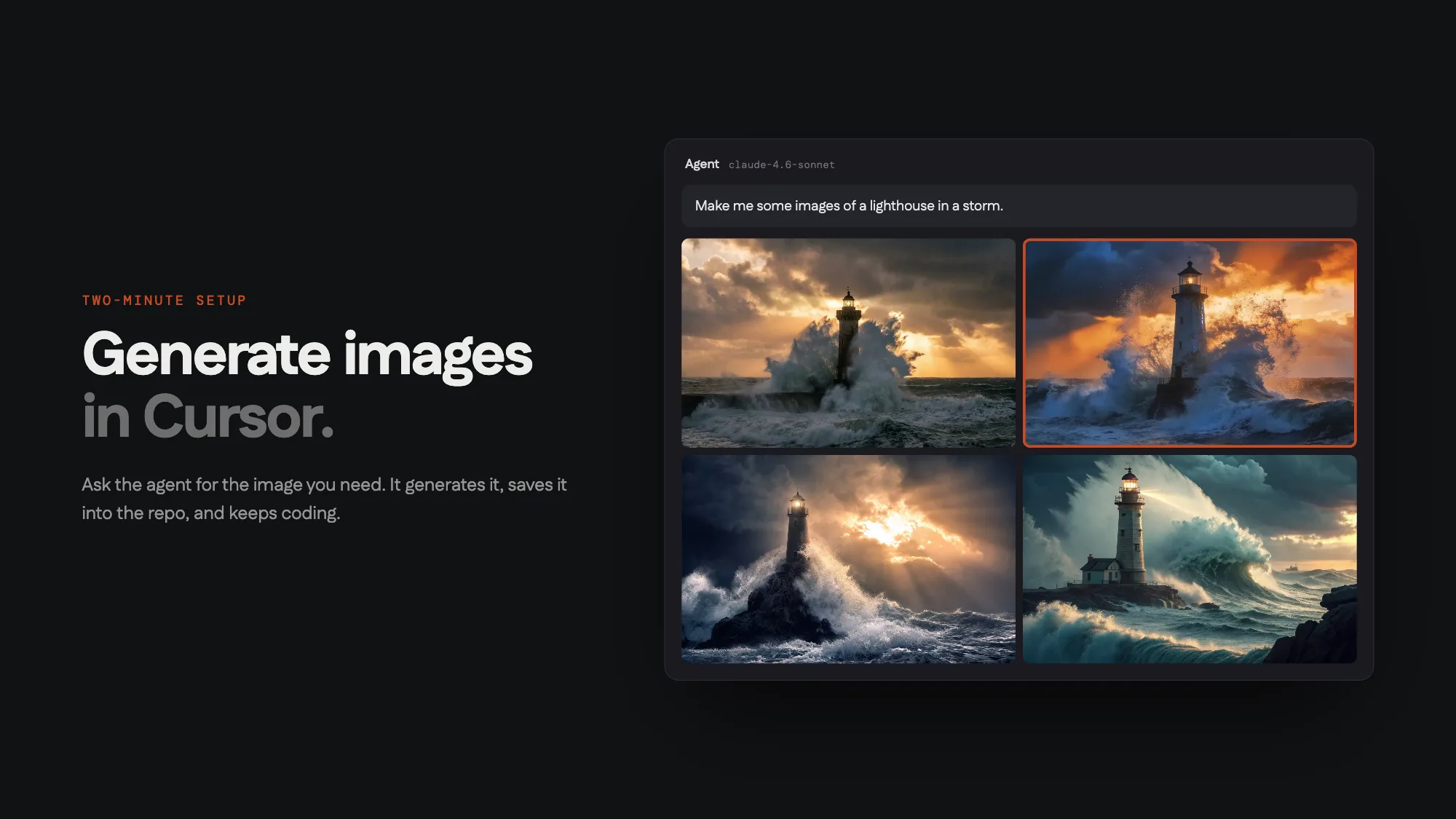
What you're connecting, and what it costs
NinjaChat's MCP server is one hosted URL — nothing runs on your machine — that exposes image and video generation as tools: generate, edit, compare models, animate, plus search over everything you've made before. (Yes, it's ours; every number below is reproducible in your own editor.)
Nine image models sit behind it. This table is most of the model-picking knowledge you need:
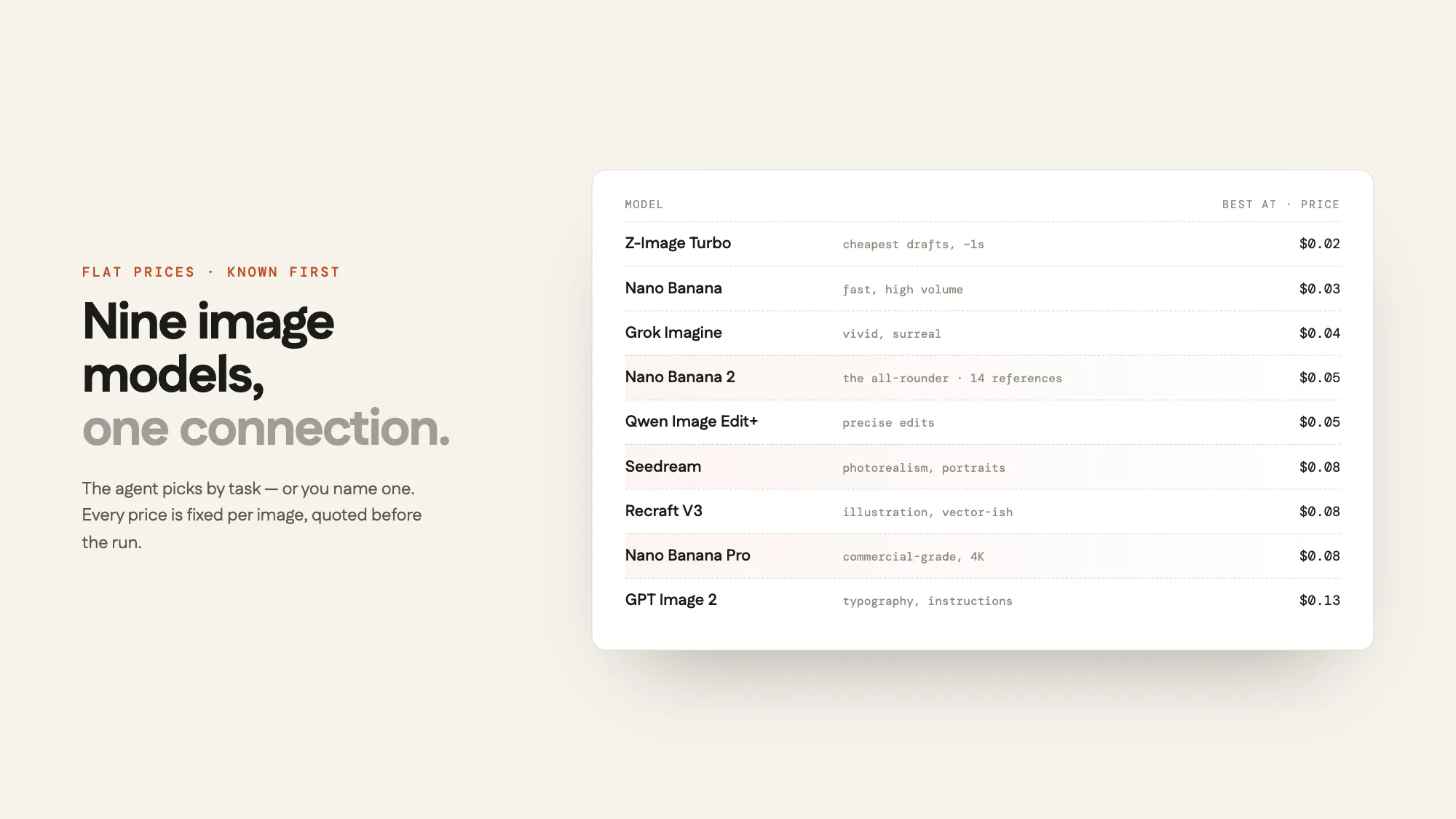
| Model | Use it for | Price |
|---|---|---|
| Z-Image Turbo | drafts, iteration speed (~1s) | $0.02 |
| Nano Banana | volume work, quick concepts | $0.03 |
| Grok Imagine | vivid, surreal directions | $0.04 |
| Nano Banana 2 | the default all-rounder, up to 14 reference images | $0.05 |
| Qwen Image Edit+ | precise edits to an existing image | $0.05 |
| Seedream | photorealism, people, products | $0.08 |
| Recraft V3 | illustration, flat/vector-ish styles | $0.08 |
| Nano Banana Pro | commercial-grade, 4K, in-image text | $0.08 |
| GPT Image 2 | typography-heavy images, strict instructions | $0.13 |
You almost never pick manually — the agent routes by task — but knowing the ceiling is $0.13 per image changes how freely you iterate. Video (Veo 3.1, Kling, Seedance 2) runs $3.00–$5.00 per clip.
Setup, both routes
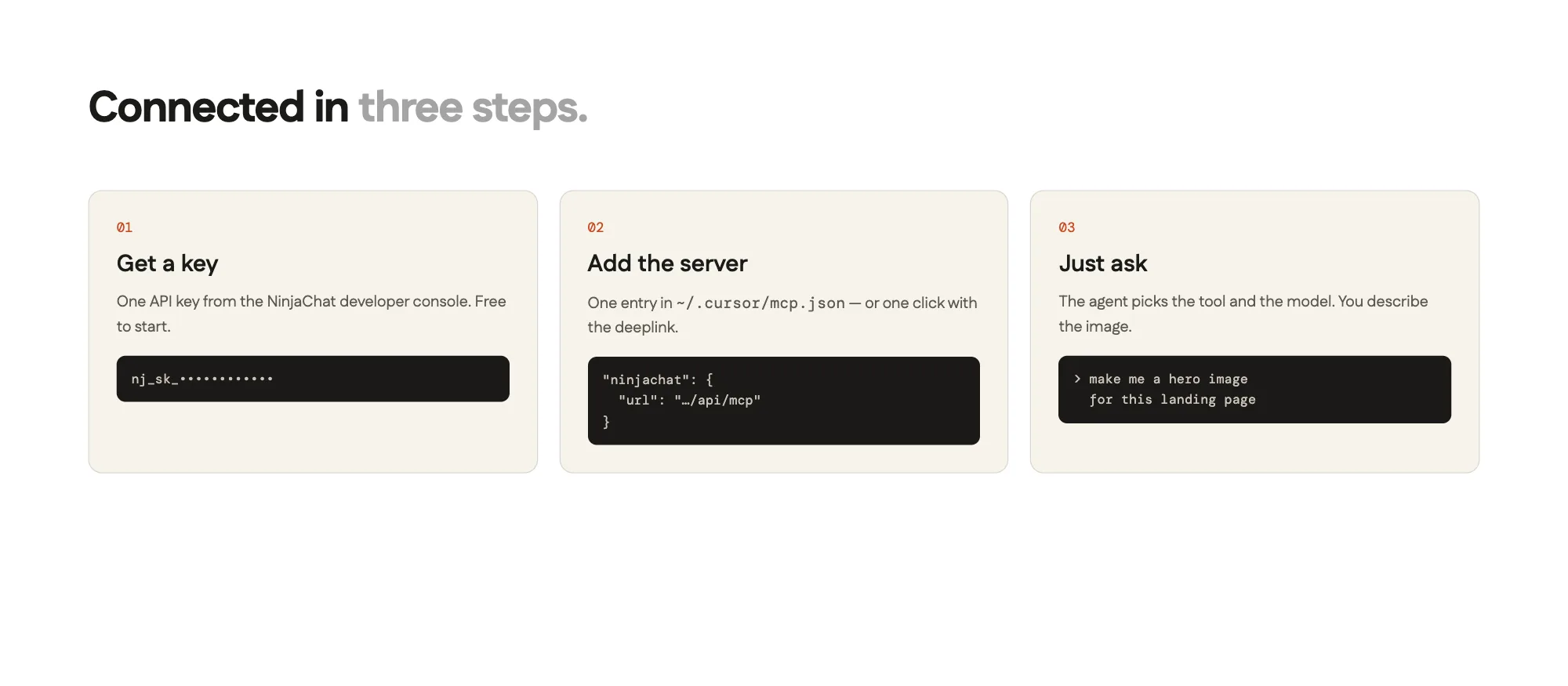
Route A — one click. The Cursor setup page has an "Add to Cursor" deeplink that installs the server config for you. Get a key from the developer console first (it looks like nj_sk_…; a phone-verified account gets a $0.50 starter balance).
Route B — by hand. One entry in ~/.cursor/mcp.json (global, every project) or .cursor/mcp.json in the repo (project-only — don't commit the key):
{
  "mcpServers": {
    "ninjachat": {
      "url": "https://www.ninjachat.ai/api/mcp",
      "headers": {
        "Authorization": "Bearer nj_sk_YOUR_KEY"
      }
    }
  }
}
Restart Cursor. In Settings → MCP you should see ninjachat with a green dot and its tool list. That's the whole install.
The prompts that earn the setup
The lighthouse makes a nice demo — "make me some images of a lighthouse in a storm", four versions, "I like the second one — make it a video", done, $3.37 all-in. But the reason to connect this is the four walls every real project hits:
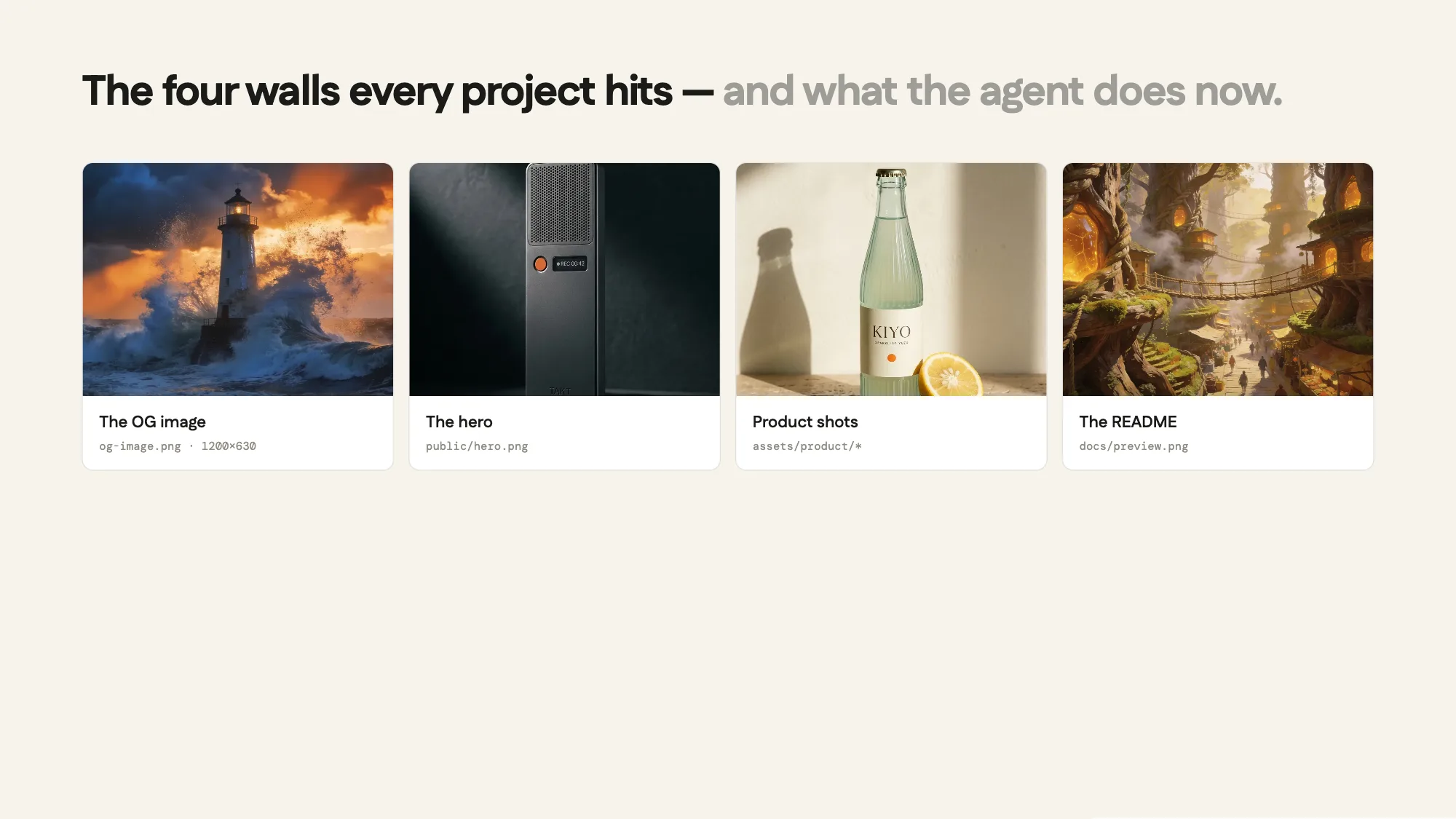
Real asks, with what they cost:
| The wall | Say this in the agent panel | Cost |
|---|---|---|
| OG image | "Generate a 1200×630 og-image for this site — read the landing copy for tone — save to /public and add the meta tags." | ~$0.08 |
| Hero | "The hero needs an image: dark, premium, matches the brand. Generate it, drop it in /public, wire it into the component." | ~$0.08 |
| Product / empty states | "Give me three concepts for the empty-state illustration, flat style. I'll pick one." | ~$0.12–0.24 |
| README | "Generate a preview image for the README and add it at the top." | ~$0.05 |
Two things worth noticing. The agent reads your repo before generating — the OG image ask produces something that matches your actual landing copy because it looked. And the file lands in the project with a real name; there's no download-from-a-website step, which is the entire difference between a tool and a workflow.
Aspect ratios, since they're the difference between "generated an image" and "generated the right file": OG images are 1200×630 (1.91:1), heroes usually 16:9 or 21:9, social square 1:1, Reels/Shorts 9:16. Say the use, and the server's guidance picks the ratio — "for the og image" is enough.
The parts that feel like cheating
Compare before committing. "Run this prompt on three models and show me all of them — keep it under $0.25." The compare_models tool runs them in parallel under that explicit cap and returns each with its actual cost. Model choice by evidence, not vibes.
Edit with a sentence. "Same image, but make the background dusk." Qwen Image Edit+ changes what you named and leaves the rest alone — $0.05, same frame.
Continuity. Everything you generate is remembered server-side. "Use the hero image from Tuesday but crop it vertical for Stories" works — search_creations finds it, no regeneration, no local file archaeology. This is also how you keep one product looking identical across many images: generate a master shot once, then reference it.
Video, when a still isn't enough. "Animate the hero — subtle, loopable." Veo 3.1 Fast turns the exact frame into motion for $3.00. Use it deliberately; it's the one line item that isn't cents.
Troubleshooting, honestly
The server shows no green dot. JSON error in mcp.json (trailing comma, usually) or the key isn't in the Authorization: Bearer … header form. Fix, restart Cursor fully.
The agent answers "I can't generate images." It didn't look at its tools. Say "use the ninjachat tools to generate it" once; after the first successful call it stops forgetting.
Every generation errors with a balance message. You're past the starter balance — add funds or raise the spending limit in the developer console. Failed runs auto-refund, so errors never bill.
Images land in the wrong place. Be explicit once — "save to public/images/" — and the agent keeps the convention for the session.
FAQ
Can Cursor generate images natively in 2026? No. Cursor has no image model; image generation in Cursor is always a connected tool, which is exactly what MCP exists for.
Is this free? The connection is; generation is pay-per-image, and a phone-verified account gets a $0.50 starter balance to test. No subscription — $0.02–$0.13 per image, video from $3.00.
Can the agent overspend? No. You set a monthly limit that hard-stops the account, every job can be priced before it runs, and failures refund automatically.
Does this work in other editors and agents? The same URL connects to Claude, Claude Code, ChatGPT, Codex, and VS Code — setup for each is on the MCP overview. Comparing to Replicate-style MCP zoos? Start with the Replicate MCP alternative. Your generation history carries across all of them.
Deciding what else deserves a slot in your config? Start with the 8 MCP servers actually worth giving Cursor. Want the ceiling on this workflow? Claude Code built an entire product site — visuals included, $0.48. Or just do the two-minute version: connect NinjaChat to Cursor → · Claude →