Cursor · That ships the page.
Real assets, from Cursor's agent.
Stop shipping gray placeholder boxes. One mcp.json entry lets Cursor's agent generate hero images, icons, and product video while it builds the page that uses them.
API key auth — you'll paste one nj_sk_ key, once.
Watch it work
Connect Cursor. Once.
Key creation is free. You’ll need developer credit to activate it.
Create and verify your key first to enable installation.
What happens after I get my key?
We’ll show you how to add NinjaChat to Cursor, with your key already filled in. Then you can send your first prompt.
Check your connection Free
Enable NinjaChat in a new chat, then send this check.
View check prompt
Use NinjaChat to check my account balance and spending headroom, then list the available image models. Do not generate anything or add credits. If NinjaChat is unavailable, tell me which setup step is missing.





Step 2 · First ask in Cursor
Paste this.
Review the quote.
Check the connection above, then paste your request. Approve the quoted cost before generating.
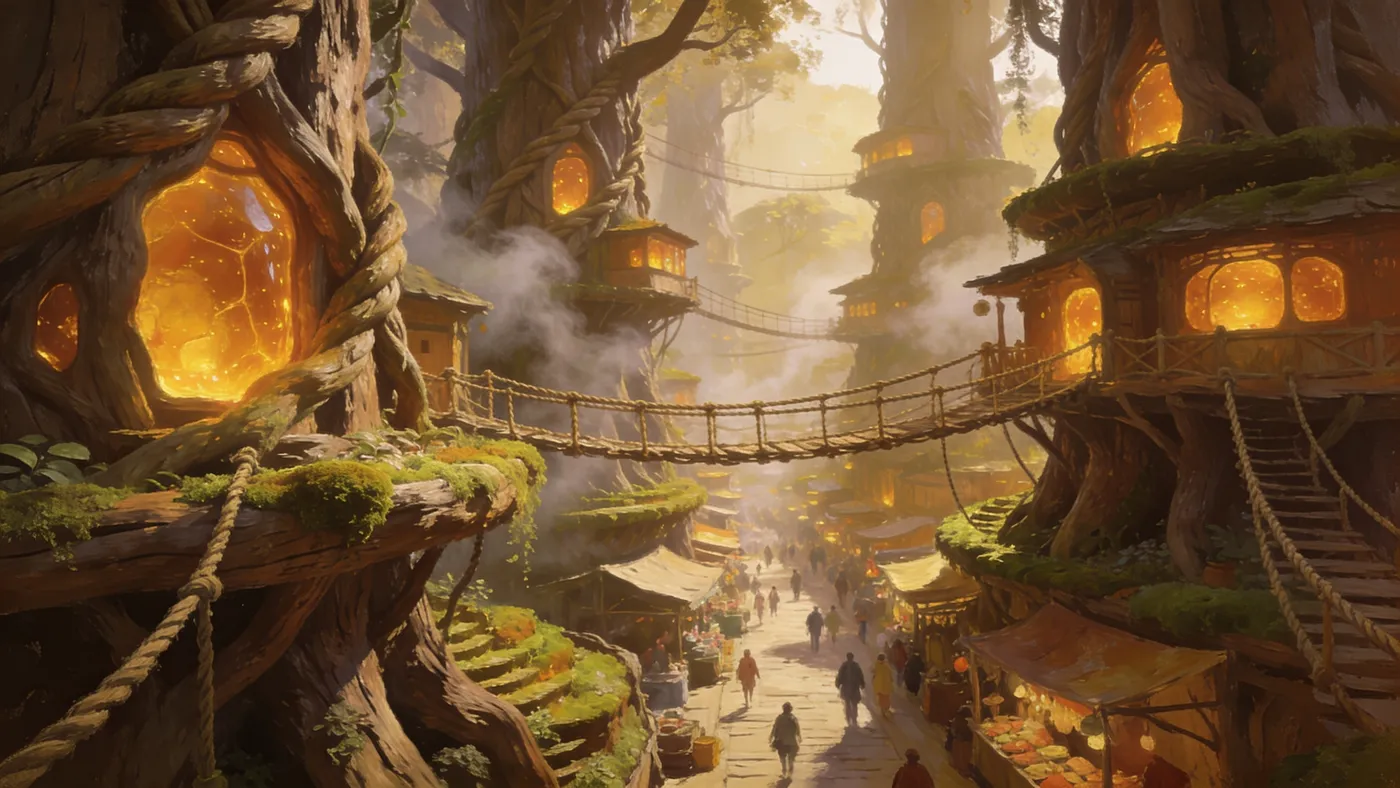 Example style · your result will vary
Say this in Cursor
Use NinjaChat for this task: Make one 16:9 image of a city grown from living wood, with amber-lit markets at dusk. After approval, save it under public/ninjachat-hero with the correct file extension and verify the file. First check my balance and use estimate_cost to quote the model, quantity, dimensions or duration, and total price. Ask for any missing reference files. Do not generate, publish, or add credits until I approve the quote. For video, retain the job ID and poll get_generation_status until complete; resume that job instead of starting another. Return the finished media and download links.
Step 3 · What Cursor ships
LOAM in the repo. Not in a chat.
Generate the hero, keep the strongest graft, write it into public/ — then open the page.
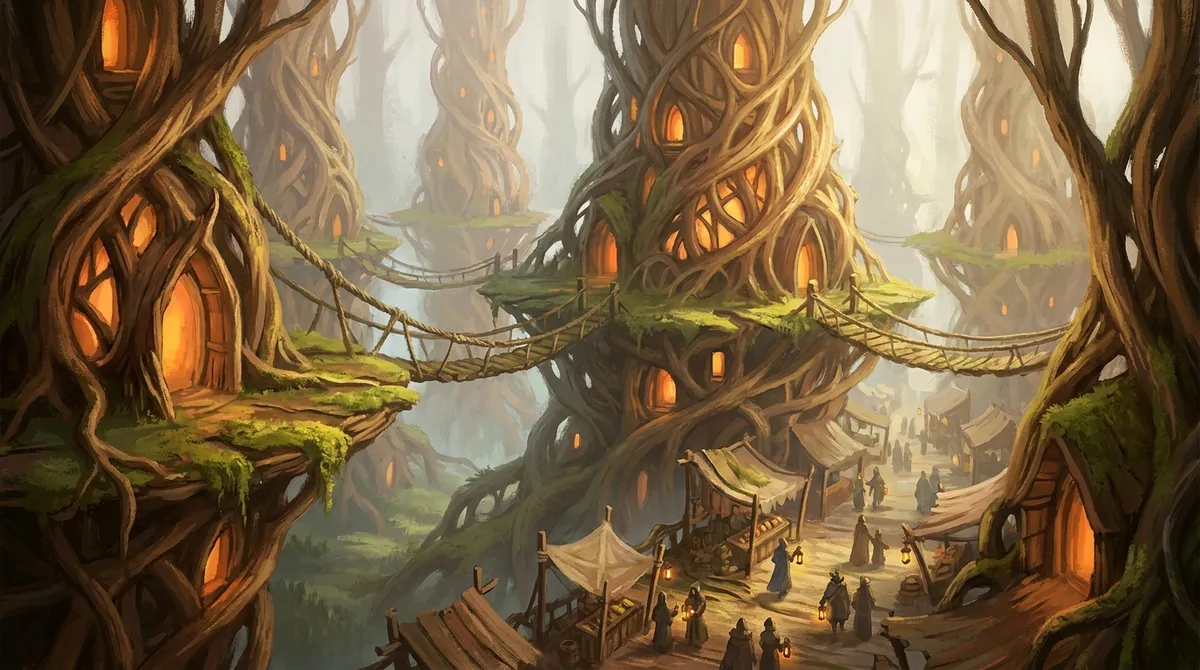

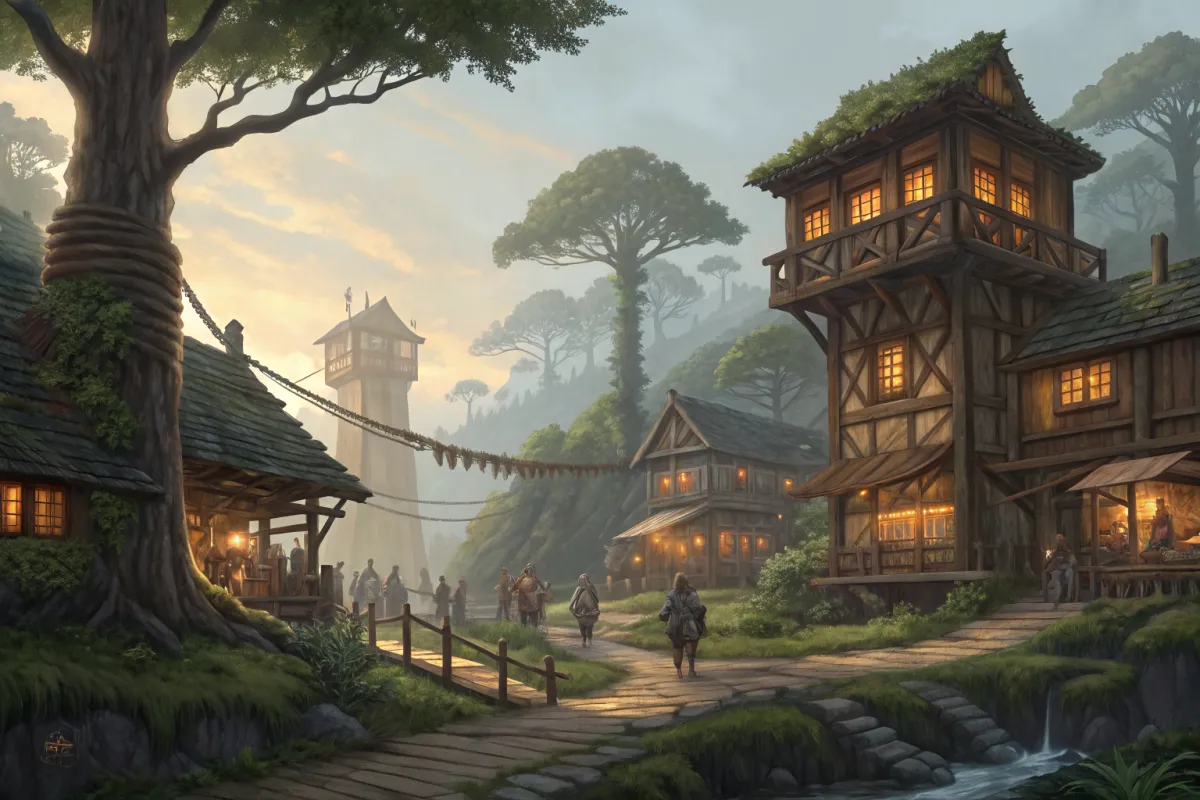
Four grafts. The agent picks a keeper and ships the page.
Every model Cursor can call.
Image and video engines behind one URL — Cursor asks, NinjaChat runs them. New models appear here; your connection never changes.
 Google Veo 3.1Veo 3.1
 Seedance 2.0Seedance
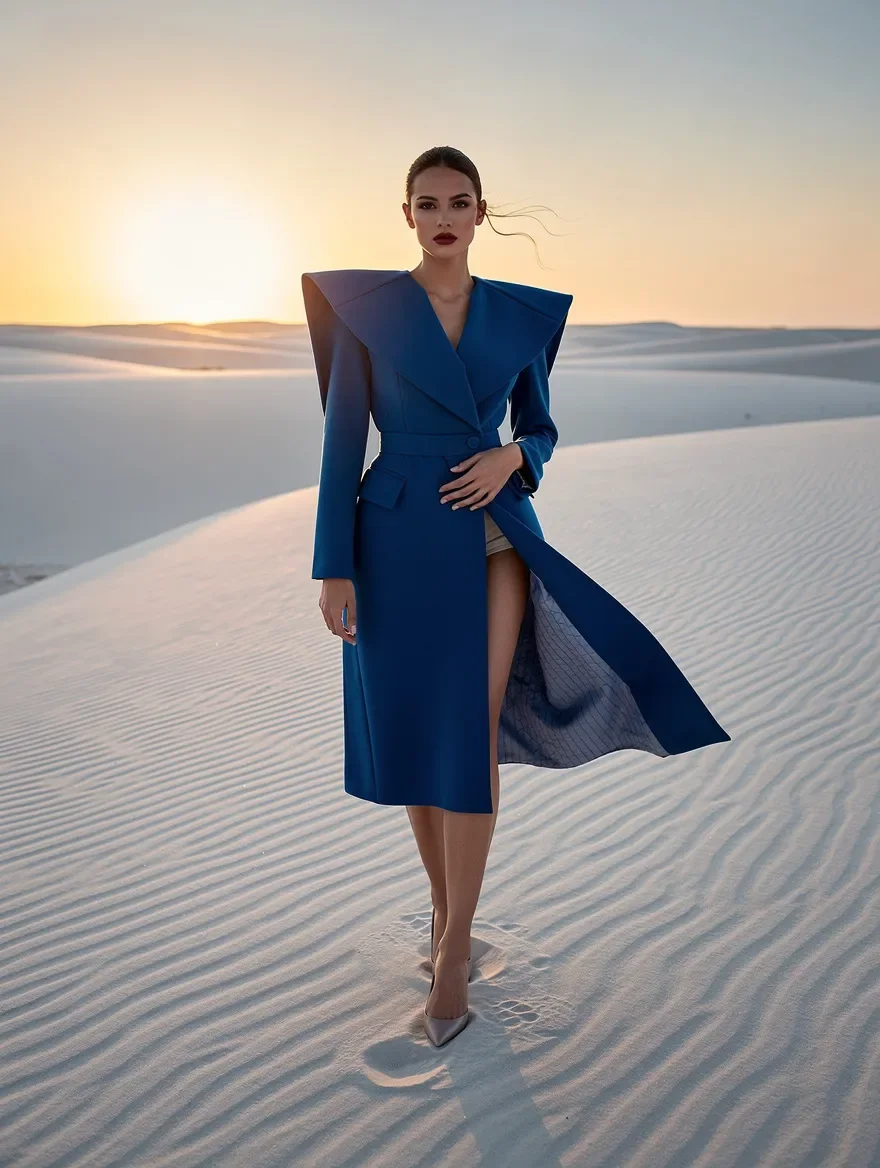
 FLUX.2 ProFLUX.2 Pro
 Kling 2.6 ProKlingGoogle Veo 3.1 FastVeo Fast
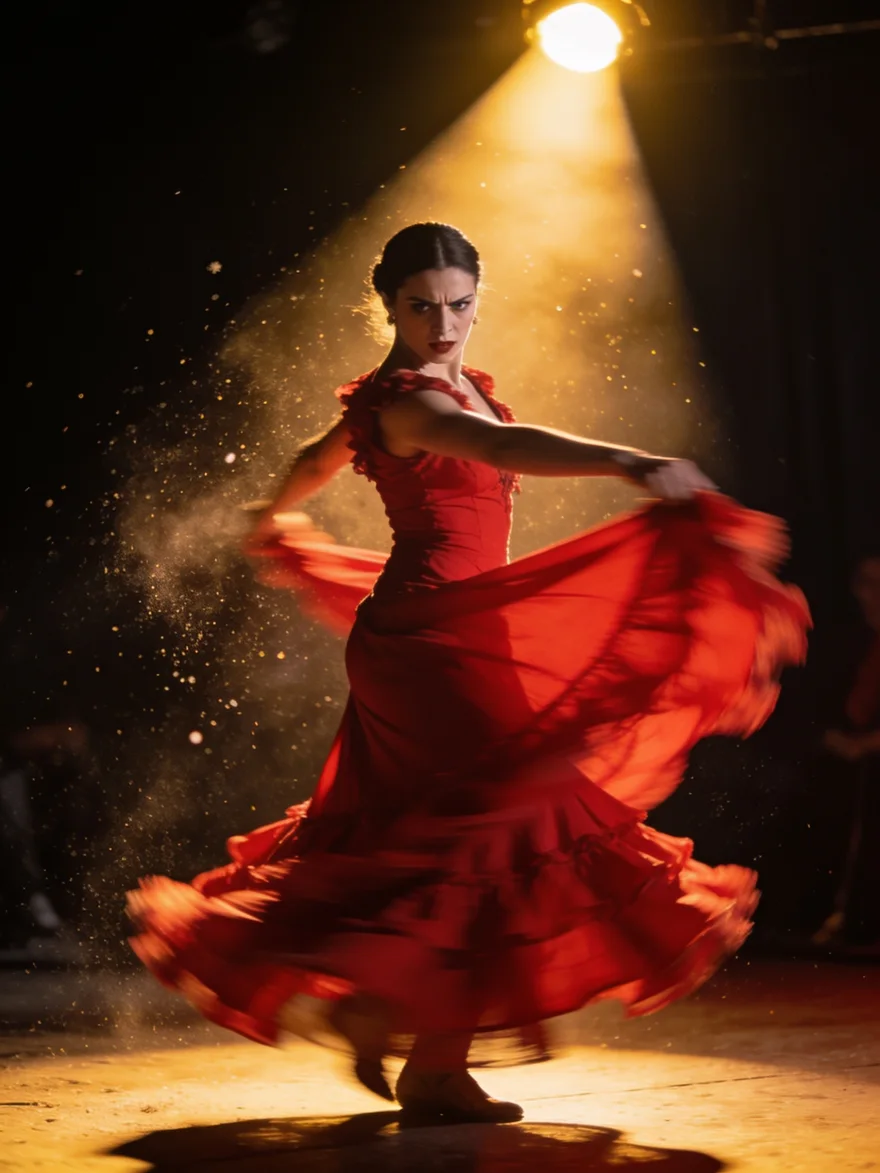 Seedream 4.5Seedream
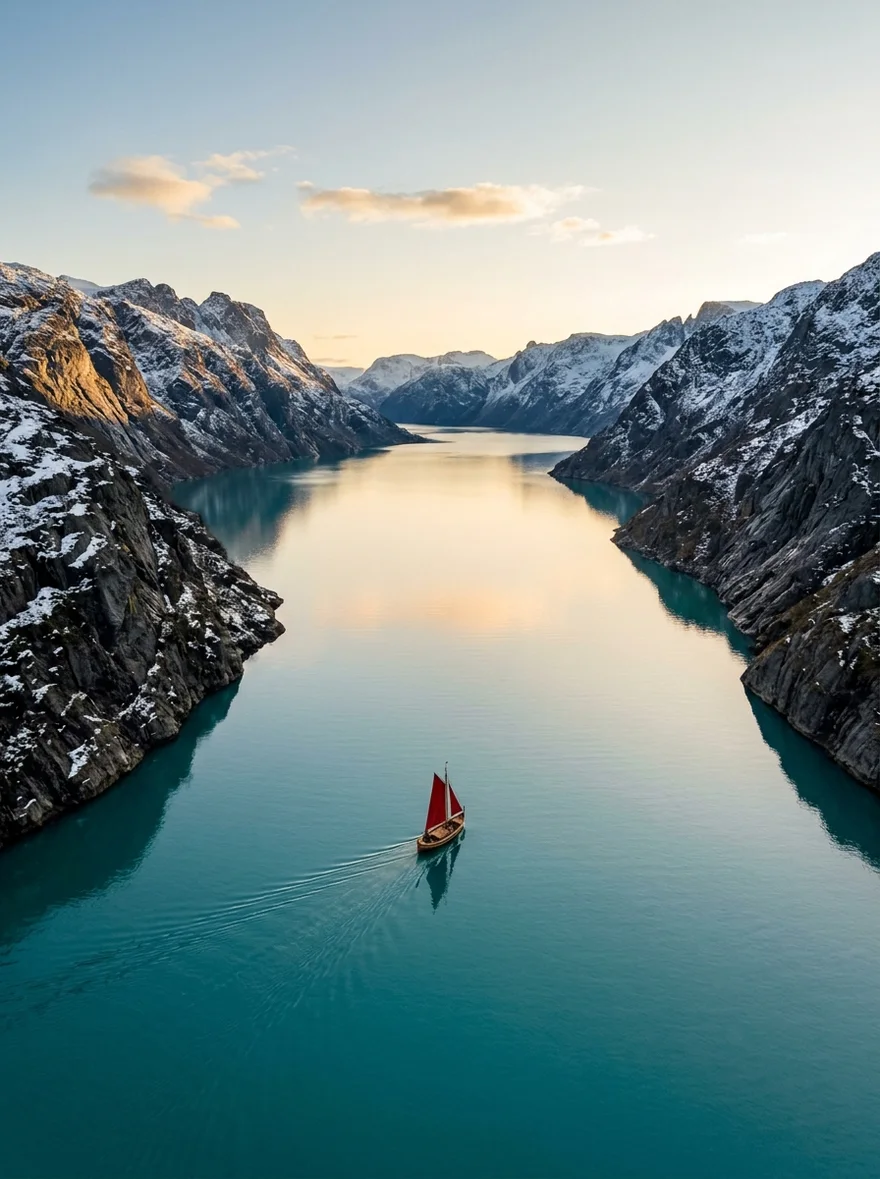
 Google Nano Banana 2Nano Banana 2Seedance LiteSeedance Lite
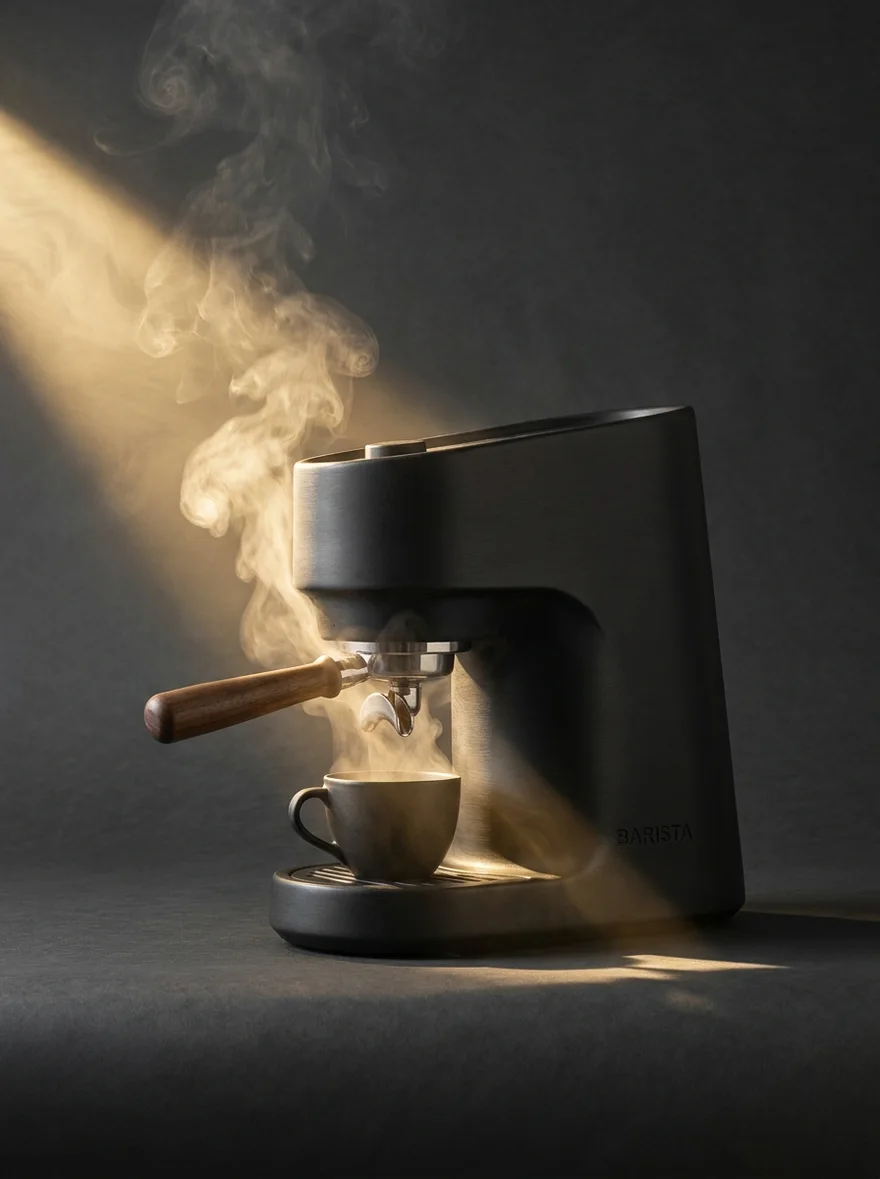 Google Nano Banana ProNB Pro
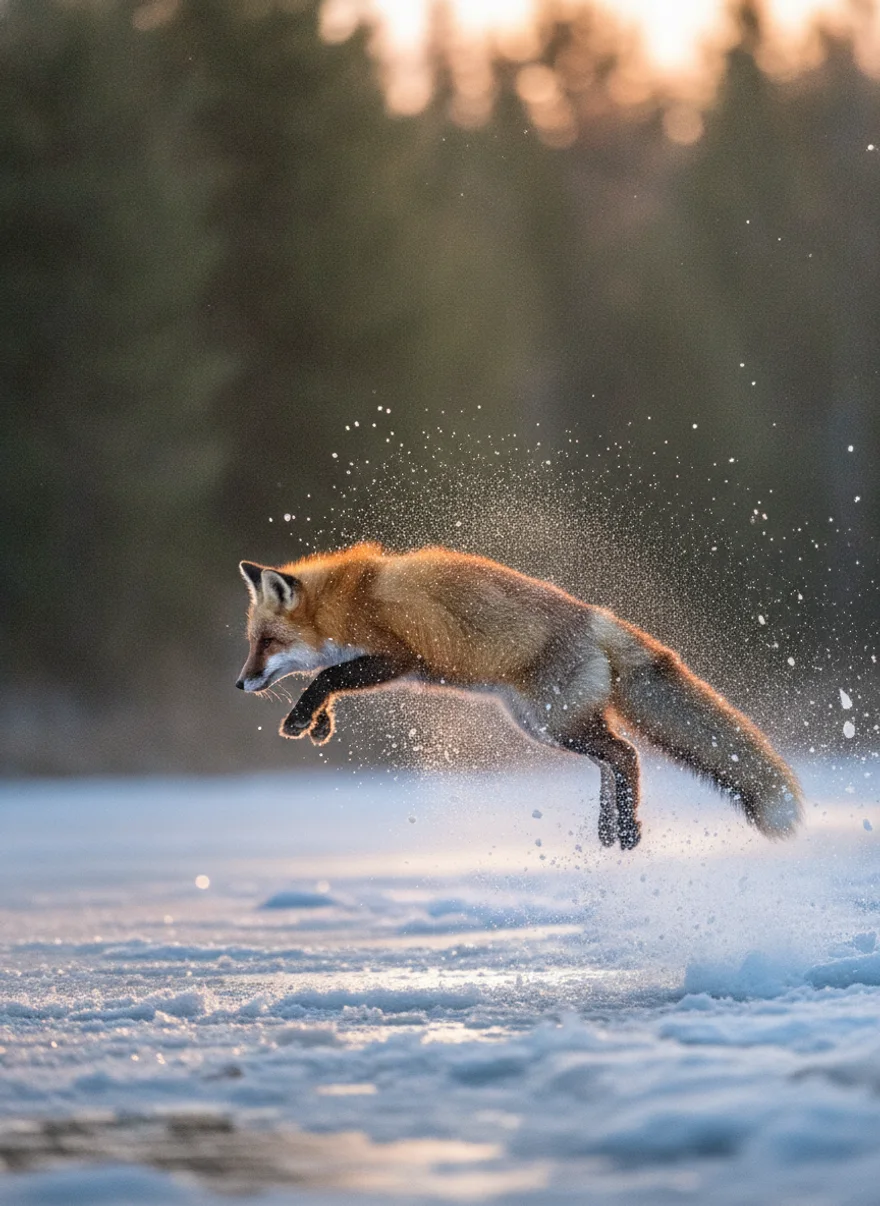 Google Nano BananaNano Banana
 Z-Image TurboZ-Image

 GPT Image 2GPT Image
What Cursor can call.
Make
generate_imageCreate images and download the full-resolution results.edit_imageChange a background, color, or detail with a prompt.
Library
search_creationsSearch your images, videos and voiceovers.upload_assetUpload an image to edit or use as a reference.
Money
estimate_costCheck the price before generating.
Also on the server
create_media·generate_speech·generate_video·image_to_video·edit_video·extend_video·get_generation_status·get_creation·save_creation_as·list_creative_entities·compare_models·search_models·prepare_scrub_video·publish_page·get_account_balance·add_credits
When it doesn't connect.
Check the JSON: the key must be "url" (not "command") for a remote server, and the Authorization header must include the Bearer prefix. Then hit the reload icon next to the server.
The nj_sk_ key is wrong, revoked, or pasted with whitespace. Create a fresh key at ninjachat.ai → Developers → Keys and replace the whole Bearer string.
The tools return hosted URLs; the agent must download them into the workspace. Ask explicitly: “download the result into public/hero.png” — Cursor then uses its own shell/file tools for the write.
Project-level .cursor/mcp.json overrides the global file. Confirm which one Cursor loaded in Settings → MCP, and reload the window after edits.
Questions, answered.
More ways to use the server.
LOAM · Living-wood city
Cursor can create now.
Every frame of LOAM was generated through NinjaChat — then Cursor shipped it.
Every frame of LOAM was generated through the NinjaChat MCP server.