
Claude · That races models.
Every creative model, inside Claude.
Add the NinjaChat MCP server to claude.ai as a custom connector and Claude can generate images from $0.003, edit them, and make Veo or Kling videos — with OAuth, no API key to manage.
OAuth — sign in when prompted, no API key to paste.
Watch it work
Connect Claude. Once.
Add NinjaChat.
Paste this URL, sign in and approve the connection.
Need help connecting?
Use a desktop browser with an account or workspace that allows custom MCP connections. If a setting is missing, check your plan or ask your workspace admin.
- Open connector settings. In claude.ai, go to Settings → Connectors and choose “Add custom connector”. Your account and workspace must allow custom connectors.
- Paste the NinjaChat endpoint. Name it NinjaChat and paste the server URL — nothing else to configure.
- Sign in when prompted. Sign in to NinjaChat and approve the connection. No API key needed. Enable NinjaChat in each chat or project where you want to use it.
- Ask Claude to make something. Start a new chat and enable NinjaChat in the tools menu.
Check your connection Free
Enable NinjaChat in a new chat, then send this check.
View check prompt
Use NinjaChat to check my account balance and spending headroom, then list the available image models. Do not generate anything or add credits. If NinjaChat is unavailable, tell me which setup step is missing.





Step 2 · First ask in Claude
Paste this.
Review the quote.
Check the connection above, then paste your request. Approve the quoted cost before generating.
 Example style · your result will vary
Say this in Claude
Use NinjaChat for this task: Make one image of a lighthouse in a storm, with golden light through a wave. First check my balance and use estimate_cost to quote the model, quantity, dimensions or duration, and total price. Ask for any missing reference files. Do not generate, publish, or add credits until I approve the quote. For video, retain the job ID and poll get_generation_status until complete; resume that job instead of starting another. Return the finished media and download links.
Step 3 · What Claude races
Bakeoff → storm. Under budget.
Four lighthouse concepts. Keep the golden light. Animate eight seconds.
Four engines. One budget. Keep the light through the wave.
Every model Claude can ask for.
Image and video engines behind one URL — Claude asks, NinjaChat runs them. New models appear here; your connection never changes.
 Google Veo 3.1Veo 3.1
 Seedance 2.0Seedance

 FLUX.2 ProFLUX.2 Pro
 Kling 2.6 ProKlingGoogle Veo 3.1 FastVeo Fast
 Seedream 4.5Seedream
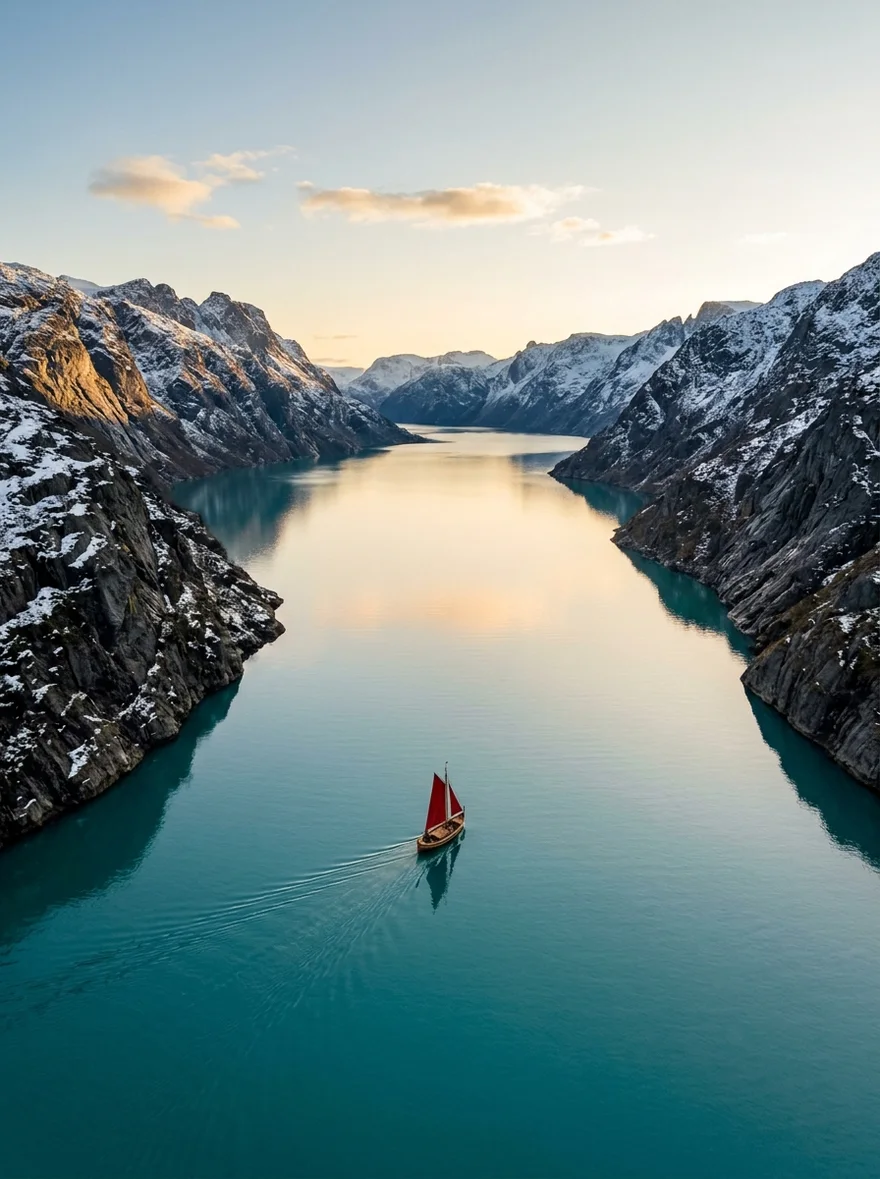
 Google Nano Banana 2Nano Banana 2Seedance LiteSeedance Lite
 Google Nano Banana ProNB Pro
 Google Nano BananaNano Banana
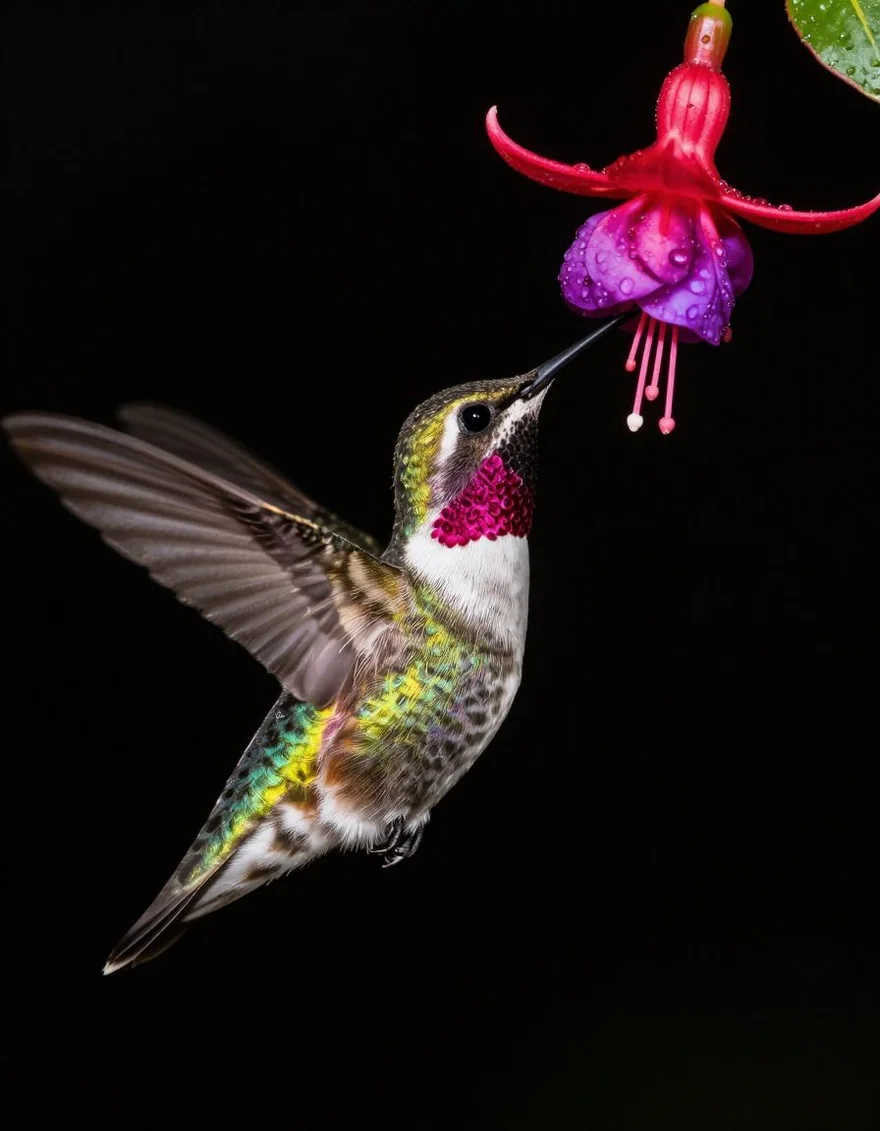
 Z-Image TurboZ-Image

 GPT Image 2GPT Image
What Claude can call.
Make
generate_imageCreate images and download the full-resolution results.edit_imageChange a background, color, or detail with a prompt.generate_videoTurn a description into a video.
Decide
compare_modelsTry one prompt across models with a spending limit.
Money
estimate_costCheck the price before generating.
Also on the server
create_media·generate_speech·image_to_video·edit_video·extend_video·get_generation_status·search_creations·get_creation·save_creation_as·list_creative_entities·search_models·upload_asset·prepare_scrub_video·publish_page·get_account_balance·add_credits
When it doesn't connect.
Custom connector availability depends on your Claude account and workspace policy. Look under Settings → Connectors. On mobile, add the connector from the web app first — it syncs to your account.
Third-party-cookie blockers can break the OAuth popup. Allow popups for claude.ai, or finish sign-in at ninjachat.ai in the same browser first, then reconnect.
Your monthly spending limit is exhausted. Raise it under Developers → Billing at ninjachat.ai, or wait for the cycle reset. Failed generations are auto-refunded, so retries don't double-charge.
Enable the NinjaChat connector for the current chat via the search-and-tools toggle in the composer. In Projects, the connector must also be enabled per-project.
Questions, answered.
More ways to use the server.
Storm · Bakeoff
Claude can create now.
Every frame of Storm was generated through NinjaChat — then Claude shipped it.
Every frame of Storm was generated through the NinjaChat MCP server.