AlternativeLOAM
The Replicate MCP alternative for agents.
Replicate's MCP exposes a zoo of thousands of models with per-second GPU pricing. NinjaChat's MCP is the opposite bet: 22 curated creative models, sticker prices known before a job runs, OAuth for web agents, and spending limits an autonomous agent can't blow through.

flux client + polling loop
openai images + retries
veo webhooks + storage
kling auth + queue
qwen upload plumbingninjachat.ai/api/mcp- 21 tools, every model behind them
- routing, budgets, refunds built in
- new models appear — same URL
Paste this. Watch it run.
First ask
Generate a cover image — don't make me pick from 40 SDXL forks, just use the best model under a dime.
Use case · one URL
A living city. No wiring.
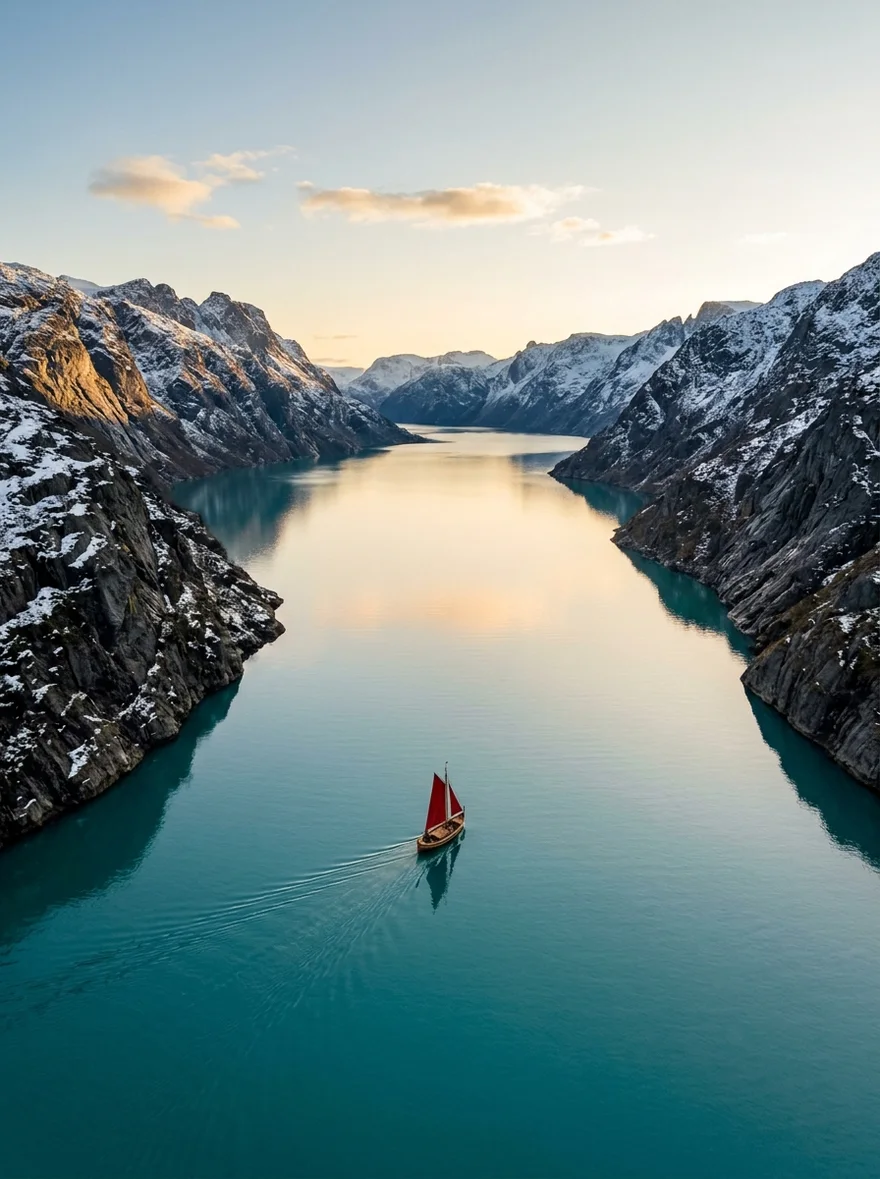
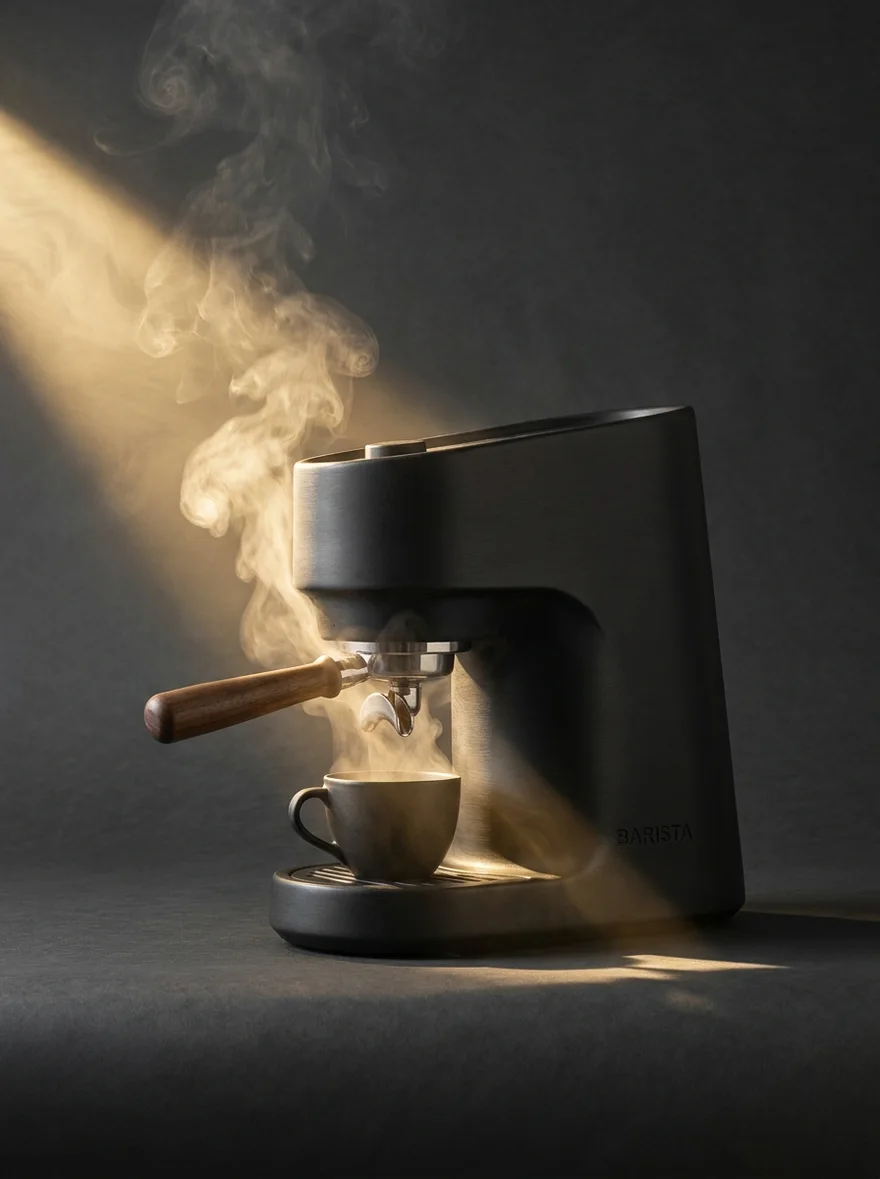
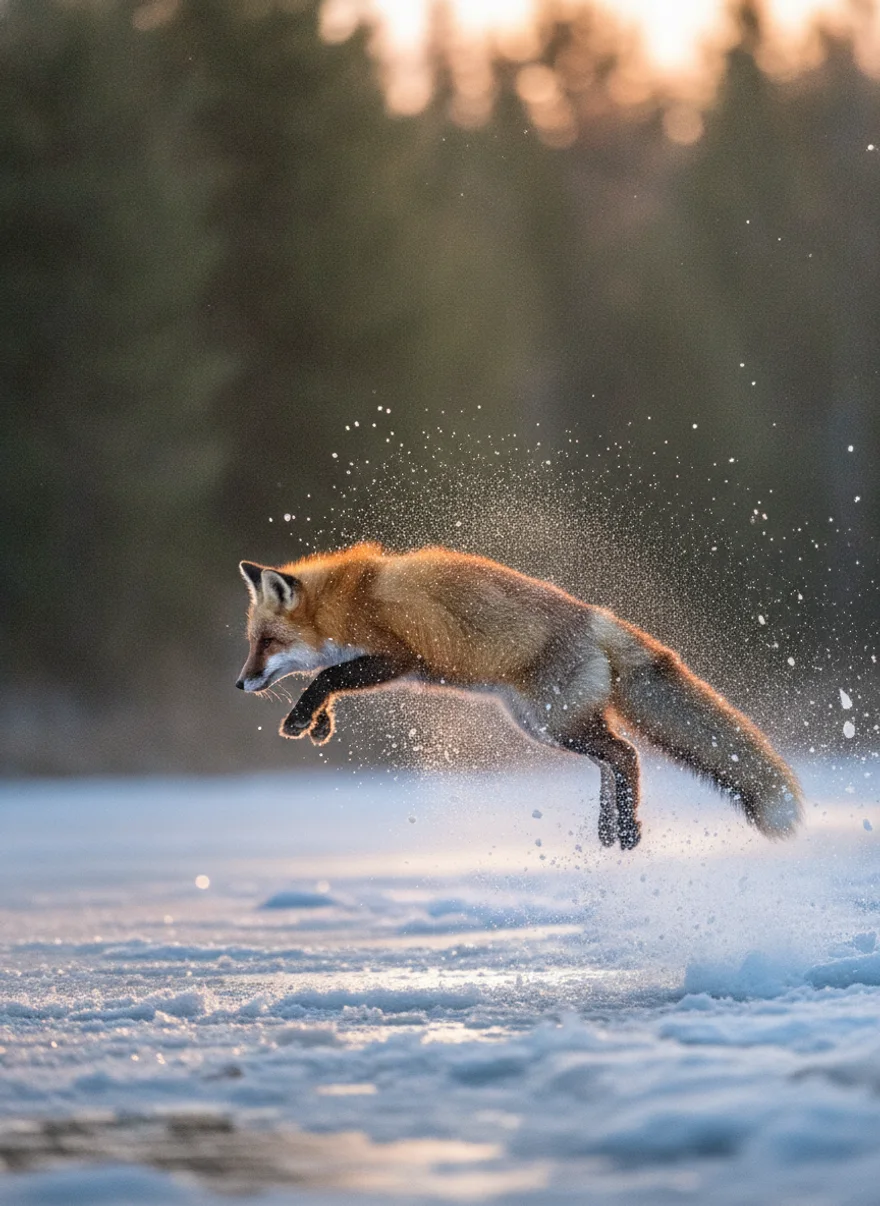
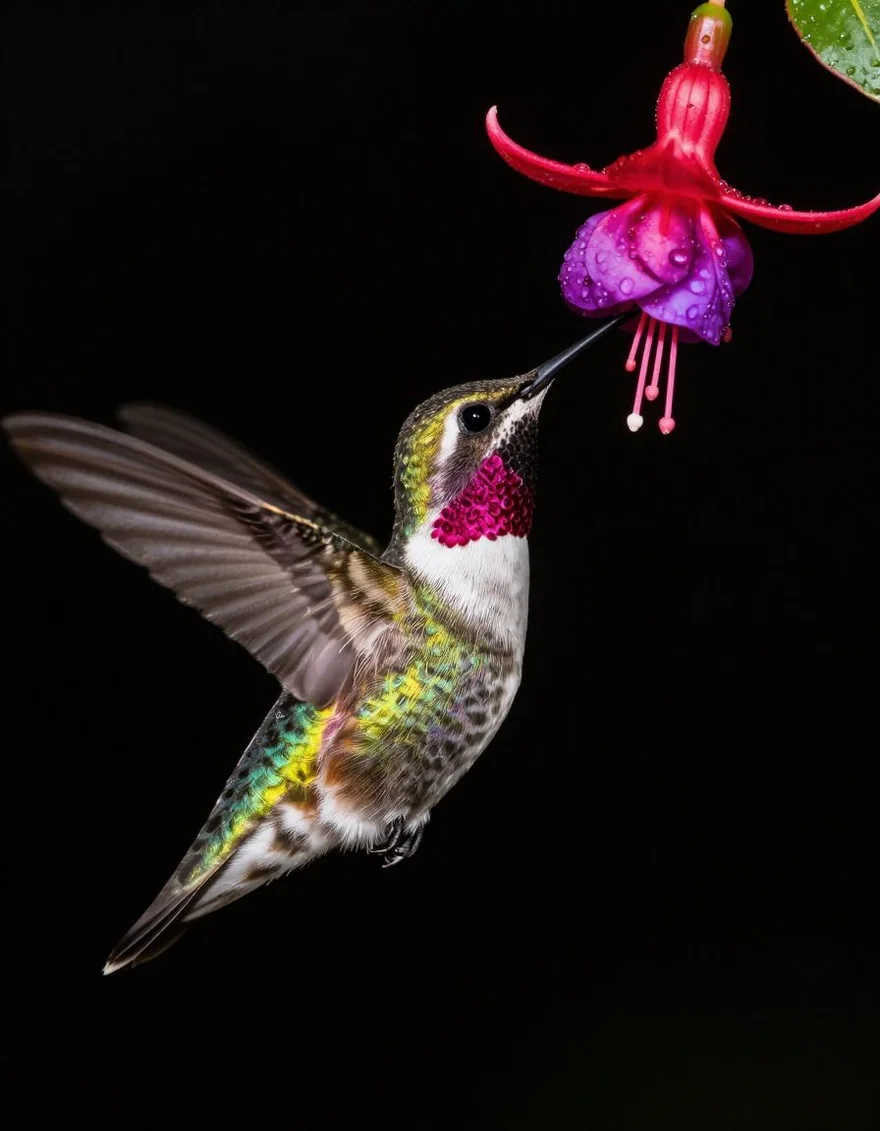
Four grafts, a courier, motion — the whole LOAM campaign from one MCP connection.
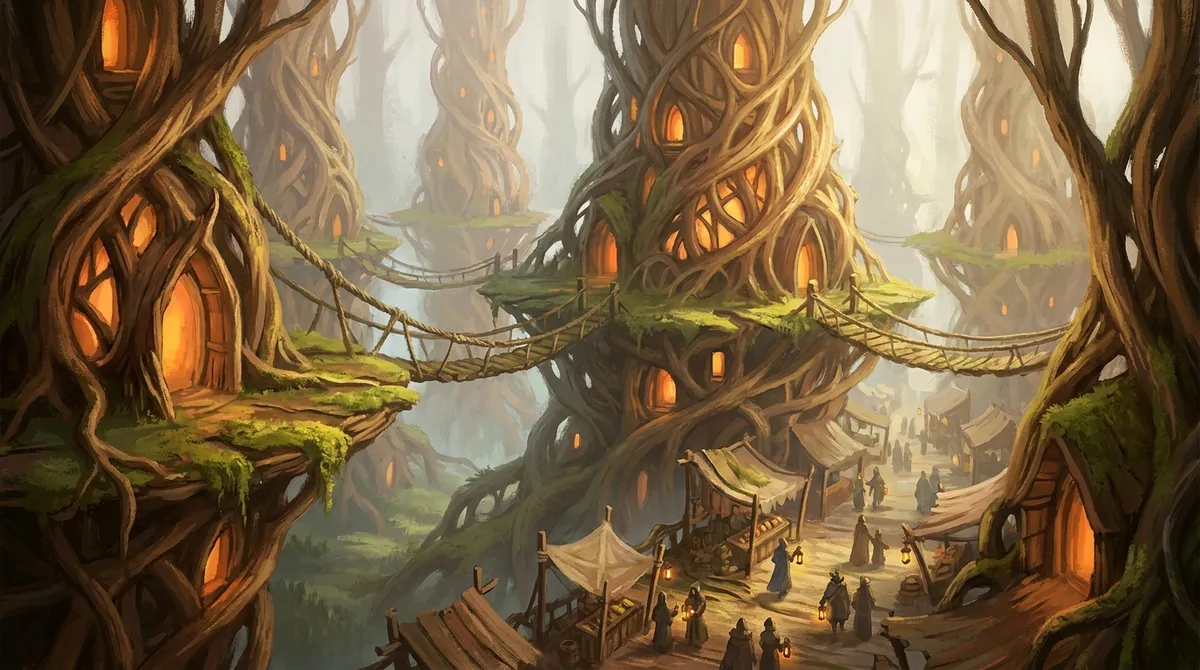
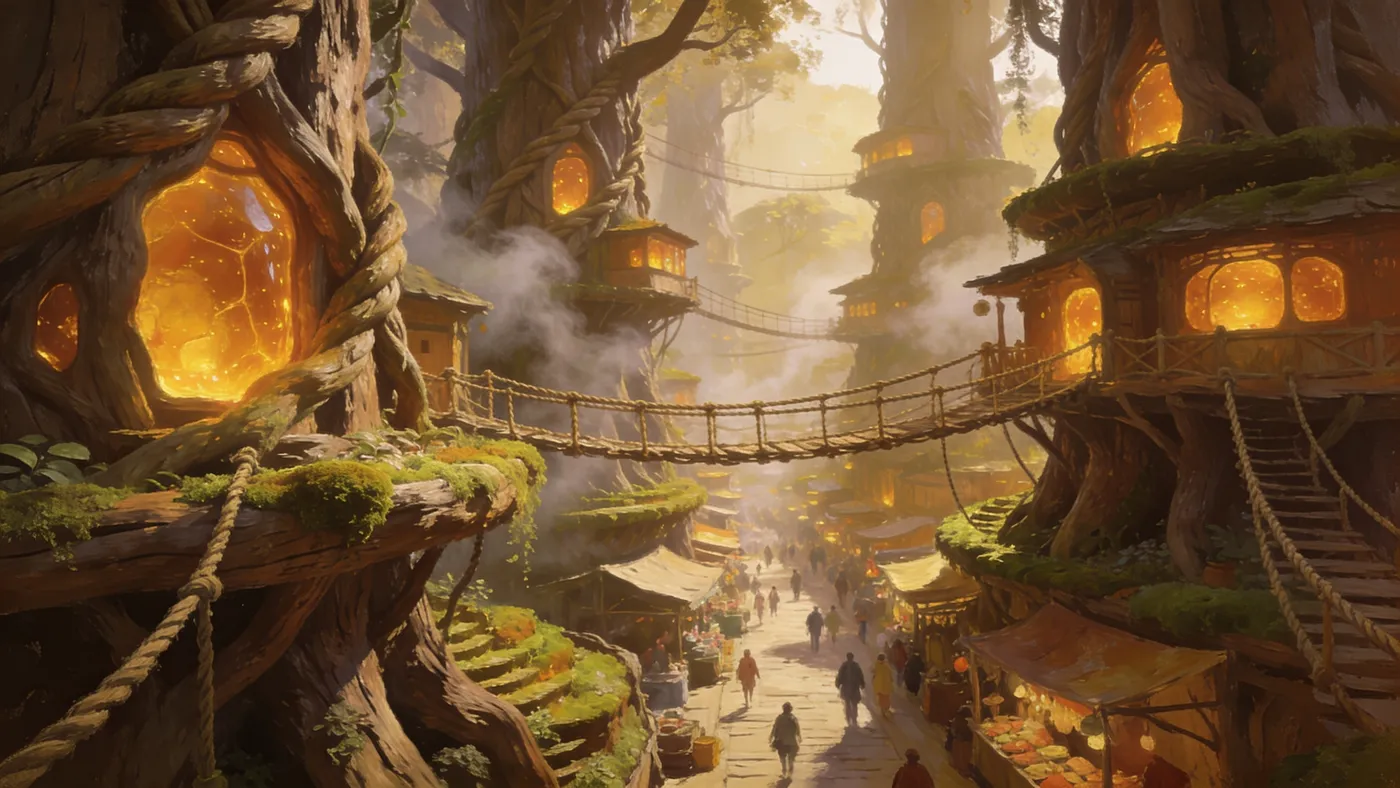

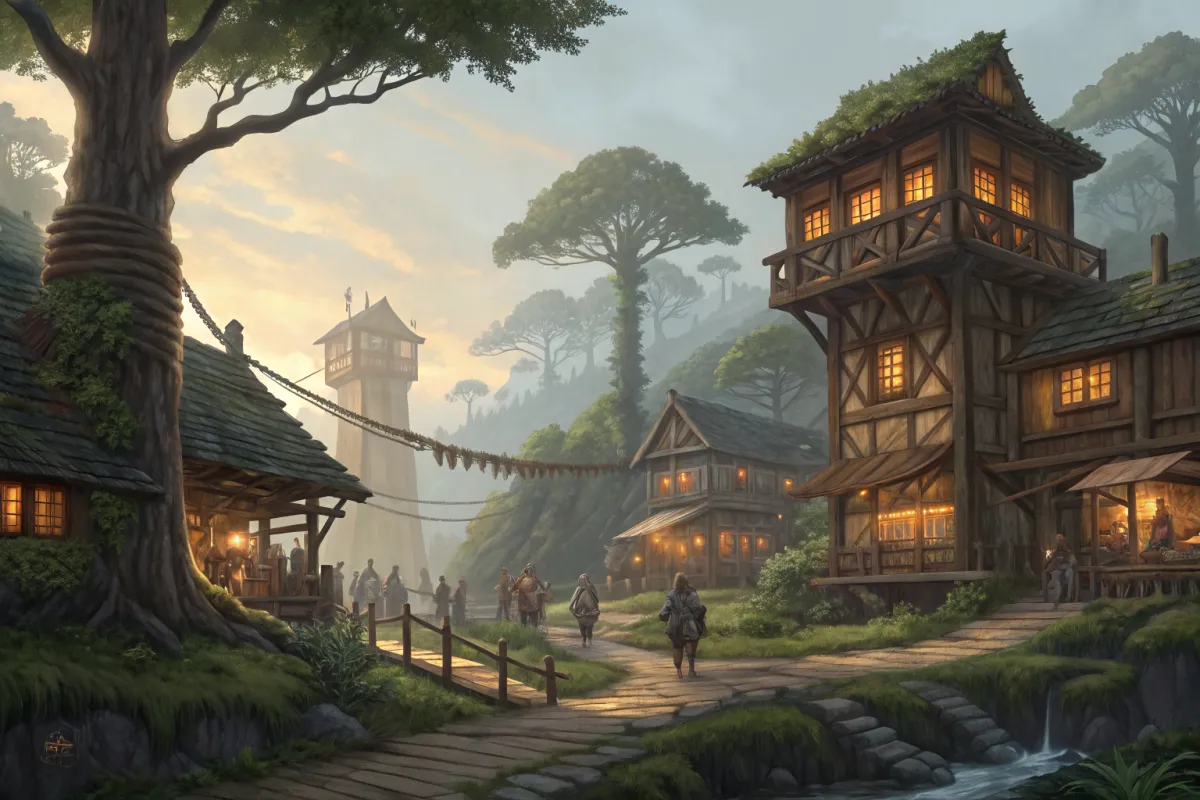
Four grafts. The agent picks a keeper and ships the page.
Every model already behind the URL.
Google Veo 3.1Veo 3.1 Seedance 2.0Seedance
 FLUX.2 ProFLUX.2 ProKling 2.6 ProKlingGoogle Veo 3.1 FastVeo Fast
 Seedream 4.5Seedream
 Google Nano Banana 2Nano Banana 2Seedance LiteSeedance Lite
 Google Nano Banana ProNB Pro
 Google Nano BananaNano Banana
 Z-Image TurboZ-Image
 GPT Image 2GPT Image
NinjaChat vs Replicate MCP.
| Feature | NinjaChat MCP | Replicate MCP |
|---|---|---|
| Model catalog | 22 curated creative models | Thousands, unvetted |
| Pricing model | Sticker price per image ($0.003–$0.128) and per video-second ($0.036–$0.50/s) | Per-second GPU time, varies |
| Cost known before running | ||
| OAuth for claude.ai / ChatGPT web | ||
| Budgeted multi-model bakeoff tool | ||
| Server-side monthly spending limit | ||
| Refund on failed generation | Billed for compute used | |
| Cold-start waits | On less-used models | |
| Bring-your-own custom model | ||
| Creation history + search built in |
21 tools. These do the work here.
Make
generate_imageCreate images and download the full-resolution results.generate_videoTurn a description into a video.
Decide
compare_modelsTry one prompt across models with a spending limit.
Money
estimate_costCheck the price before generating.get_account_balanceSee available credit and monthly spending.
Also on the server
create_media·generate_speech·edit_image·image_to_video·edit_video·extend_video·get_generation_status·search_creations·get_creation·save_creation_as·list_creative_entities·search_models·upload_asset·prepare_scrub_video·publish_page·add_credits
Connected in about a minute.
Pick your client — the steps for the others stay one tap away.
Claude Code4 steps

- Create an API key
Sign in at ninjachat.ai and create a key under Developers → Keys. Keys look like nj_sk_… and carry your spending limit.
- Add the server with one command
Register NinjaChat as an HTTP MCP server. Use --scope user to make it available in every project.
Replace
nj_sk_YOUR_KEYwith your API key before using this template.claude mcp add --transport http --scope user ninjachat https://www.ninjachat.ai/api/mcp --header "Authorization: Bearer nj_sk_YOUR_KEY" - Verify the connection
Run /mcp inside Claude Code — ninjachat should list as connected with the ninjachat tools.
/mcp - Put it to work
Start a task in Claude Code, then send your prompt.
Cursor4 steps

- Create an API key
Sign in at ninjachat.ai and create a key under Developers → Keys. Keys look like nj_sk_… and carry your spending limit.
- Add the server to mcp.json
Create or edit ~/.cursor/mcp.json (or .cursor/mcp.json in a project) and add the NinjaChat server with your key.
Replace
nj_sk_YOUR_KEYwith your API key before using this template.{ "mcpServers": { "ninjachat": { "url": "https://www.ninjachat.ai/api/mcp", "headers": { "Authorization": "Bearer nj_sk_YOUR_KEY" } } } } - Reload and verify
Open Cursor Settings → MCP and confirm ninjachat shows a green dot with the ninjachat tools. If not, reload the window.
- Generate from the agent
Open a new chat in Agent mode, then send your prompt.
Want the full walkthrough with troubleshooting? Claude Code guide · Cursor guide
Questions, answered.

LOAM · Living-wood city
Delete the wiring. Keep the models.
One connection. Image, video, edit, bakeoff.
Every frame of LOAM was generated through the NinjaChat MCP server.