
Codex
Codex, meet every creative model.
That ships the mark.
Three lines of config.toml give OpenAI's Codex agent real image and video generation — 22 models, per-output pricing, and cost estimates it can check before it spends.
Connect CodexConnect Codex. Once.
Key creation is free. You’ll need developer credit to activate it.
What happens after I get my key?
We’ll show you how to add NinjaChat to Codex, with your key already filled in. Then you can send your first prompt.
Check your connection Free
Enable NinjaChat in a new chat, then send this check.
View check prompt
Use NinjaChat to check my account balance and spending headroom, then list the available image models. Do not generate anything or add credits. If NinjaChat is unavailable, tell me which setup step is missing.





Step 2 · First ask in Codex
Paste this.
Review the quote.
Check the connection above, then paste your request. Approve the quoted cost before generating.
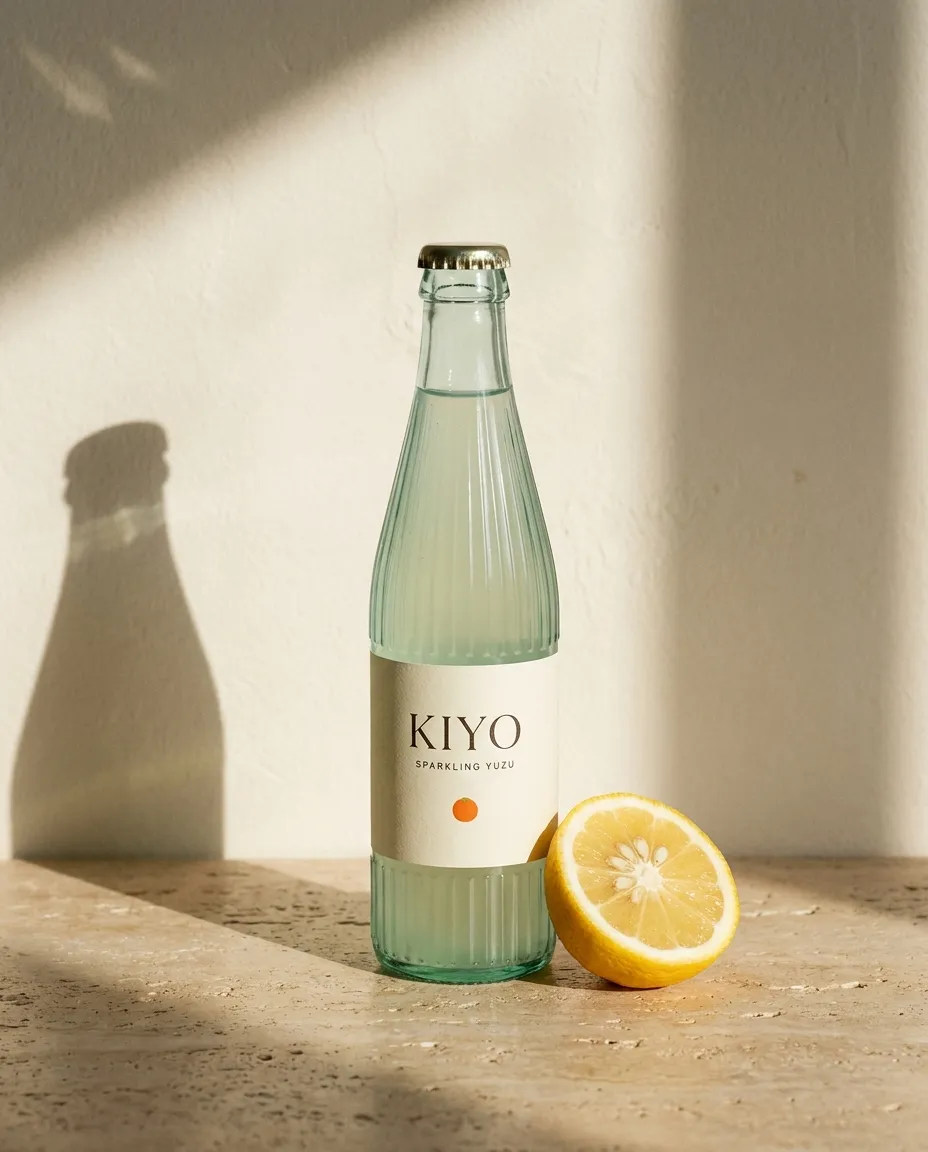 Example style · your result will vary
Say this in Codex
Use NinjaChat for this task: Make one dark cinematic still of a glass bottle on wet stone. After approval, save it under public/ninjachat-hero with the correct file extension and verify the file. First check my balance and use estimate_cost to quote the model, quantity, dimensions or duration, and total price. Ask for any missing reference files. Do not generate, publish, or add credits until I approve the quote. For video, retain the job ID and poll get_generation_status until complete; resume that job instead of starting another. Return the finished media and download links.
Step 3 · What Codex paints
KIYO on the mark. Header updated.
Four bottle directions on recraft. Keep the strongest. Patch the header.
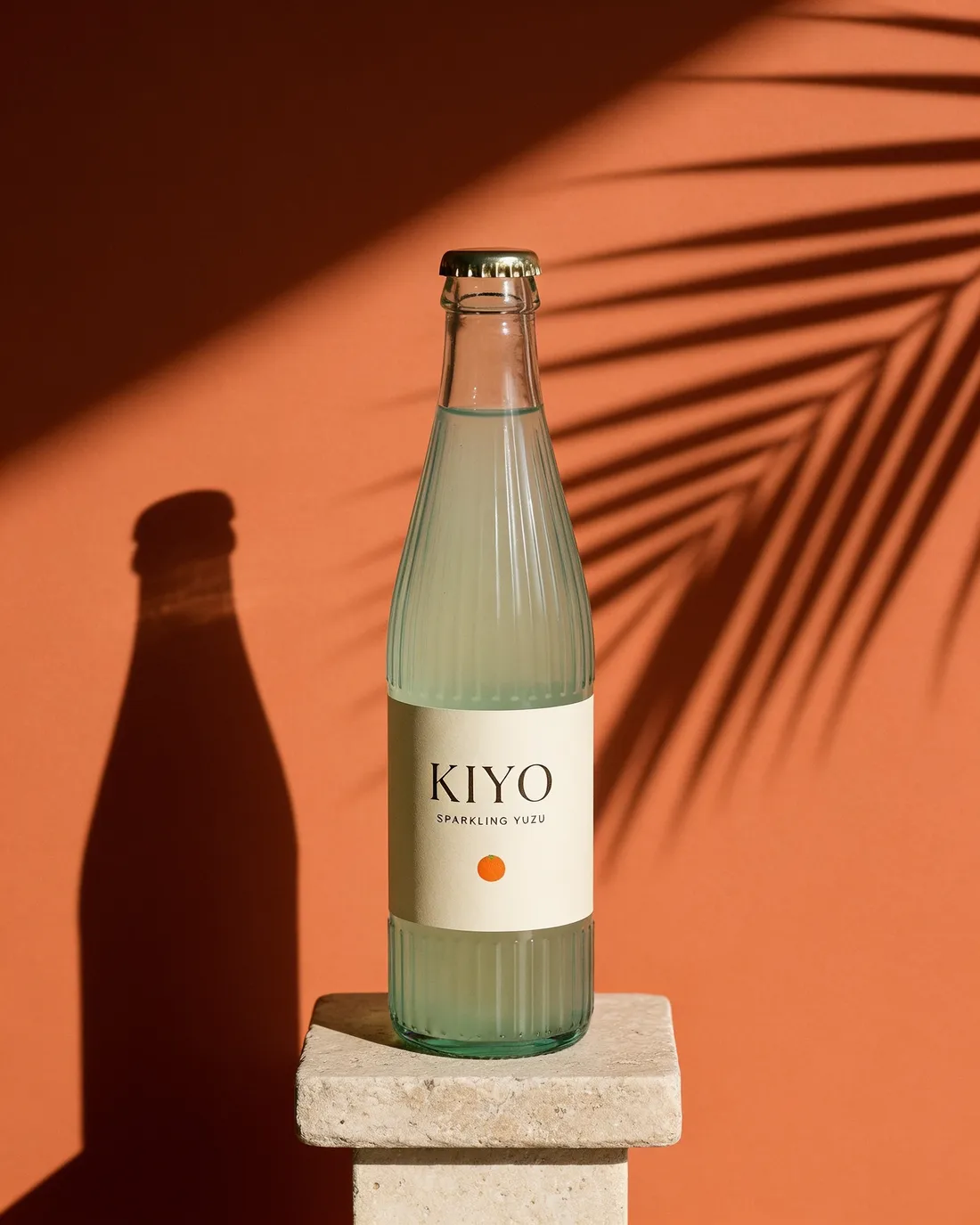
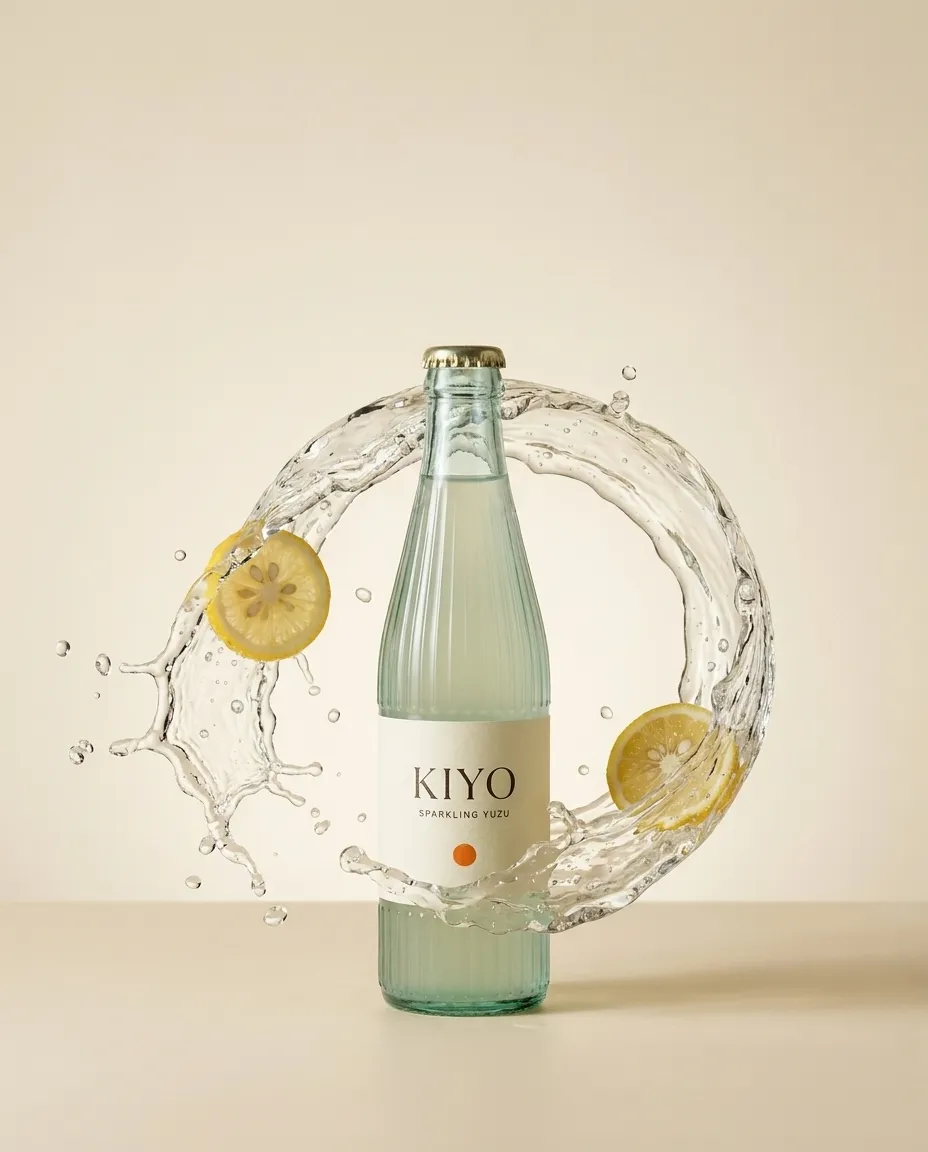
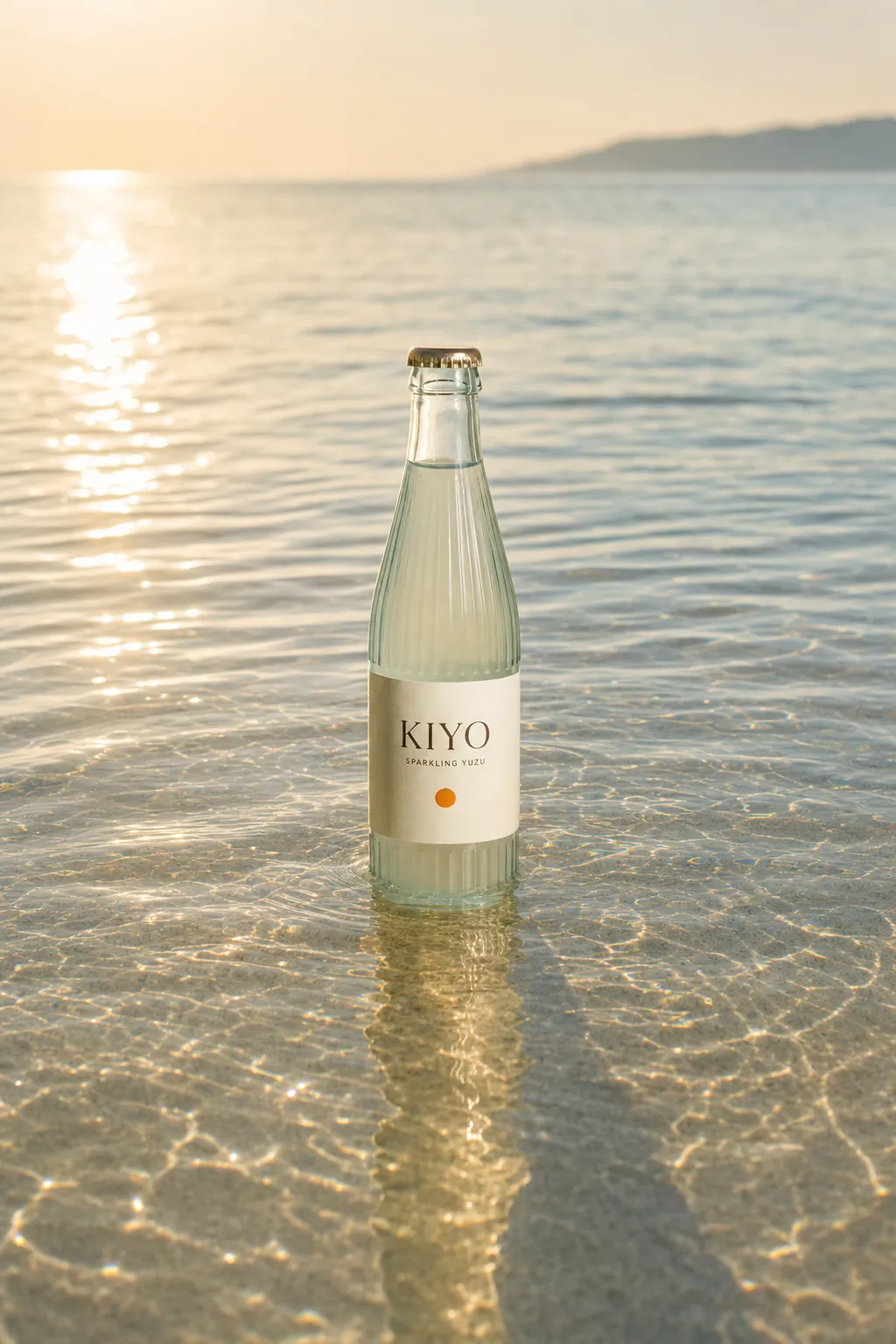
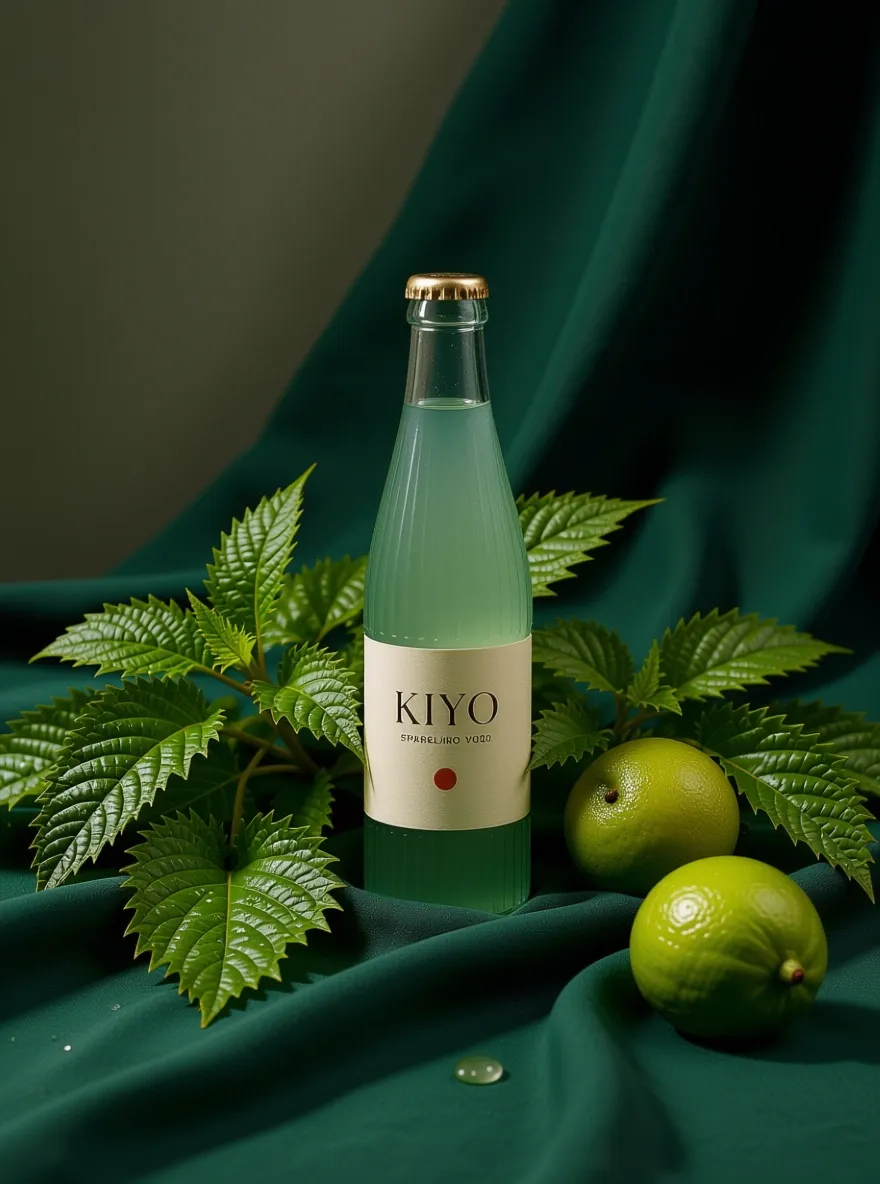
Four directions. One bottle that holds the brand.
Every model Codex can paint with.
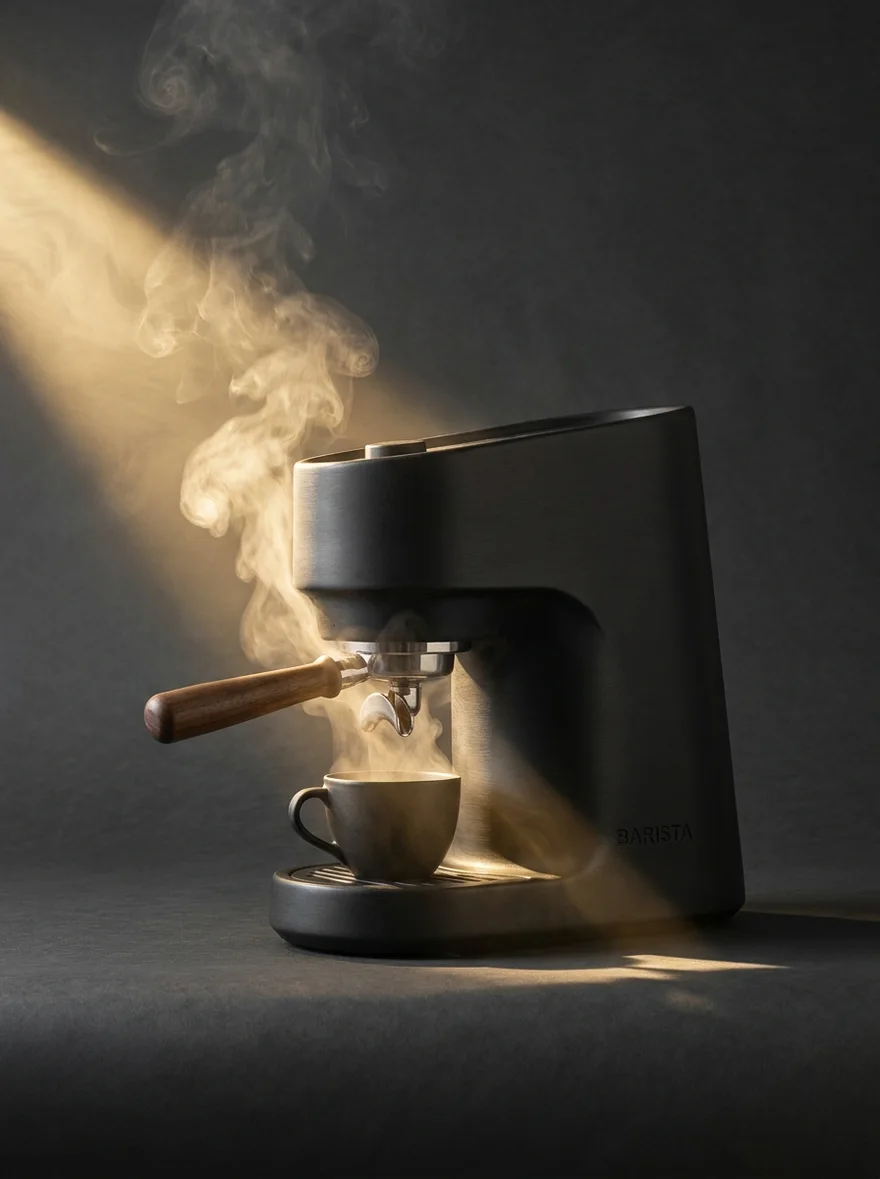
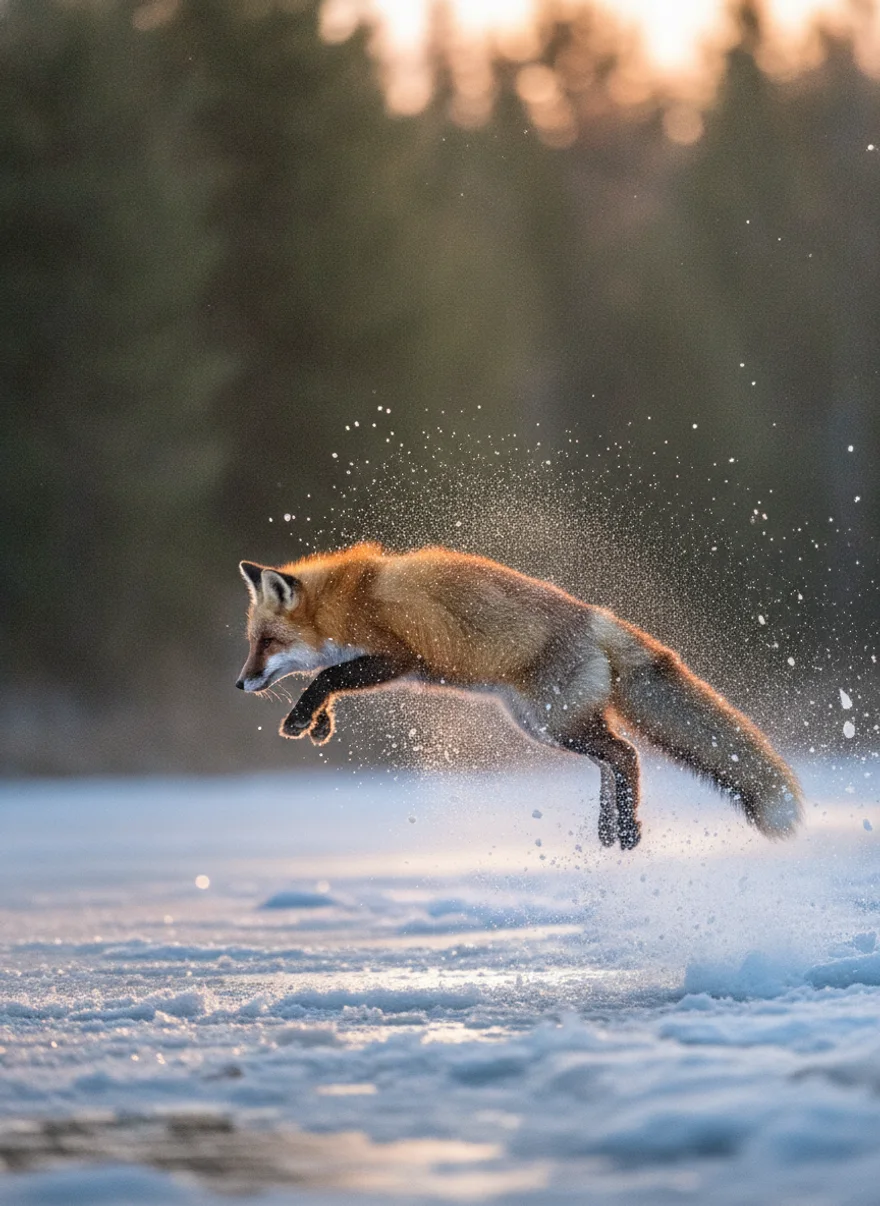
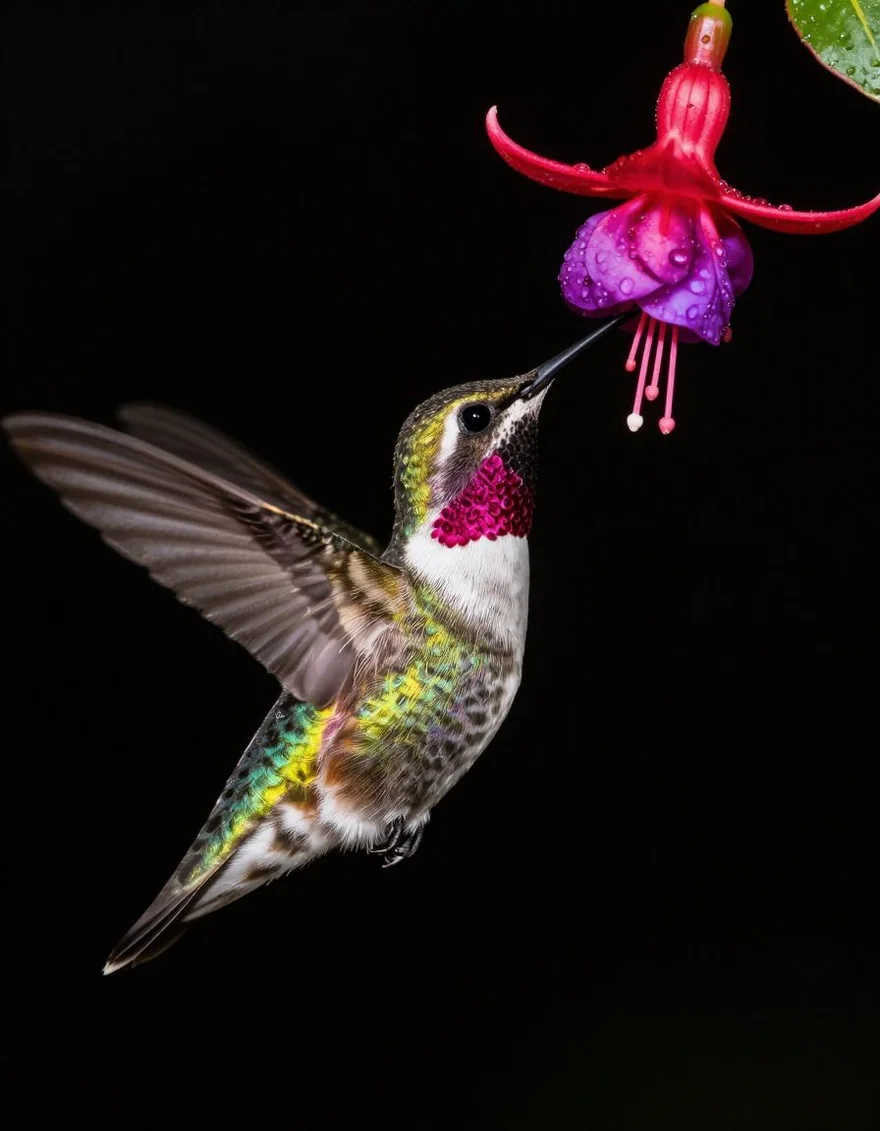
Image and video engines behind one URL — Codex asks, NinjaChat runs them. New models appear here; your connection never changes.
 Google Veo 3.1Veo 3.1
 Seedance 2.0Seedance

 FLUX.2 ProFLUX.2 Pro
 Kling 2.6 ProKlingGoogle Veo 3.1 FastVeo Fast
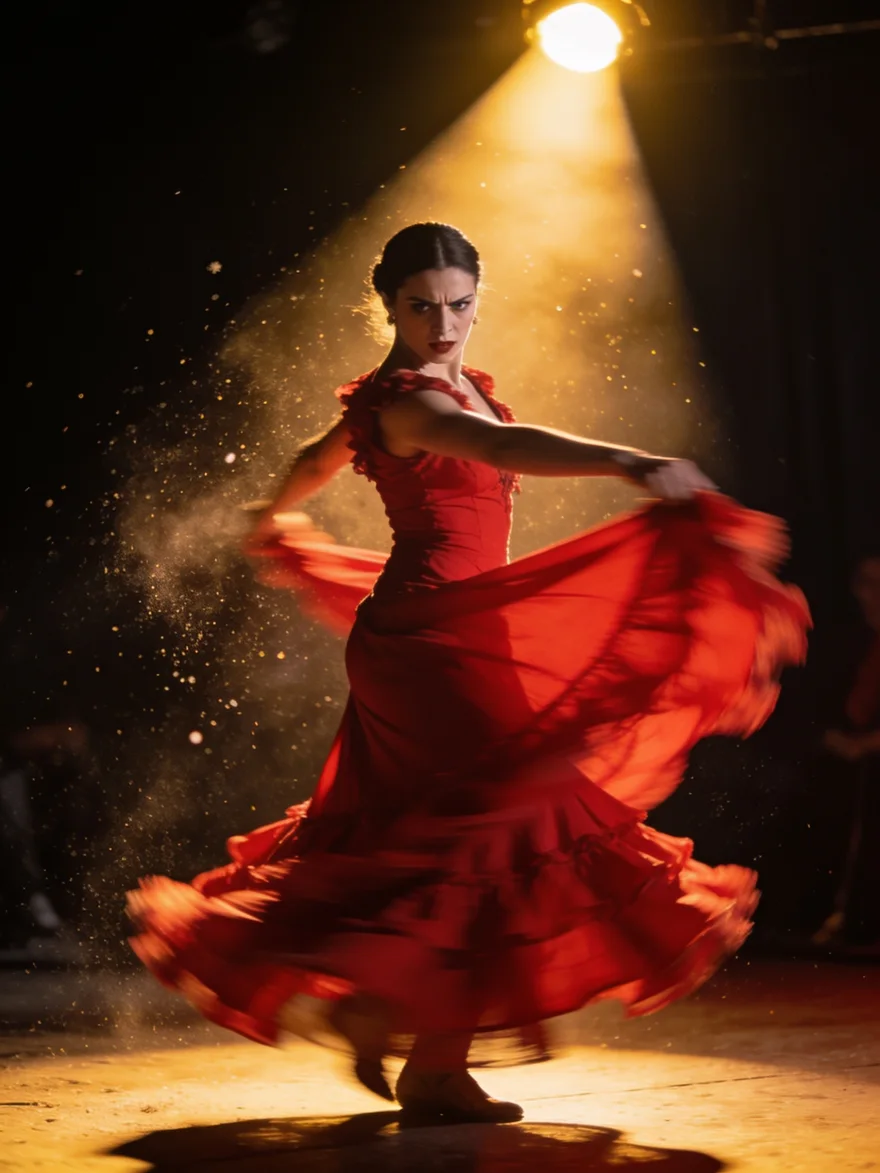 Seedream 4.5Seedream
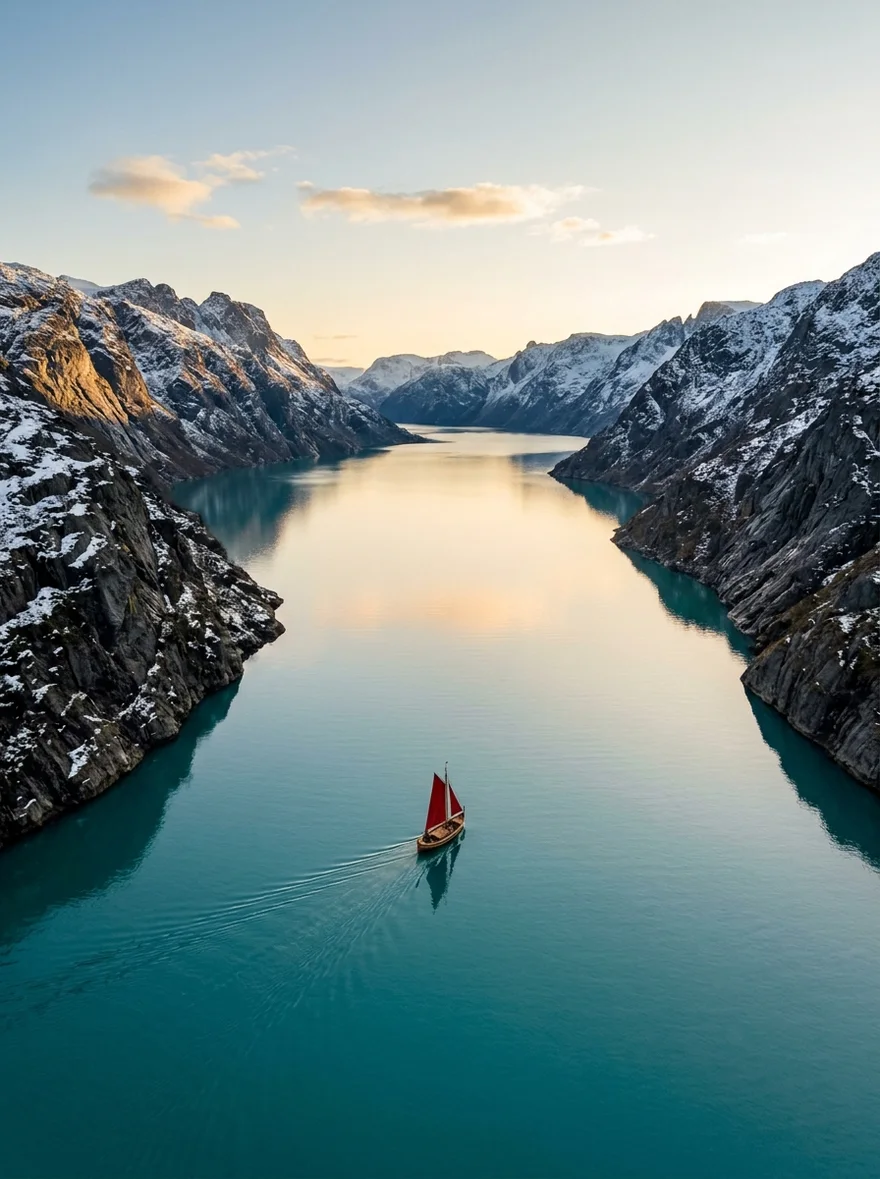
 Google Nano Banana 2Nano Banana 2Seedance LiteSeedance Lite
 Google Nano Banana ProNB Pro
 Google Nano BananaNano Banana
 Z-Image TurboZ-Image

 GPT Image 2GPT Image
What Codex can call.
Make
generate_imageCreate images and download the full-resolution results.edit_imageChange a background, color, or detail with a prompt.get_generation_statusSee whether a video is ready to view.
Decide
search_modelsCheck model capabilities and prices.
Money
estimate_costCheck the price before generating.
Also on the server
create_media·generate_speech·generate_video·image_to_video·edit_video·extend_video·search_creations·get_creation·save_creation_as·list_creative_entities·compare_models·upload_asset·prepare_scrub_video·publish_page·get_account_balance·add_credits
When it doesn't connect.
TOML is picky: the section must be [mcp_servers.ninjachat] (underscore, not dash) in ~/.codex/config.toml, and http_headers is an inline table. Restart the session after editing — config loads at launch.
The Bearer key is invalid or was truncated in the TOML string. Regenerate at ninjachat.ai → Developers → Keys and paste the full nj_sk_ value inside the quotes.
Codex sandboxes network access. Allow requests to www.ninjachat.ai in your Codex network policy, or run the task with network enabled.
Video is async — the first call returns a job, and get_generation_status fetches the finished file a minute or two later. Prompt Codex to poll before concluding the job failed.
Questions, answered.
More ways to use the server.
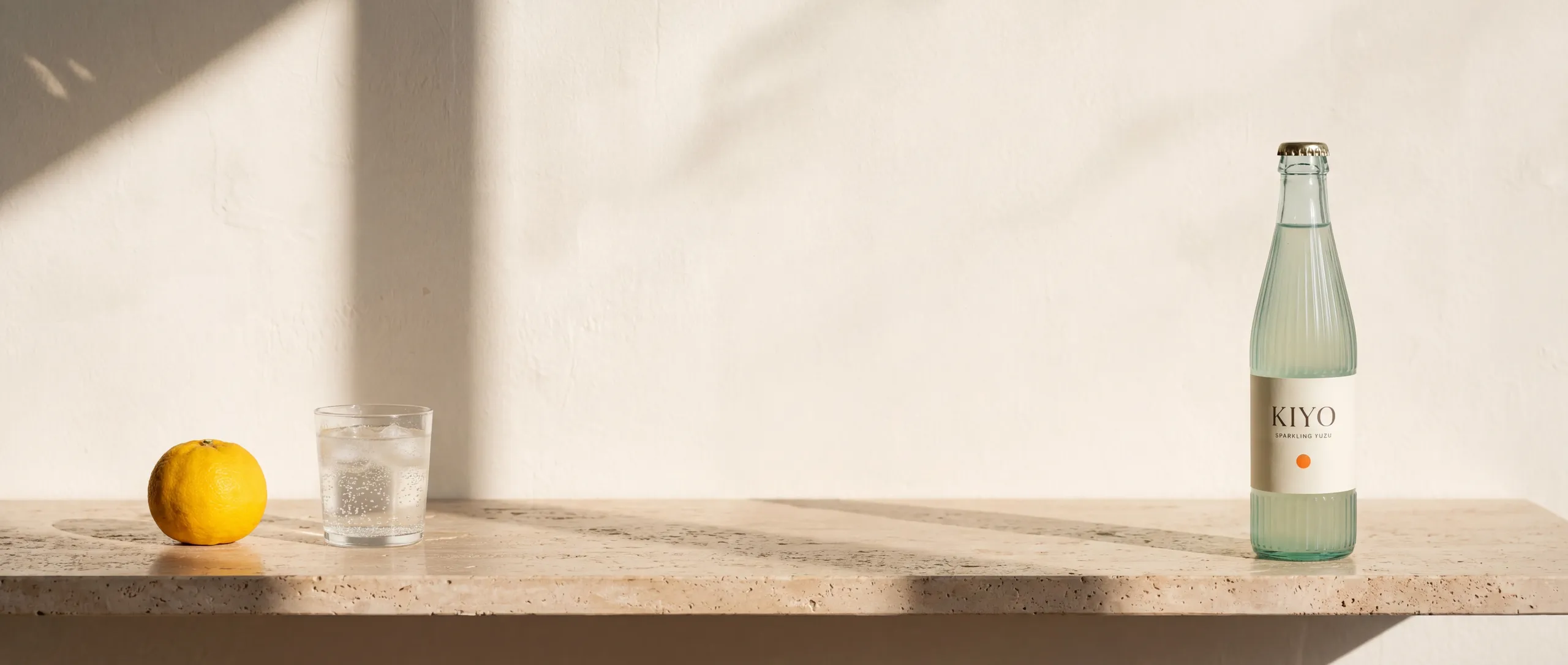
KIYO · Sparkling water
Codex can create now.
Every frame of KIYO was generated through NinjaChat — then Codex shipped it.
Every frame of KIYO was generated through the NinjaChat MCP server.